
AI real estate photo editing can speed up exposure correction, HDR processing and other repetitive tasks, but different tools serve different workflows. Some process bracketed property photos, while others support manual editing or generate virtually staged interiors.
This guide compares seven tools by workflow, capabilities, pricing model and limitations to help photographers and media teams choose an option that fits their production needs.
These seven tools serve different purposes: automated property-photo processing, manual editing with AI assistance, and generative staging or visualization. Compare them by the work you need to complete rather than treating them as interchangeable alternatives.
AI Real Estate Photo Editing Tools at a Glance
|
Tool |
Workflow type |
Best suited for |
RAW/HDR support |
Pricing model |
Main limitation |
|
Autoenhance.ai |
Automated property-photo processing |
HDR merging, window enhancement and batch corrections |
RAW support; automated HDR merging |
Per-image payments, subscriptions and enterprise plans |
Complex windows, masks and geometry still need inspection. |
|
AutoHDR |
Automated HDR processing |
Recurring property shoots and volume-based production |
HDR processing; confirm compatibility with your camera’s RAW files |
Subscription packages with photo allowances; additional credits |
Package value depends on usage; automated enhancements require review. |
|
Imagen for Real Estate |
Automated cloud editing with human revision support |
Teams processing complete listings across multiple photographers |
RAW and JPEG support; HDR merging |
Pay-as-you-go per photo; custom team pricing |
Uploads, processing and revisions depend on a cloud workflow. |
|
Luminar Neo |
Manual editing with AI assistance |
Photographers who want guided adjustments and creative tools |
RAW editing; HDR Merge available |
Perpetual license options; selected AI tools require renewal after the included access period |
Requires operator input; creative effects need careful accuracy checks. |
|
Adobe Lightroom and Photoshop |
Manual editing with AI assistance |
Detailed RAW processing, masking, compositing and retouching |
RAW processing; bracket merging through Lightroom Classic or Camera Raw |
Software subscriptions; generative allowances depend on the plan |
Requires editing skills and time to produce a consistent gallery. |
|
REimagineHome |
Generative staging and property visualization |
Virtual furnishing, redesign and renovation concepts |
Native RAW development and bracket merging not confirmed in reviewed documentation |
Monthly subscriptions with generation credits |
Generated furniture and architectural details need verification. |
|
AI HomeDesign |
Generative property editing and enhancement |
Virtual staging, item removal and day-to-dusk concepts |
Native RAW development and bracket merging not confirmed in reviewed documentation |
Subscription plans with image allowances |
Generated areas require inspection; limited control compared with layered editing software. |
How AI Is Used in Real Estate Photo Editing
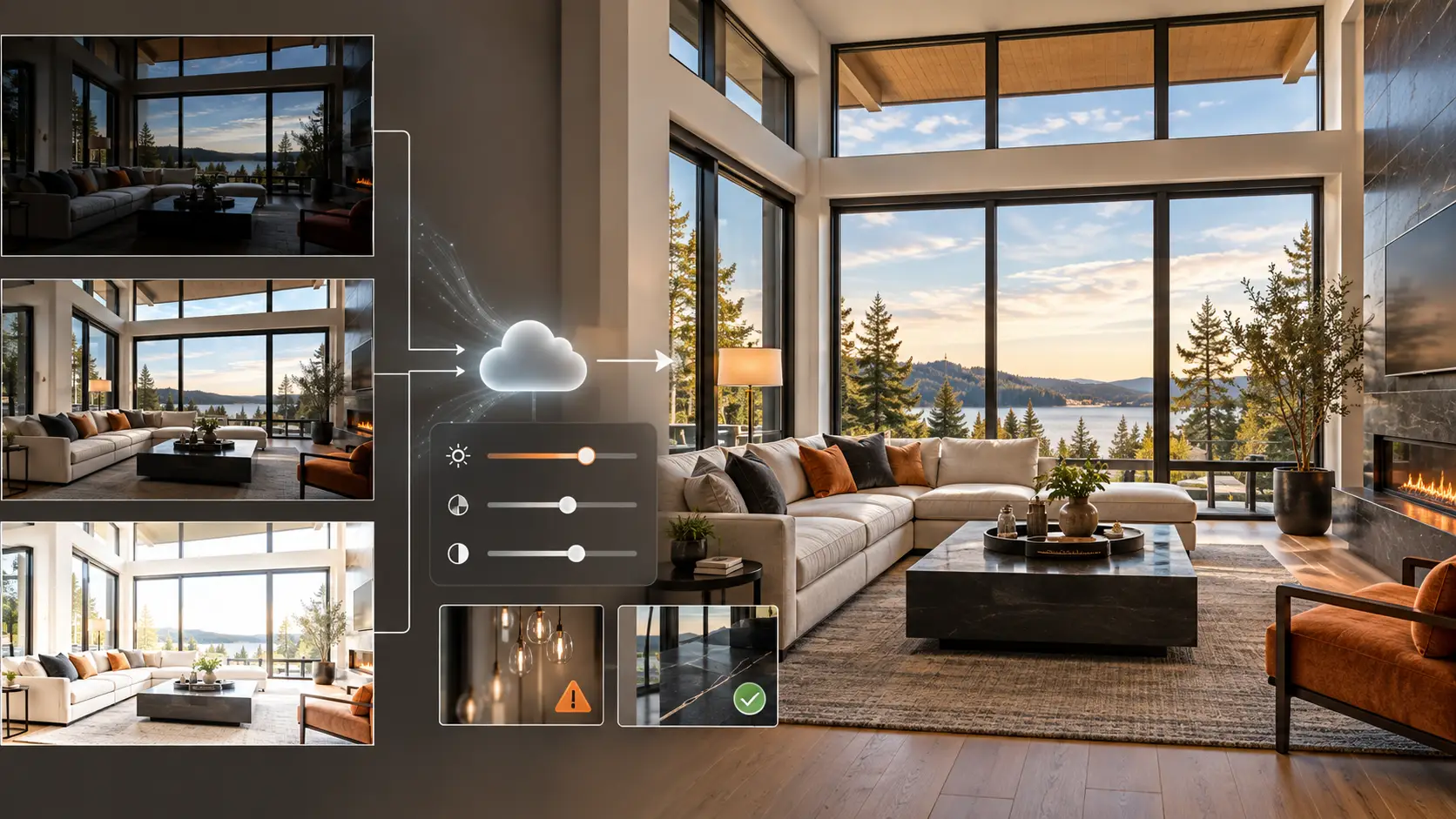
AI editing tools differ in how much they automate and how much control they leave to the photographer. Some platforms edit images automatically, while others add AI features to conventional software or combine automation with professional review
AI-Only Photo Editing
Fully automated platforms process individual photos or exposure brackets with minimal manual input, depending on the tool. These platforms handle exposure balancing, color correction, HDR blending, window pulls, and preset application in seconds.
This approach offers the fastest turnaround for straightforward properties shot under standardized lighting. However, results can become less predictable with mixed lighting, reflective surfaces or complex window views. These images may need manual correction before delivery
AI-Assisted Editing Software
AI-assisted software allows photographers and editors to automate repetitive tasks while retaining full creative control. Programs like Lightroom, Photoshop, and Luminar Neo represent effective tools for ai for real estate photography editing. Their built-in features handle auto-masking, distraction removal, sky replacement, denoising, and element recognition, leaving the final aesthetic decisions in human hands.
Lightroom, Photoshop and Luminar Neo combine AI-assisted features with manual editing controls
This hybrid approach works best when you need speed alongside precise control over local adjustments, layering, masking, or manual fine-tuning.
AI-Powered Editing Services
Cloud-based platforms process uploaded files through automated editing systems rather than requiring manual adjustments for every frame. Some software tools accept individual images, while others handle bracketed RAW files, full gallery uploads, or direct API integrate with delivery platforms through an API
However, a cloud subscription does not necessarily include human review. Check whether the provider offers automated processing only, revision support or a documented quality-control process
Hybrid AI and Human Editing
A hybrid workflow utilizes AI for repetitive adjustments while human editors handle decisions requiring nuanced visual judgment. AI can process the initial heavy lifting—such as exposure balancing, color correction, and perspective alignment. Editors then step in to inspect complex details like window pulls, high-glare reflections, object removal, and overall gallery consistency.
This model is highly effective for studios wanting the turnaround speed of ai real estate photo editing without relying entirely on full automation for every property listing.
What AI Real Estate Photo Editing Can Do
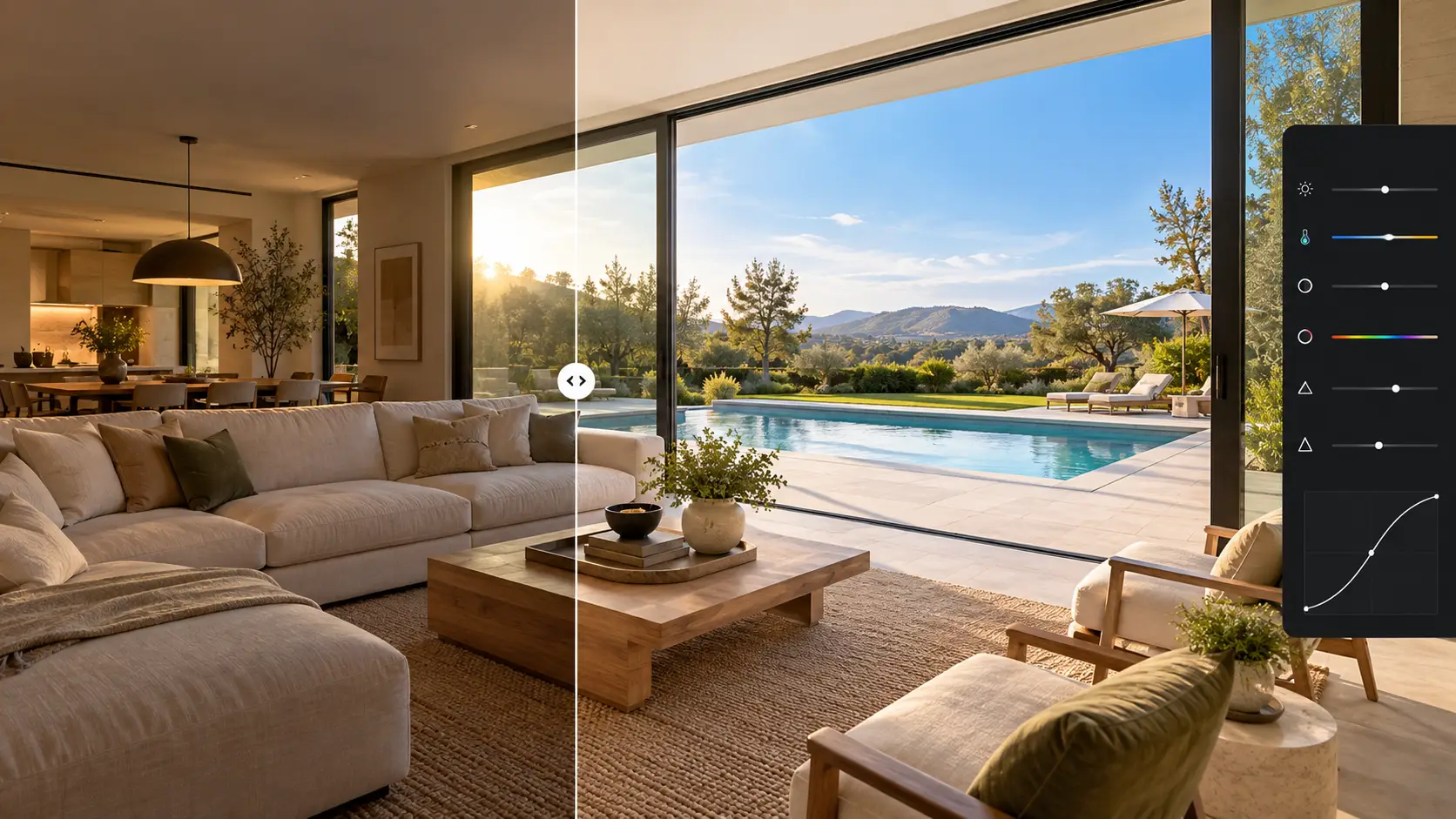
Current platforms cover a growing range of post-production tasks. However, the ability to offer a feature does not guarantee that every result will be suitable for publication.
Exposure and Color Correction
AI algorithms analyze brightness, contrast, highlights, shadows, and white balance to establish a well-balanced starting point. This feature is highly efficient for batch processing galleries shot under consistent camera settings.
However, automated corrections often struggle in spaces with mixed lighting that creates conflicting color temperatures. The interplay of warm interior bulbs, cool daylight, green color casts from exterior landscaping, or bold wall paint can easily disrupt making it harder for the software to identify neutral wall and ceiling colors
HDR Blending and Window Enhancement
Some property-focused platforms align bracketed exposures and merge them into an HDR image can automatically align bracketed frames and blend them into a single HDR image. Advanced algorithms also detect window areas, utilizing darker exposures to recover and retain clear exterior views.
An effective window pull requires preserving the exact shape of window frames, preventing halo effects, and maintaining a realistic exposure for the outside scenery. Crucially, the final output must never replace the actual view or generate exterior details that were not present in the original source files.
Read more: Step-by-Step Real Estate HDR Photo Editing Tips
Perspective and Lens Correction
AI algorithms can detect vertical and horizontal architectural lines, apply accurate lens profiles, and correct optical distortion. This ensures that walls, doorways, and cabinetry appear perfectly straight without requiring manual alignment for every single frame.
However, automated perspective correction can crop the frame too aggressively or stretch objects near the edges. Editors must always review the final output to catch stretched corners, unnaturally compressed room dimensions, or inconsistent object proportions.
Sky Replacement and Lawn Enhancement
Automated sky replacement features can detect the horizon line, create precise masks around buildings, and seamlessly insert a clear sky. Similarly, lawn enhancement tools can fix patchy coloration or replace damaged sections of grass entirely.
However, these features must be used with restraint. Balancing tones and exposure is fundamentally different from altering the weather, changing the season, or misrepresenting a property’s true physical condition. Any ai real estate photo enhancement that drastically alters a home's appearance may require explicit disclosure under local real estate laws or strict MLS policies.
Edits that change the apparent condition of the property should be reviewed carefully before publication
Object Removal
AI object removal tools efficiently eliminate visual distractions like power cords, trash bins, signage, camera gear, or personal items. Generative removal tools fill the selected area using surrounding image content and model predictions
However, this process becomes noticeably less accurate when the item obscures intricate floor designs, cabinetry, mirrors, windows, or permanent architectural fixtures. While clearing out temporary clutter creates a cleaner listing photo, utilizing ai for real estate photo editing to erase structural damage, utility equipment, or permanent installations fundamentally misrepresents the property’s true physical condition..
Removing structural damage or permanent installations can misrepresent the property
Virtual Staging
Virtual-staging tools generate furniture and décor for vacant or sparsely furnished rooms. They can also offer different interior styles, repurpose a room or create a visual concept for renovation.
The generated furniture should respect the room’s scale, doors, windows and circulation space. Virtual staging should not conceal material defects or imply that a structural alteration already exists. Retaining the original photograph and clearly identifying staged images provides a more transparent workflow.
Batch Editing and Style Application
Batch tools can apply similar exposure, color and contrast decisions across a complete listing. Some platforms use a selected profile or previous edits to reproduce a photographer’s preferred style.
Batch processing saves time only when the final gallery remains coherent. A technically acceptable individual image can still feel inconsistent when placed beside photographs with different white balance, window intensity or contrast.
Read more: Explore New Real Estate Photo Editing Trends in 2026
Best AI Real Estate Photo Editing Tools in 2026
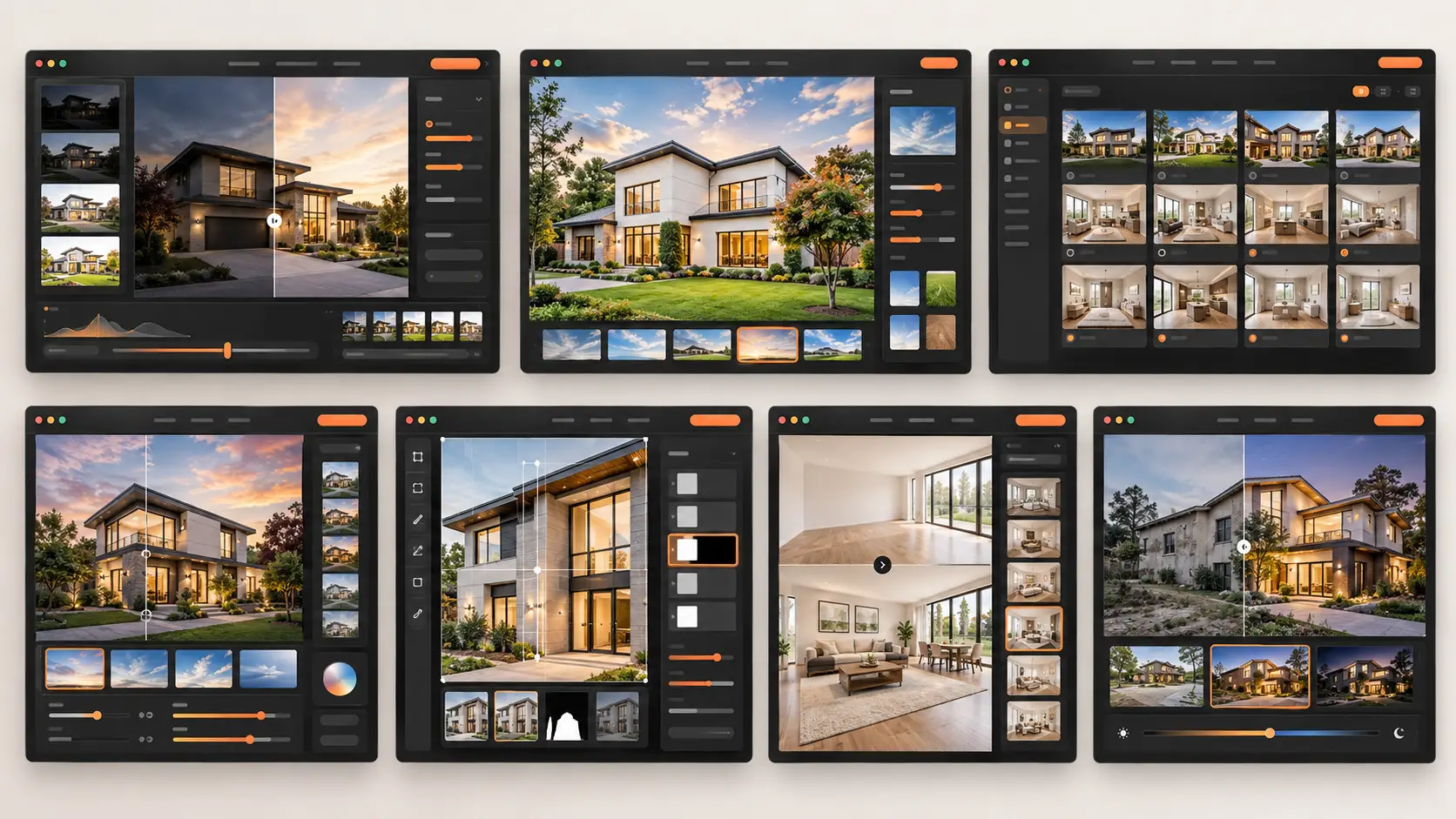
The tools below serve different parts of the workflow. Their order does not represent a universal ranking.
Autoenhance.ai
Autoenhance.ai is a cloud-based platform built specifically for property photography.
Best for: Automated HDR processing, window enhancement and routine real estate post-production.
Main capabilities: Its features include HDR blending, window pulls, sky replacement, perspective correction, white balance adjustments, relighting, color correction, full RAW support, and privacy blurring. The system allows users to preview watermarked results for free before committing financially, offering both recurring subscription plans and flexible pay-as-you-go downloading options.
Pricing: Users can preview watermarked results for free. High-resolution downloads require a monthly subscription or pay-per-image plan. Since rates fluctuate dynamically based on currency and volume, check Autoenhance.ai's official pricing page for current plans and download allowances
Limitations: Automated window pulls, relighting and perspective correction still require inspection. A result can look polished at thumbnail size while containing halos, incorrect masks or stretched geometry at full resolution.
Suitable users: Individual photographers, real estate media teams and companies that need automated processing without building every edit manually.
AutoHDR
AutoHDR combines automated property-photo processing with tools for HDR editing, sky replacement, lawn enhancement, television blackout, fireplace effects and selected removals.
Best for: Real estate media companies processing a predictable monthly volume.
Main capabilities: AutoHDR supports bracketed property photography and provides listing-specific enhancements rather than general creative photo effects. It also offers workflow integrations for several real estate media and delivery platforms.
Pricing: AutoHDR’s paid plans start at $265 per month for 500 photos. Annual billing offers a lower rate, and unused credits roll over. Check the official pricing page for current plans.
Limitations: A monthly allowance may be inefficient for photographers whose volume changes substantially from one month to another. Automated enhancements must also be checked for unrealistic windows, skies, grass and added fireplace effects.
Suitable users: Studios and high-volume media businesses with consistent listing volume and established quality-control procedures.
Imagen
Imagen provides cloud-based batch editing for photographers and real estate media teams.
Best for: Applying a repeatable editing style across large galleries and multiple photographers.
Main capabilities: Imagen’s real estate workflow supports fast batch processing, per-photo adjustments and AI-assisted fixes through a browser-based system. The company states that its property workflow can process RAW batches in the cloud and export files at up to 6K resolution.
Pricing: Pricing depends on photo volume and team requirements. Imagen’s official real estate FAQ indicates that custom volume pricing is available for teams processing at least 25,000 photos annually. Smaller users should check the current plan and included editing allowance directly with the provider.
Limitations: A learned or predefined style may still behave differently across daylight interiors, twilight exteriors and mixed-light rooms. Cloud processing also requires uploading source files and reviewing the finished gallery after download.
Suitable users: Established photographers, studios and agencies that need repeatable batch processing across a substantial number of images.
Luminar Neo
Luminar Neo is a general-purpose photo editor with AI-assisted creative and corrective tools.
Best for: Photographers who want hands-on editing with simpler AI controls than a fully manual Photoshop workflow.
Main capabilities: Its documented tools include Relight AI, Sky AI, automatic enhancements and generative features such as GenErase, GenSwap and GenExpand. Luminar works as a standalone application and as a plugin for Lightroom and Photoshop.
Pricing: Skylum offers perpetual license options, but the displayed price can vary by location and promotion. Its current terms state that certain generative tools are included for one year with perpetual plans and require Luminar Prime for continued access after that period. Check the official Luminar pricing page before purchasing.
Limitations: Luminar Neo is not a dedicated real estate production platform. Its creative tools can easily produce skies, colors or generated areas that are visually appealing but unsuitable for an accurate listing.
Suitable users: Independent photographers handling modest volumes who want guided AI tools while retaining direct control over each image.
Adobe Lightroom and Photoshop
Adobe Lightroom and Photoshop provide the most flexible option in this list for combining automated adjustments with detailed manual work.
Best for: Professional photographers and editors who need maximum control over RAW processing, layers, masks and local corrections.
Main capabilities: Lightroom includes AI masking, Denoise and Generative Remove, while Photoshop provides more detailed masking, compositing, perspective correction and retouching. Adobe’s documentation identifies Denoise, Masking, Lens Blur and Generative Remove among the AI-assisted features available across its photography workflow.
Pricing: Adobe sells Lightroom and the Lightroom-plus-Photoshop Photography plan as subscriptions. Prices and generative-credit allowances vary by country, storage level and billing term, so use the official Adobe plan comparison for the applicable market.
Limitations: Adobe offers tools rather than a completed real estate editing service. Building a consistent workflow requires editing knowledge, presets, file organization and manual quality control.
Suitable users: Professional photographers, experienced editors and studios that need precision or regularly handle complex properties.
Read more: A Guide to Editing Real Estate Photos in Lightroom
REimagineHome
REimagineHome focuses on virtual staging, interior concepts and generative property visualization.
Best for: Creating staged concepts for vacant rooms and making selected design-oriented property edits.
Main capabilities: The platform lists virtual staging, furniture removal, room redesign, landscaping, sky replacement, day-to-dusk conversion, object removal, renovation concepts and image enhancement. Its higher plans add reference images, conversational instructions and listing batch processing.
Pricing: New users receive five free designs. Paid plans use monthly credits: the official page currently lists 30 credits for Essential, 200 for Pro, 400 for Advanced and 900 for Agency. Dollar prices may change by promotion or billing context, so check the current REimagineHome pricing page.
Limitations: Generative staging can alter room geometry, block doors, produce furniture at the wrong scale or introduce inconsistent details between views of the same room. Multiple generations may also be necessary before a usable image is produced.
Suitable users: Agents, photographers and marketing teams that need staging concepts rather than full RAW-processing control.
AI HomeDesign
AI HomeDesign combines several AI property-visualization tools in one platform.
Best for: Users who want virtual staging, image enhancement, day-to-dusk conversion, item removal and renovation concepts within one credit-based system.
Main capabilities: Its official product pages list AI virtual staging, property-photo enhancement, renovation, day-to-dusk conversion and item removal. Higher plans include larger allowances, longer backup periods, priority support and API access.
Pricing: The US pricing displayed at the time of review listed annual plans at $19 per month for 30 photos, $29 per month for 80 photos and $49 per month for 200 photos. The page also states that unused credits roll over. Monthly billing and other currencies may produce different rates.
Limitations: The platform does not provide the same layer-level control as Photoshop. Generated staging, renovation and removal results should be compared with the original property photograph before use.
Suitable users: Agents, small media teams and property marketers that need several visual AI functions without maintaining multiple applications.
Read more: Top 5 Free AI Real Estate Photo Editing Tools
Where AI Real Estate Photo Editing Still Falls Short
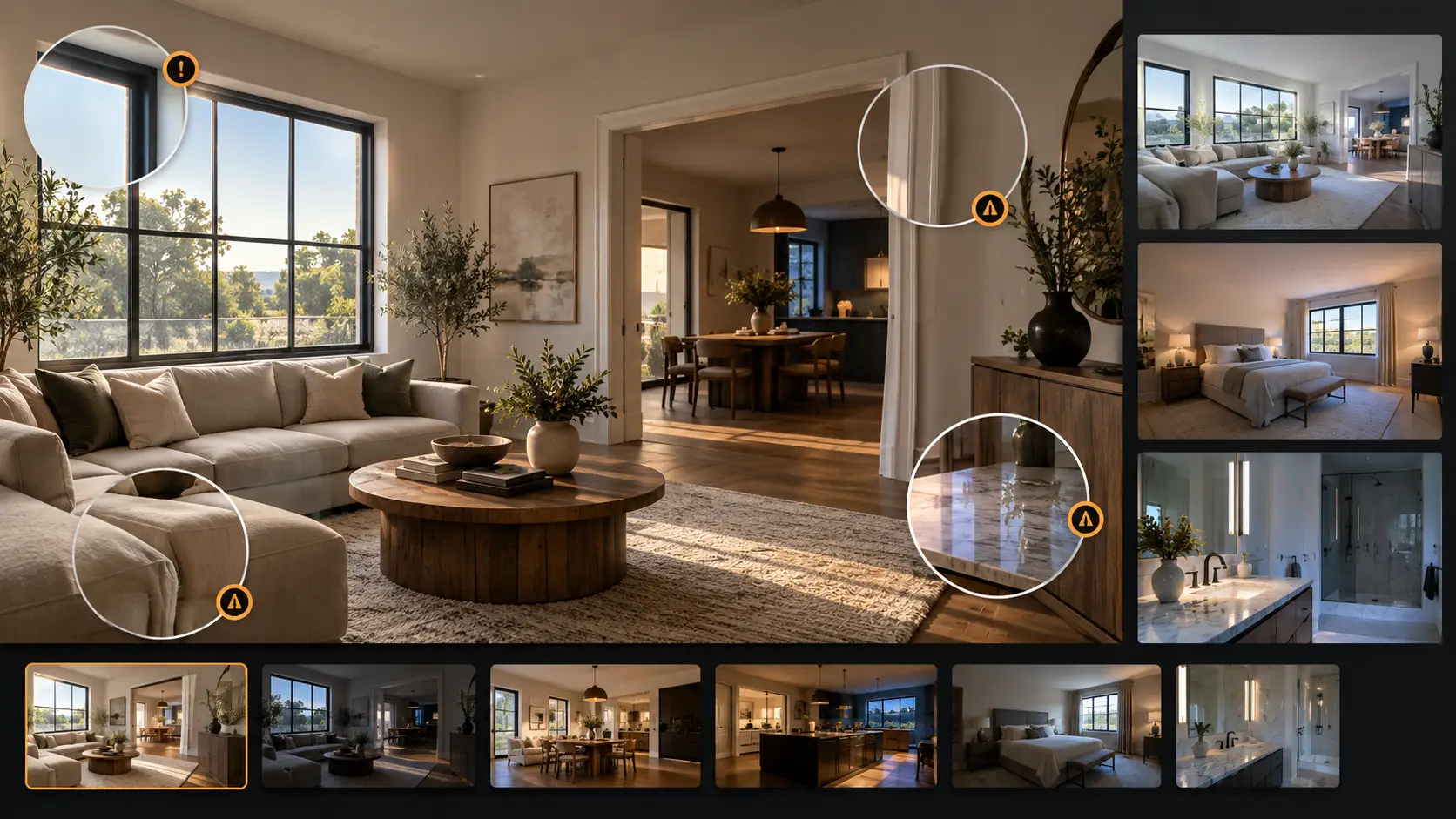
The main weakness of automated editing is not whether it can produce an attractive image. It is whether it can produce an accurate and consistent complete gallery without creating hidden correction work.
Mixed Lighting and Difficult Color Casts
Interiors often mix natural light, tungsten bulbs, LEDs, and ambient reflections. Auto white balance may correct one area while leaving others with noticeable blue, green, or magenta color casts.
Accurate wall, cabinet and flooring colors may still require local masking and targeted adjustments.
Windows, Mirrors, and Reflections
Window pulls require precise masking and natural exposure blending. Furthermore, glass and mirror surfaces often catch unwanted reflections of camera gear, flash units, or the photographer.
Because algorithms can mistake reflections for physical objects or create inconsistent details during reconstruction, always inspect these areas at full resolution when using ai for real estate photo editing.
Architectural Lines and Room Geometry
Automatic perspective correction can straighten walls but may also stretch furniture, crop architectural features or make connected rooms look inconsistent.
The risk increases with ultra-wide lenses, tilted camera positions and photographs taken close to walls or cabinets. Manual transformation may be necessary to balance straight lines with believable proportions.
Complex Object Removal
Removing a small cable from a plain wall is simple. However, erasing furniture from patterned flooring, items obscuring mirrors, or objects covering permanent fixtures requires models to generate missing visual data.
These generative fills can produce repeating textures, broken grout lines, or hallucinated details.Review reconstructed areas for invented details, broken patterns and changes to permanent features
Realistic Virtual Staging
Virtual staging must do more than generate attractive furniture. It must preserve room scale, perspective, lighting direction and the relationship between multiple photographs of the same space.
A room that appears Scandinavian in one photograph and contemporary in another can make the listing feel inconsistent. Furniture should also avoid hiding outlets, doors, vents or visible defects.
Consistency Across a Complete Listing
Many tools process images independently. As a result, the same wall may appear warm in one frame and cool in another, window brightness can vary, and skies might look inconsistent across shots.
Review the complete gallery, even when individual images look acceptable on their own
Read more: Can AI in Real Estate Outperform Human Editors?
How to Choose the Right AI Editing Workflow
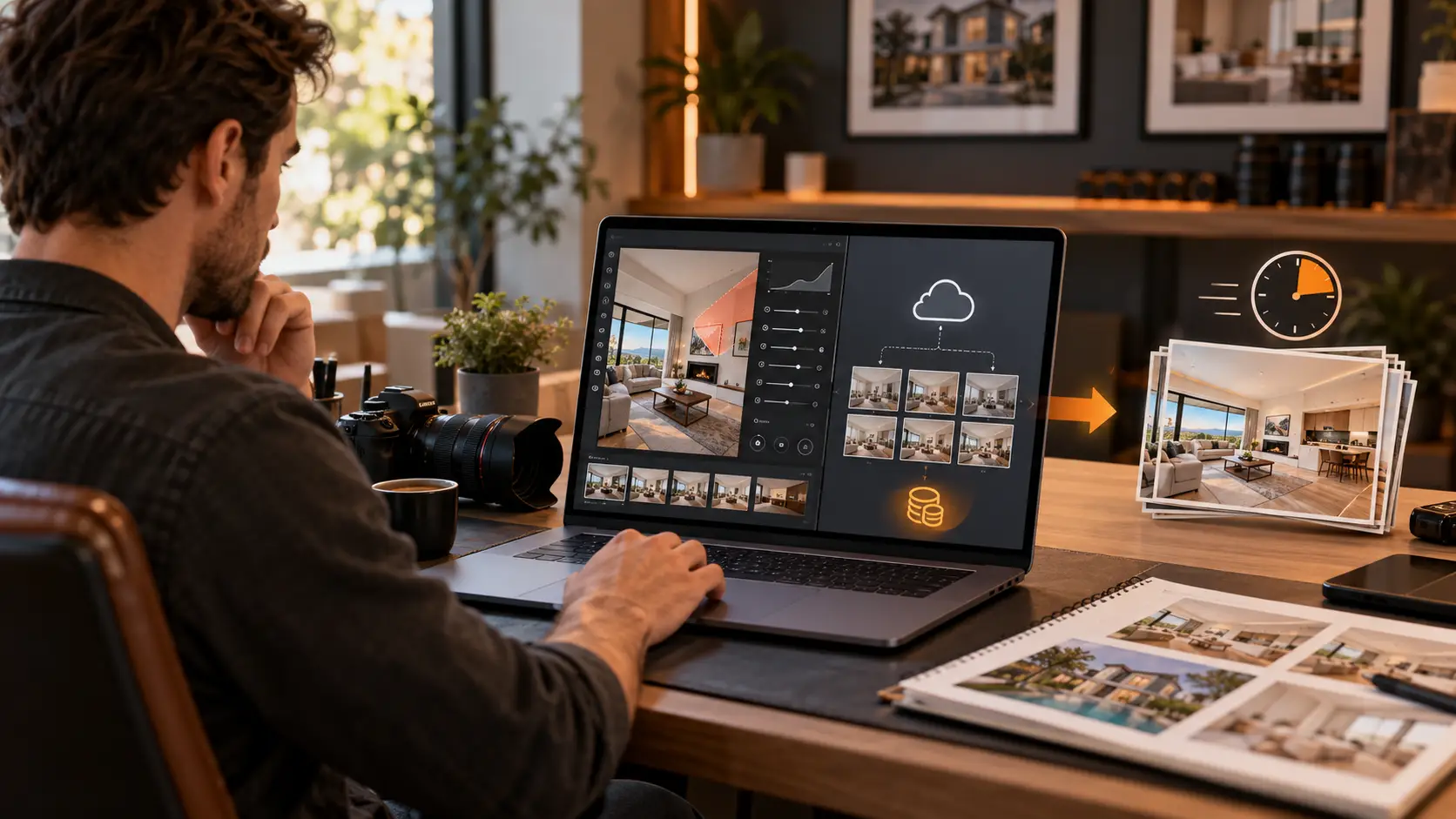
Choose a workflow based on repeatable production needs rather than the number of AI features advertised by a provider.
For Individual Real Estate Photographers
An individual photographer should prioritize a manageable learning curve and a pricing model that works at low or variable volume. Lightroom, Photoshop or Luminar Neo provides more control, while a pay-per-image platform can reduce the need for a large monthly commitment.
Test whether the platform saves enough editing time after corrections. Automation is valuable only when it reduces the complete delivery time.
For Growing Photography Studios
A growing studio needs consistency between photographers, predictable turnaround and a documented review process. Batch platforms such as Imagen or real estate-specific cloud editors may reduce repetitive production work.
The studio should establish reference galleries, export specifications and a process for escalating difficult images to a human editor.
For High-Volume Media Companies
High-volume companies should evaluate API access, team permissions, integrations, storage, upload reliability and credit rollover in addition to image quality.
A platform should also provide a clear route for correcting failed images. At scale, a small failure rate can still create a substantial manual workload.
For Luxury and Complex Properties
Luxury listings usually require more local control and tighter gallery consistency. Complex lighting, custom materials, large windows and architectural details increase the risk of visible automated errors.
A hybrid workflow is often more appropriate: use AI for initial processing, then have an experienced editor refine the property and review the final gallery.
Conclusion
Adopting ai for real estate photo editing reduces repetitive tasks, speeds up HDR processing, and simplifies advanced techniques. However, the best solution is not always the fastest, but one that produces accurate, consistent listing photos without creating unnecessary rework.
For photographers and media agencies requiring high consistency, Rotider combines efficient workflows with human editors for strict quality control. Their team handles HDR blending, flambient shots, day-to-dusk conversions, object removal, and custom editing tailored to client preferences.
Explore Rotider’s real estate photo enhancement ai services to build the ideal workflow for your volume and editing requirements.
.png)
.webp)