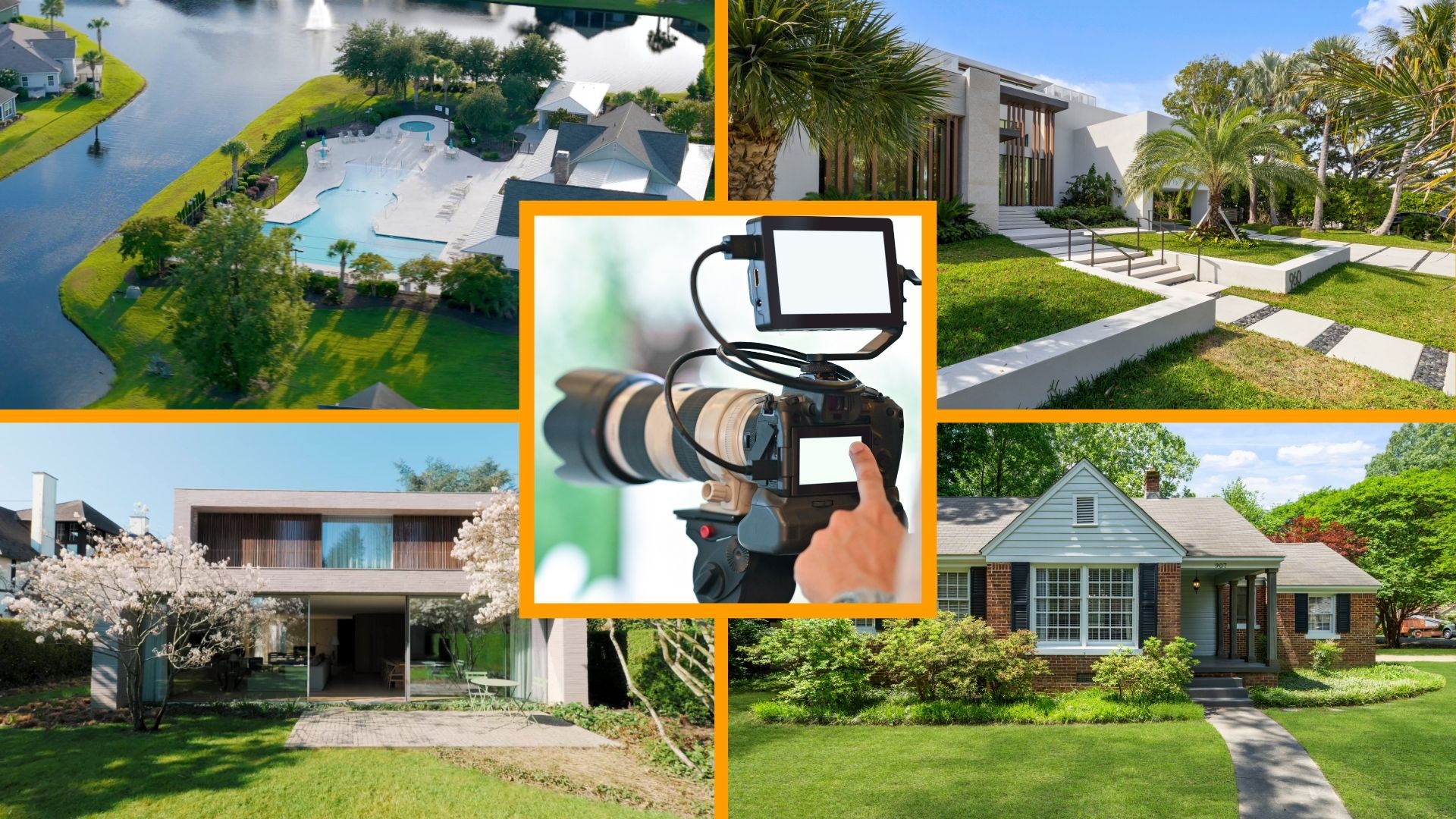
AI is transforming the way we create content, making complex tasks faster and more efficient. In real estate, knowing how to make video with AI allows you to produce professional, eye-catching property videos effortlessly, from smart editing and color correction to seamless effects. In this guide, you’ll discover how to make video with AI to help your real estate video professional enhancements.
1. What is AI Video for Real Estate?
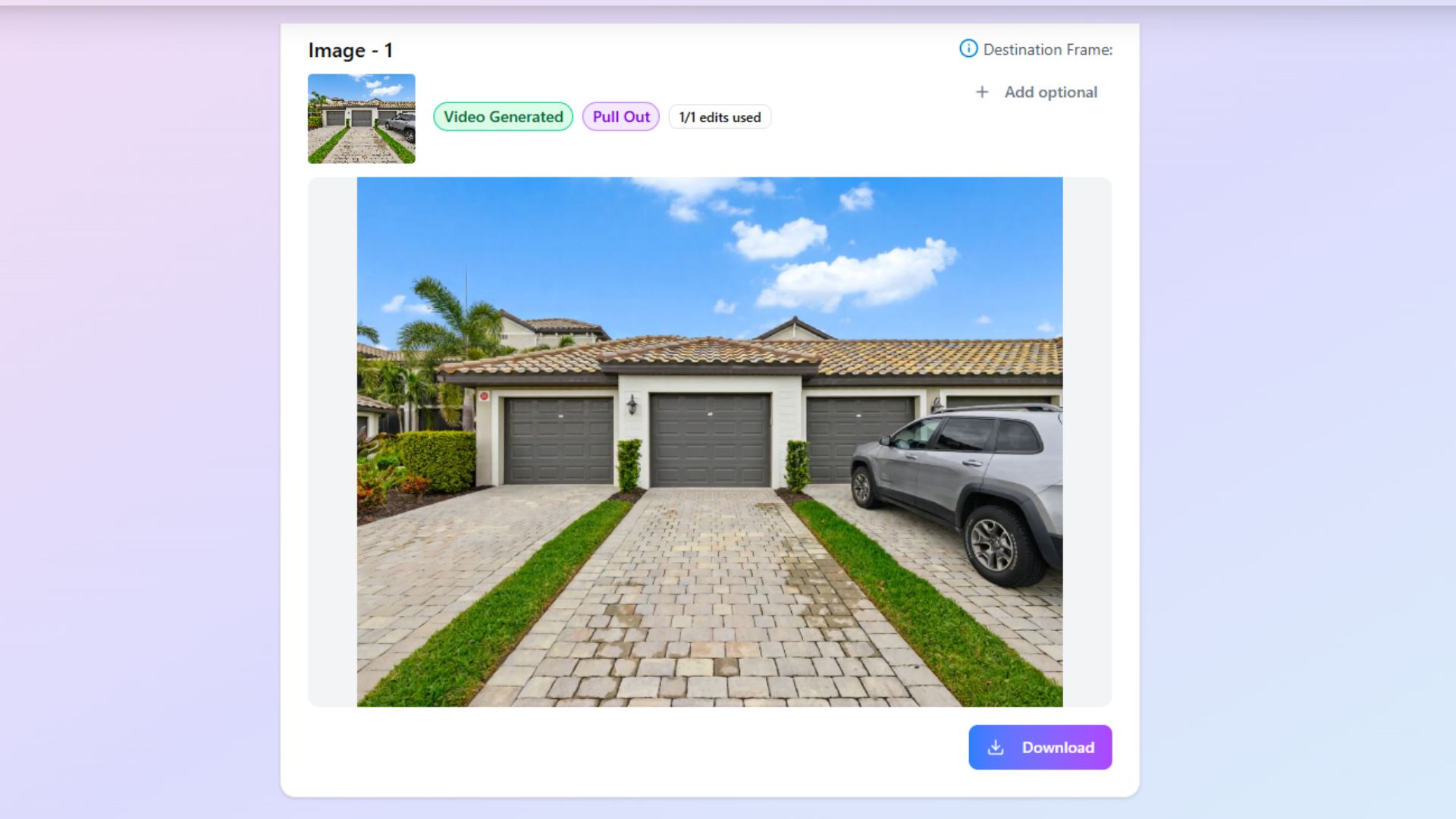
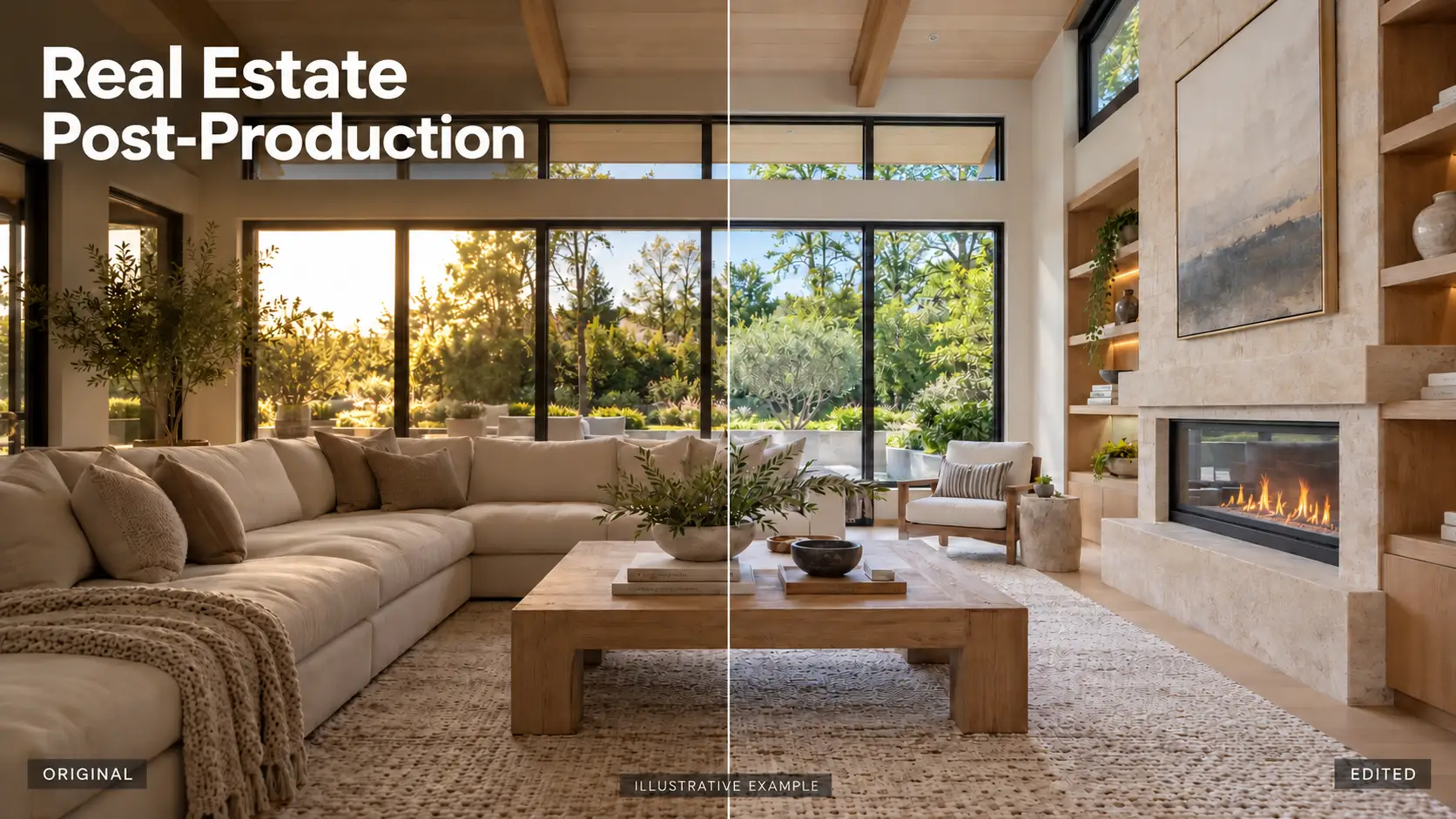
AI video for real estate refers to videos that are generated, enhanced, or edited using advanced artificial intelligence technology, specifically designed to showcase properties most appealingly. Unlike traditional video editing, AI-powered tools can automatically adjust lighting, color balance, and contrast to create visually stunning property tours. These tools can also remove unwanted objects, add virtual staging, and apply smooth transitions or cinematic effects, saving real estate agents and marketers significant time and effort.
AI videos can include property walkthroughs, exterior drone shots, day-to-dusk transformations, and promotional clips for listings, all optimized to engage potential buyers and increase property visibility.
By leveraging AI video technology, real estate professionals can produce high-quality, professional-looking videos without requiring advanced editing skills, making it an essential tool for modern property marketing.
2. Benefits of using AI in real estate video
In today’s fast-paced real estate market, creating high-quality, engaging videos is essential to attract potential buyers and stand out from the competition. AI technology is revolutionizing the way real estate videos are produced, offering powerful tools that save time, enhance visuals, and improve overall marketing efficiency.
Key benefits of using AI in real estate video include:
- Time-Saving Automation: AI automates complex tasks such as color correction, lighting adjustments, object removal, and virtual staging, allowing agents to produce professional-quality videos in a fraction of the time compared to manual editing.
- Consistency and Professional Quality: With AI, multiple property videos maintain a consistent and polished look, helping real estate professionals establish a strong and reliable brand presence.
- Enhanced Visual Appeal: AI can generate cinematic effects, smooth transitions, and day-to-dusk or twilight transformations, making properties more appealing, engaging, and memorable for potential buyers.
- Optimized Marketing Performance: AI-generated videos are tailored for social media, MLS listings, and virtual tours, maximizing exposure and engagement with target audiences.
Integrating AI into real estate video not only elevates video quality but also simplifies the entire production process, making it an indispensable tool for modern property marketing.
3. Top AI Video Tools for Real Estate
Creating professional real estate videos has become simpler and faster with the rise of AI-powered tools. These platforms help real estate agents, marketers, and developers produce engaging property videos in minutes without needing advanced editing skills. Below are some of the most effective AI tools that are transforming the way real estate videos are created today.
3.1. PhotoAIVideo
PhotoAIVideo allows users to instantly convert property photos into cinematic video walkthroughs. With smooth camera movements, background music, and natural-sounding voice-overs, it gives life to static images and makes listings more appealing.
3.2. Animoto
Animoto is a beginner-friendly AI-powered video maker designed for quick and easy content creation. Its drag-and-drop interface and pre-designed templates enable real estate professionals to create slideshow-style videos that beautifully highlight property features.
3.3. Runway ML
Runway ML is one of the most powerful AI video generation and editing platforms available today. It allows users to create and enhance real estate videos with next-generation AI tools, from generating entire video scenes from text prompts to refining footage with cinematic effects and background replacement.
3.4. Styldod
Styldod’s AI Video Maker enables users to generate professional real estate videos within minutes. It comes with ready-to-use templates and smart automation features that handle transitions, text placement, and branding automatically.
3.5. Canva AI Video Tool
Canva’s AI video feature allows anyone to create short, stylish real estate videos with music, animated text, and smooth transitions. Its simple drag-and-drop interface and built-in AI assist make content creation effortless, even for beginners. The videos can be quickly customized with brand colors, logos, and listing details.
By incorporating these AI tools into your workflow, you can streamline video production, maintain professional consistency, and capture viewer attention across multiple platforms.
4. How to Make Video with AI for Real Estate Editing
Creating professional real estate videos with AI has become more accessible than ever. AI-powered tools allow agents, marketers, and developers to produce visually stunning property videos efficiently, without requiring advanced editing skills. Here’s a step-by-step guide on how to make a video with AI for real estate editing:
Step 1: Plan Your Video
- Identify the type of video you want to create: walkthrough, drone, exterior, or time-lapse.
- List key property areas to highlight, including interior rooms, outdoor spaces, and unique features.
Step 2: Import Footage into an AI Tool
- Select an AI video tool that fits your needs
- Upload all images or video clips and organize them according to the planned sequence.
- Set project resolution (HD or 4K) to ensure professional-quality output.
Step 3: Apply AI Enhancements
- Use AI to adjust color, brightness, and contrast automatically.
- Remove unwanted objects or distractions from the footage.
- Add virtual staging, text overlays, or branding elements if necessary.
Step 4: Add Transitions and Effects
- Apply smooth scene transitions, fade-ins, and fade-outs.
- Include cinematic effects or day-to-dusk transformations to make the property visually appealing.
- Insert music or a voiceover to enhance engagement.
Step 5: Review and Fine-Tune
- Watch the entire video and make manual adjustments if needed.
- Ensure smooth transitions, accurate colors, and professional polish.
Step 6: Export
- Export the final video in the format optimized for your target platform.
By following these steps, real estate professionals can create high-quality, AI-enhanced videos that attract buyers and enhance property marketing.
Combine professional real estate video editing services with Rotider Media
AI has truly transformed real estate videography, enabling agents and marketers to create stunning, professional-quality videos quickly and efficiently. From automated color correction and virtual staging to cinematic transitions and day-to-dusk transformations, AI tools provide incredible time-saving and visual enhancement benefits. However, to maximize the impact of property videos, combining AI technology with professional editing expertise can make all the difference.
At Rotider Media, we specialize in blending advanced AI tools with expert video editing techniques to produce real estate videos that not only showcase properties beautifully but also engage potential buyers effectively. By leveraging both AI and professional post-production services, Rotider Media ensures your listings stand out in a competitive market, delivering polished, captivating, and high-converting property videos.