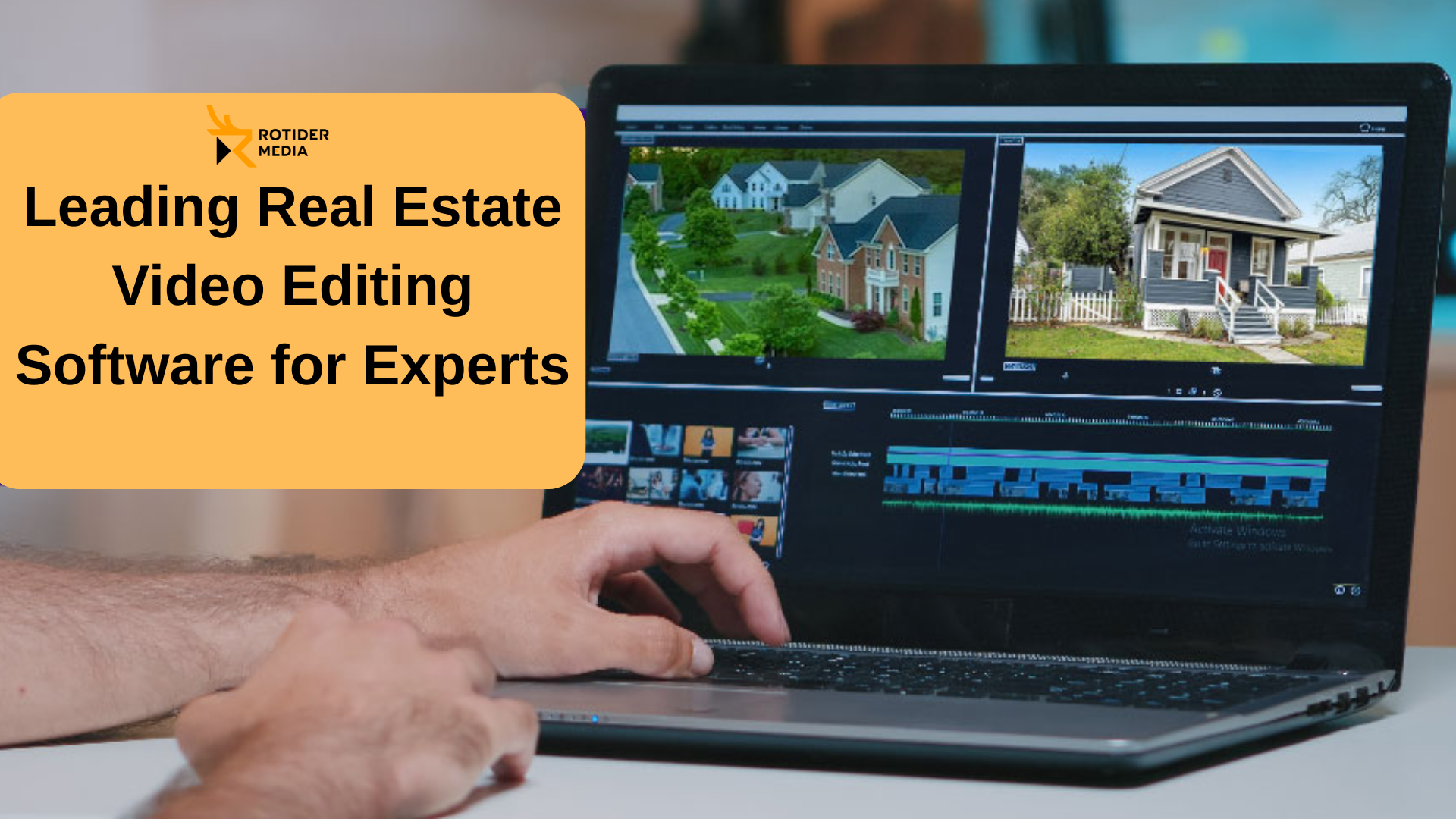
In the highly competitive world of real estate today, engaging video content is a must-have to capture buyers’ attention and showcase your listings at their very best. With the right video editing software, you can effortlessly turn raw footage into sleek, professional-quality videos that make a memorable impact.
In this guide, Rotider will introduce you to the leading real estate video editing software available and offer expert tips to help you select the ideal tool perfectly suited to your specific needs.
Best Real Estate Video Editing Software
If you’re looking for the best real estate video editing software, here’s the short, direct answer based on use case:
- Best overall: Adobe Premiere Pro – industry-standard, flexible, and ideal for high-quality property videos
- Best for Mac users: Final Cut Pro – fast performance and optimized for Apple hardware
- Best for color grading & cinematic listings: DaVinci Resolve – unmatched color tools, great for luxury real estate videos
- Best for beginners & quick edits: CapCut – easy to use, fast turnaround for social media listings
- Best for automated video creation: Animoto – drag-and-drop tool for agents who need speed over complexity
What Is Real Estate Video Editing Software?
Real estate video editing software is a type of video editing tool specifically used to turn raw property footage into polished, high-converting listing videos. It helps agents, marketers, and media teams showcase homes in a way that feels clear, visually appealing, and emotionally engaging, which is critical for attracting buyers online.
Unlike general editing, real estate video editing focuses on speed, clarity, and visual enhancement rather than storytelling alone. The goal isn’t just to make a video look good; it’s to make a property sell faster.
What does it actually do?
At its core, real estate video editing software allows you to:
- Trim and structure footage into a smooth walkthrough or highlight reel
- Adjust lighting and colors to make spaces look brighter and more inviting
- Stabilize shaky shots (common in handheld property tours)
- Add text overlays like price, location, or key features
- Insert background music to create a mood and pacing
- Apply transitions for seamless room-to-room flow
How is it different from regular video editing?
Here’s where many people get it wrong: not all video editing software is optimized for real estate. Real estate editing prioritizes:
- Natural-looking colors (accurate walls, floors, lighting)
- Wide, distortion-free visuals (important for interior shots)
- Consistent brightness across rooms
- Fast turnaround time (often same-day or next-day delivery)
That’s why professionals often choose tools like Final Cut Pro for speed or DaVinci Resolve for precision color work.
Why does it matter?
In today’s market, most buyers see the video before they ever visit the property. A well-edited video can:
- Increase listing engagement
- Keep viewers watching longer
- Create a stronger emotional connection
- Ultimately drive more inquiries and showings
In short, real estate video editing software isn’t just a technical tool—it’s a marketing engine that directly impacts how fast and how well a property sells.
Top Real Estate Video Editing Software Choices
Here are several leading real estate video editing service options, tailored to suit various skill levels and needs:
Adobe Premiere Pro
Adobe Premiere Pro stands as one of the premier video editing tools in the industry, widely favored by professionals for its unparalleled versatility and powerful feature set. It boasts advanced capabilities such as multi-camera editing, dynamic motion graphics, and precise color grading—making it a top choice for crafting high-quality real estate videos.
Seamless integration with Adobe Creative Cloud allows you to effortlessly combine Premiere Pro with other Adobe favorites like After Effects and Photoshop, streamlining your entire creative workflow.
Pros:
- Professional-grade, comprehensive editing tools
- Vast library of third-party plugins for enhanced functionality
- Cross-platform support for both Windows and Mac users
Cons:
- Steeper learning curve that may challenge beginners
- Higher cost due to its subscription-based pricing
Best for: Professionals seeking advanced editing features and deep customization options.
Final Cut Pro
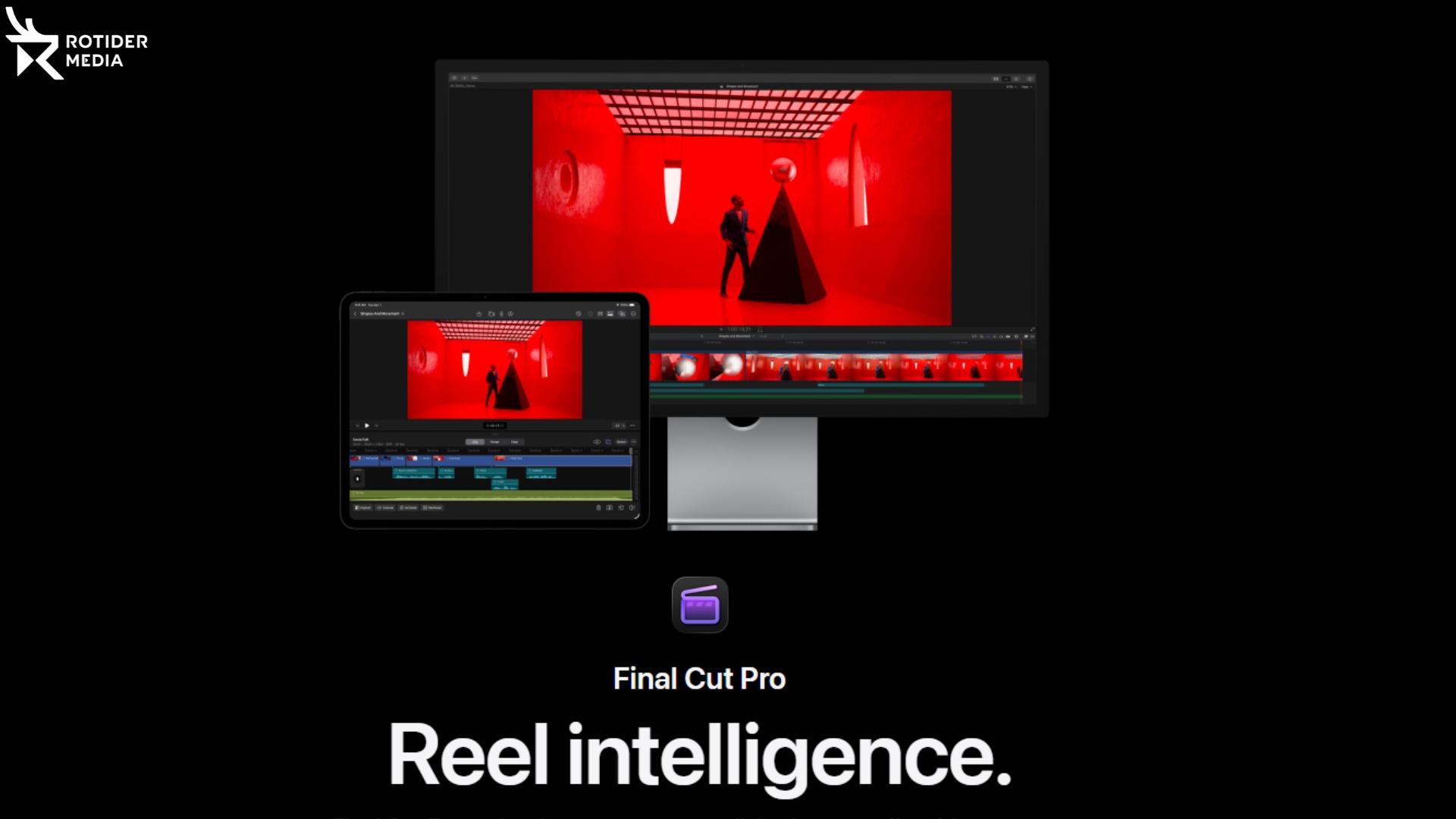
Final Cut Pro is a powerhouse video editing software designed exclusively for Mac users, celebrated for its lightning-fast performance and streamlined workflow. Featuring innovative tools like the magnetic timeline, multi-cam editing, and advanced color grading, it’s a favorite among real estate professionals who value speed without compromising on quality.
Its rapid rendering capabilities and crisp output make it ideal for handling large video files and producing polished property tours with ease.
Pros:
- Smooth, intuitive workflow tailored for efficiency
- Optimized specifically for Mac systems
- Handles large, complex projects effortlessly
Cons:
- Limited to Mac users only
- Premium pricing compared to some alternatives
Best for: Mac users seeking a fast, reliable, and high-quality video editing solution.
DaVinci Resolve
DaVinci Resolve is a powerhouse in the world of video editing, celebrated especially for its industry-leading color grading capabilities that bring real estate videos to life with breathtaking visual depth. Originally favored by Hollywood professionals, it’s quickly becoming a go-to choice for real estate creatives who want cinematic-quality results without breaking the bank—thanks to its robust free version.
Beyond stunning color correction, DaVinci Resolve offers advanced audio editing tools that help you craft immersive, polished property tours.
Pros:
- Unmatched color grading tools that elevate your visuals
- A powerful free version that’s perfect for getting started
- Comprehensive audio editing to enhance every scene
Cons:
- Demands significant computer resources for smooth operation
- Steeper learning curve, especially for newcomers
Best for: Creators seeking top-tier color grading and professional audio features—and who are ready to invest time mastering the software.
Animoto
For those seeking simplicity without sacrificing quality, Animoto is an excellent choice. This cloud-based platform features an intuitive interface paired with a wide selection of real estate-specific templates, allowing you to craft polished, professional videos in just a few clicks. Perfectly suited for busy real estate agents, Animoto eliminates the steep learning curve of traditional editing software, helping you produce stunning videos quickly and effortlessly.
Pros:
- Exceptionally user-friendly, even for beginners
- Ready-made templates tailored specifically for real estate
- Quick video creation with fast turnaround times
Cons:
- Limited flexibility for in-depth customization
- May feel basic for users seeking advanced editing features
Best for: Real estate professionals who need fast, hassle-free video production without the complexity.
Magisto

Magisto harnesses the power of AI to effortlessly transform your raw footage into captivating real estate videos. Simply upload your clips, and let the intelligent algorithm handle everything—from seamless transitions to perfectly synced music and eye-catching effects. Ideal for beginners and those short on time, Magisto makes video creation quick and painless, though it may lack the granular control advanced professionals often require.
Pros:
- Rapid, hassle-free video production
- AI-powered editing that does the heavy lifting
- Great for crafting engaging social media content
Cons:
- Limited manual editing options
- Not ideal for complex or highly customized projects
Best for: Users seeking fast, automated video edits primarily for social media platforms.
iMovie
iMovie is an ideal starting point for beginners, featuring a clean, straightforward interface alongside all the essential tools needed to create basic real estate videos. While it doesn’t offer the advanced capabilities found in professional software, it’s a dependable option—especially for Apple users looking for a free and easy editing solution.
Pros:
- Free and pre-installed on Apple devices
- User-friendly and intuitive for novices
- Perfect for simple, no-fuss video edits
Cons:
- Limited feature set compared to professional editors
- Not designed for complex or advanced editing tasks
Best for: Beginners or casual users seeking straightforward video editing with minimal learning curve.
CapCut
CapCut has soared in popularity thanks to its intuitive interface and impressive suite of editing tools. Tailored for short-form content, it offers a rich library of filters, effects, and transitions—making it an excellent pick for real estate agents aiming to capture attention on social media platforms like Instagram and TikTok.
Pros:
- Free to use with a user-friendly design
- Perfect for crafting engaging short videos
- Optimized for social media sharing
Cons:
- Limited advanced features for longer, complex edits
- Export options may not cover all professional needs
Best for: Real estate professionals focused on creating eye-catching videos for social media audiences.
Best Software by Use Case
The best software for editing videos for real estate can differ significantly in terms of features and capabilities. Therefore, the “best software” is not about features but about how proficient the user is and what kind of work he needs to accomplish. See the chart below for more details.
Best for Beginners – Capcut
For beginners, the priority is simple: ease of use and fast results. Therefore, the best choice for this category is CapCut.
Why it stands out:
- Extremely easy to learn (drag-and-drop, templates)
- Built-in effects, captions, and transitions
- Fast export for social media
CapCut is widely considered the fastest way to go from raw footage to publish-ready video, especially for short-form content.
Best for Real Estate Agents – Final Cut Pro
Agents need one thing above all: speed + consistency + low effort. As a result, it is recommended for real estate agents to reach out for Final Cut Pro.
Why it stands out:
- Extremely fast rendering on Mac
- Smooth workflow for editing multiple listings
- Magnetic timeline reduces editing friction
It’s especially popular among solo agents who shoot and edit their own property videos and need quick turnaround.
Best for Cinematic Property Videos – DaVinci Resolve
If your goal is luxury listings, branding, or high-end visuals, your best choice is going to be DaVinci Resolve.
Why it stands out:
- Industry-leading color grading
- Precise control over lighting and mood
- Professional-level output (even in the free version)
DaVinci Resolve is widely recognized for cinematic color correction and visual consistency, making it ideal for premium real estate content.
Essential Features for Choosing the Best Real Estate Video Editing Software
Selecting the ideal real estate video editing software means focusing on features that enable you to create stunning, professional-quality videos quickly and with ease. Here are the key capabilities you should prioritize:
- User-Friendly Interface: Whether you’re just starting out or an experienced editor, a clean and intuitive interface helps you save time and avoid frustration during the editing process.
- Advanced Editing Tools: From accurate color correction and striking filters to smooth transitions and engaging special effects, these tools transform your videos from basic to breathtaking.
- Smooth Integration with Platforms: Choose software that seamlessly connects with social media channels, MLS listings, YouTube, and more, allowing you to export and share videos effortlessly across all platforms.
- Time-Efficient Templates and Presets: Pre-designed templates speed up your editing workflow while maintaining a consistent, professional appearance in every video.
- Comprehensive Audio Editing & Voiceover Capabilities: High-quality narration, background music, and sound effects are essential—select software that gives you precise control over every audio element.
- Versatile Export Options: Whether posting on Instagram, YouTube, or your own property website, ensure the software supports the optimal formats and resolutions for each platform.
With these features in mind, you’ll be well-equipped to produce captivating real estate videos that stand out and engage your audience.
Read more:
- The Essential Guide to Expert Real Estate Drone Photography in 2025
- 18 Pro Tips to Enhance Your Real Estate Video Editing
How to Choose the Best Video Editing Software for Your Needs?
Picking the perfect real estate video editing software hinges on your experience level, budget, and unique requirements. To make a confident choice, keep these key factors in mind:
Evaluate Your Skill Level: If you’re new to video editing, start with beginner-friendly options like Animoto or iMovie. Seasoned professionals might gravitate toward Adobe Premiere Pro or Final Cut Pro for their advanced capabilities.
Factor in Your Budget: Whether you prefer free tools or premium software, there’s something for everyone. DaVinci Resolve’s free version offers powerful features, while Adobe Premiere Pro and Final Cut Pro deliver industry-leading performance for those ready to invest.
Seek Real Estate-Focused Features: Look for templates, preset transitions, and smooth export options tailored for social media platforms—essentials for real estate marketing success.
Plan for Growth: Choose software that not only suits your current projects but can scale as your business and editing skills evolve.
By thoughtfully considering these elements, you’ll select a video editing tool that supports both your immediate goals and future ambitions.
Choosing the right real estate video editing software is crucial for creating engaging, high-quality videos that capture the attention of potential buyers. Whether you’re a beginner looking for simple tools or a professional needing advanced features, the solutions presented in this guide will help you make an informed decision. For those who want to save time and effort, Rotider Media offers professional real estate video editing services at affordable prices. Contact us and let us assist you.
FAQs
Is there free real estate video editing software?
Yes. The best free option is DaVinci Resolve, which offers professional-level features without a subscription.
What features should I look for in real estate video editing software?
Focus on features that directly impact property presentation:
- Color correction (to fix lighting differences between rooms)
- Stabilization (for smooth walkthrough footage)
- Text overlays (price, location, features)
- Music and audio control
- Fast export for social media
Advanced users may also need:
- LUTs and color grading tools
- Multi-camera editing
- Motion graphics integration
Can I edit real estate videos on my phone?
Yes. Mobile apps like CapCut make it easy to edit and publish videos directly from your phone.
How long does it take to edit a real estate video?
It depends on complexity and the editors, but generally it would take as follows:
- Simple social media video: 30–60 minutes
- Standard listing video: 1–3 hours
- Cinematic/luxury video: several hours to a full day
Do real estate agents need professional editing software?
Not always. It depends on your needs and purposes. If you need speed and simplicity, tools like CapCut or Animoto are enough. If you want high-quality branding and premium listings, then consider using Adobe Premiere Pro or DaVinci Resolve
What is the easiest real estate video editing software to use?
The easiest option is CapCut, thanks to its intuitive interface and built-in templates. If you want something even simpler (almost no editing required), Animoto is a strong alternative.