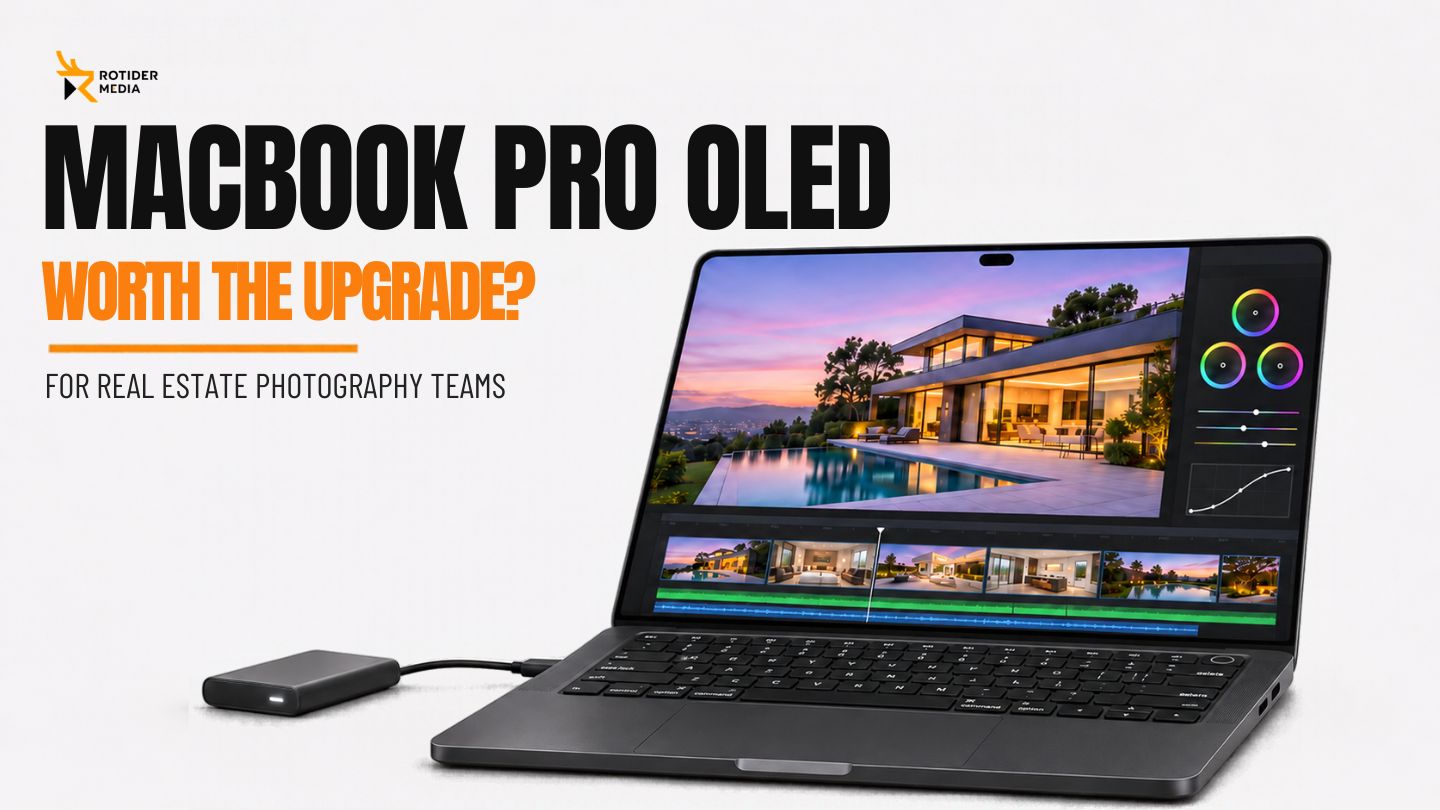
The MacBook Pro OLED is most worth considering when its display or lighter design addresses a recurring limitation in your work. For owners of an equivalent M5 Max model, the cited tests show little processing-speed reason to replace the machine. Teams upgrading from older Macs should compare their applications, project formats and memory requirements.
This article draws on Apple’s specifications and published independent reviews. Rotider has not conducted hands-on testing of this model.
What’s New in the MacBook Pro OLED?
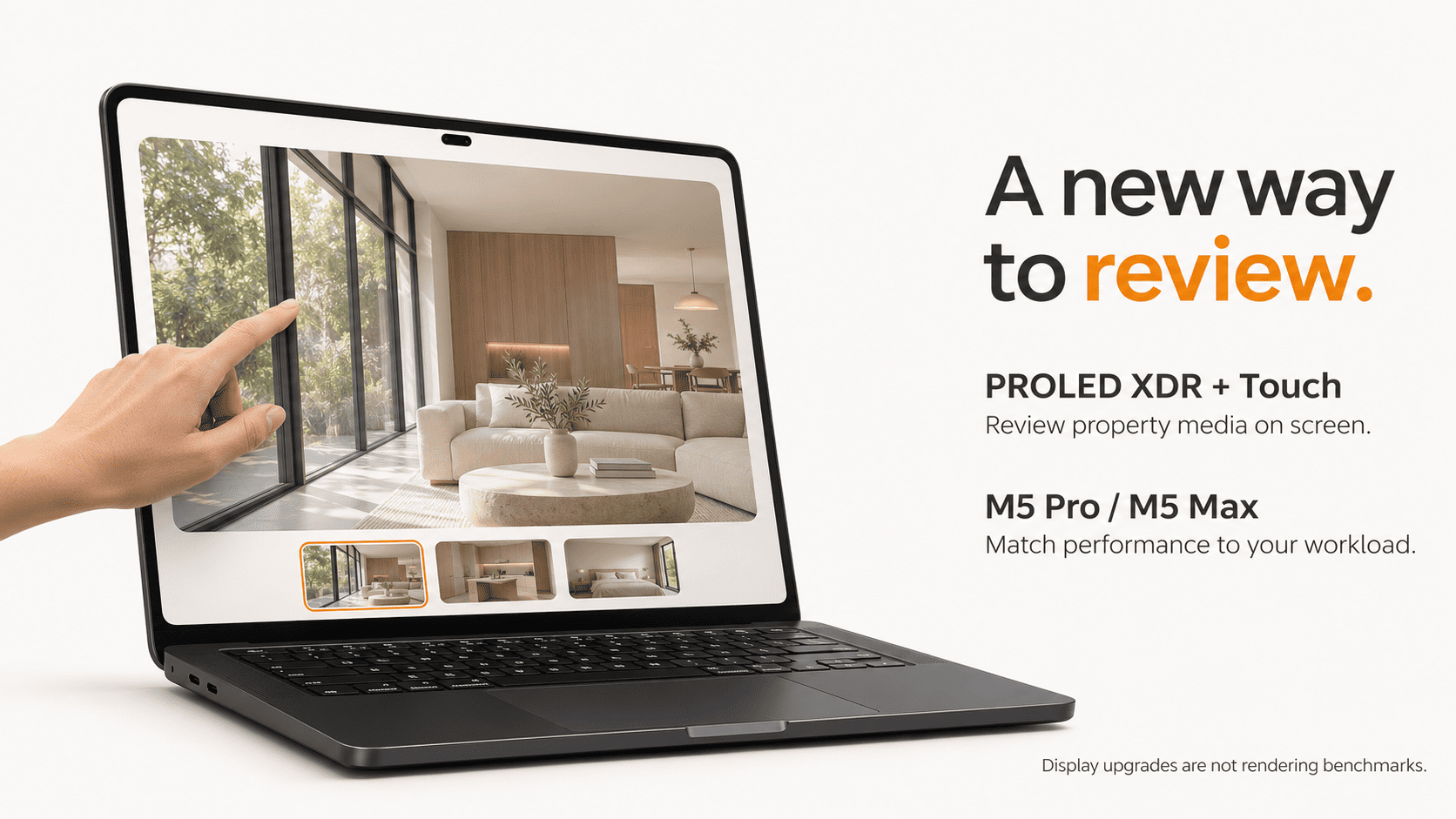
The PROLED XDR Display and Touchscreen
Apple announced the MacBook Pro with PROLED XDR Display on October 28, 2026, with availability beginning November 6. The 14-inch and 16-inch models feature tandem OLED touchscreens.
Apple lists support for P3 and Adobe RGB, adaptive refresh rates up to 120Hz and peak brightness up to 2,000 nits. These are manufacturer-published specifications, not measurements by Rotider.
For real estate media teams, the practical question is how much of the working day depends on the built-in display.
A photographer who regularly reviews images between shoots may find the display upgrade useful. An editor who mainly uses an external reference monitor may gain less from it.
A Lighter Design With M5 Pro and M5 Max
The updated models use M5 Pro and M5 Max chips, pairing the existing processor generation with a redesigned display and slimmer chassis.
A display upgrade alone does not establish faster photo processing or video rendering. Compare the actual configurations and tasks before treating the redesign as a processing upgrade.
Lower weight may matter when a laptop travels alongside cameras, lenses and other production equipment. Its value depends on how often you carry the complete kit.
Does the MacBook Pro OLED Actually Make Editing Faster?
What Independent Tests Show
In its November 5 review, PetaPixel reported similar performance between the PROLED M5 Max model and the earlier M5 Max version it reviewed in March.
For current owners of an equivalent M5 Max model, that comparison provides little evidence of a processing-speed reason to upgrade. The review’s main reported improvements were the display and portability.
A new model name does not guarantee faster Premiere Pro exports, Photoshop batches or overall project delivery. Keep those outcomes separate when reading a hardware buying guide.
Why Your Current Mac Matters More Than the Launch Headline
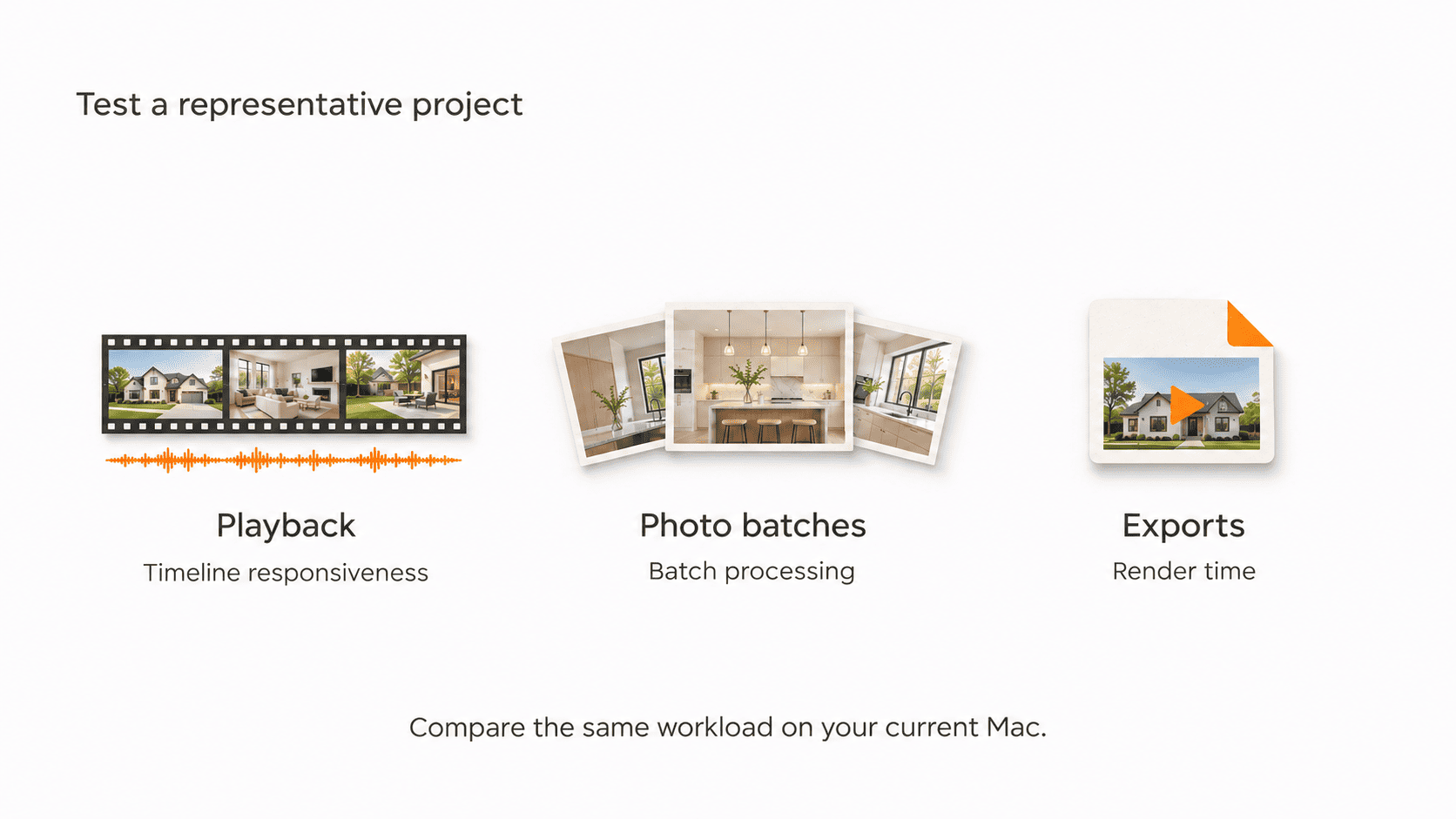
The most useful upgrade comparison is with the machine you currently use, running a representative workload.
Identify recurring bottlenecks. Does timeline playback lag? Do large photo batches slow down other work? Is the laptop difficult to carry between shoots?
Look for benchmarks that match your editing applications, media formats, memory configurations and current machine. Those details help assess whether an upgrade would address the problem.
Without those specific parameters, impressive benchmark scores merely demonstrate raw hardware capability rather than predicting how much your day-to-day productivity will actually improve.
Final Cut Pro, Premiere Pro, and DaVinci Resolve: What the Tests Tell Us
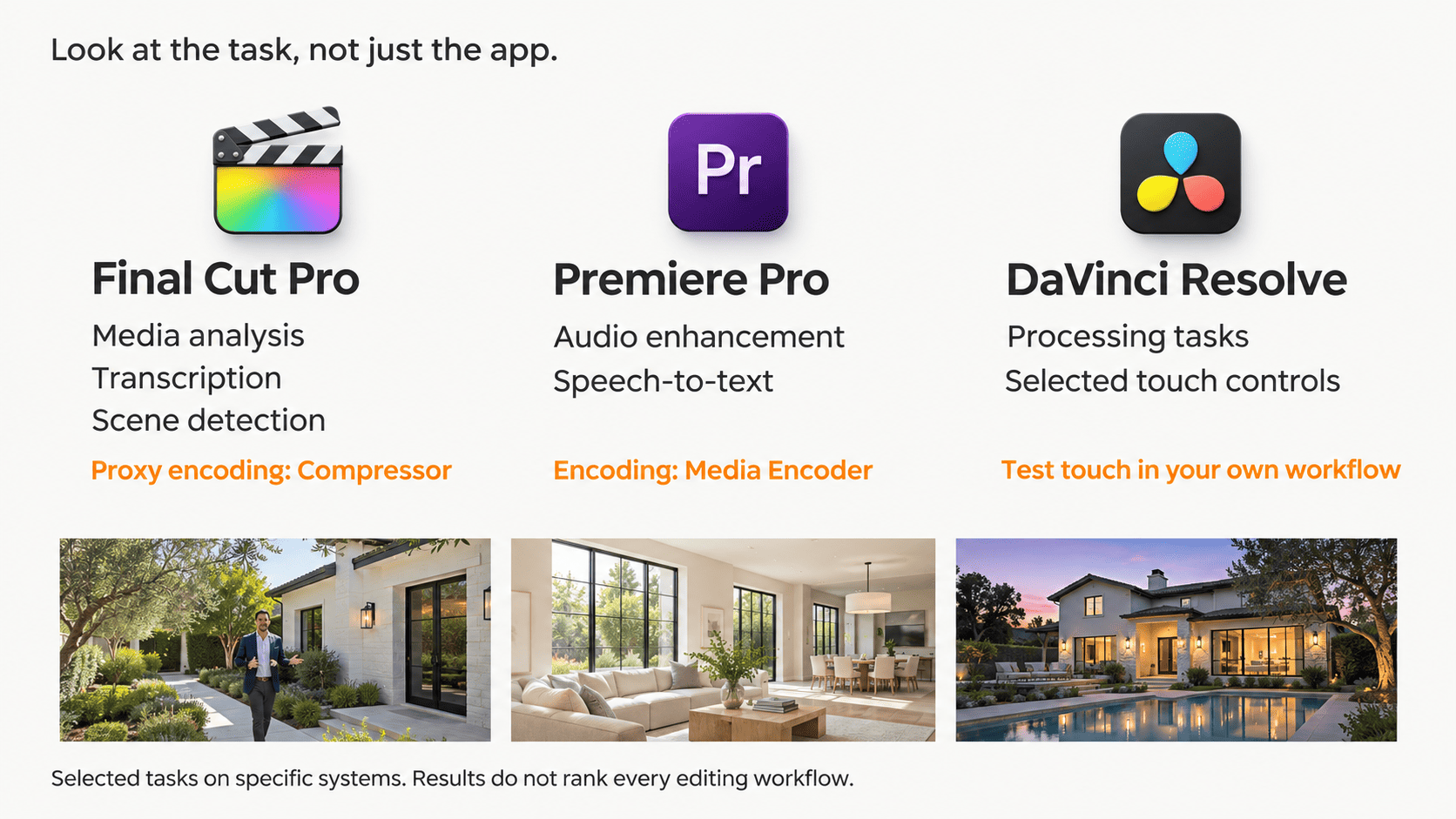
ProVideo Coalition's November 5 evaluation offers practical application-level insights. Scott Simmons benchmarked a 14-inch configuration powered by the M5 Max chip, 128GB of unified memory, and a 4TB SSD, comparing specific editing tasks against an M5 Ultra Mac Studio desktop.
This is a comparison of two high-end configurations on selected tasks, not a controlled test against older laptop generations. It does not establish a general performance gap between laptops and desktops.
Final Cut Pro: Media Analysis, Captions, and Proxy Workflows
The evaluation covered media analysis, transcription and scene detection in Final Cut Pro, alongside separate proxy-encoding tests in Apple Compressor.
Identify which stage consumes time in your own projects. Compressor encoding results do not describe the entire editing experience in Final Cut Pro.
Premiere Pro: AI Processing and Video Encoding
Testing in Premiere encompassed tasks such as audio enhancement and speech-to-text transcription, whereas encoding metrics were measured independently through Adobe Media Encoder.
Use these results to investigate the tasks you repeat. They do not establish a universal performance gain across footage formats, effects and export settings.
DaVinci Resolve: Processing Performance and Touch Controls
The review describes touch support in Resolve 21.2, including selected controls. Teams should test whether those interactions fit their editing habits; the review does not quantify a time-saving benefit.
Teams producing agent-led tours may find transcription and speech enhancement tests particularly relevant. Teams producing music-driven walkthroughs may care more about playback, effects and export performance.
Existing benchmark evaluations offer valuable context to guide those equipment decisions; they do not declare any single application as the definitive solution for all real estate media projects.
What Could These Changes Mean for Real Estate Media Work?
Reviewing Photos and Video Away From the Studio
Visual presentation deserves significant attention, but the delivery mechanism is equally essential.
For conventional web-image delivery, Adobe recommends sRGB. Follow the client’s profile requirements and convert exports appropriately rather than assuming that a wide-gamut preview represents the final delivery.
A good laptop display is one part of a color-managed delivery workflow. Check the final files against client specifications and intended viewing platforms.
HDR display capability and HDR merging are separate. Combining bracketed exposures preserves detail across a room and its windows; whether the final files are delivered in SDR or HDR depends on the client’s requirements.
Moving Between Property Shoots and Editing Sessions
Portability takes on greater significance whenever a laptop frequently leaves the studio desk.
A photographer reviewing images, backing up source files and moving to the next shoot may value a lighter laptop. An editor working mostly at a fixed desk may place less weight on portability.
If the laptop usually stays docked with its lid closed, the built-in display and weight reduction may offer less day-to-day value.
Neither work style is inherently more professional than the other. They simply establish contrasting justifications for spending—or saving—your equipment budget.
Rotider’s Take: Is the Upgrade Worth It for Your Workflow?
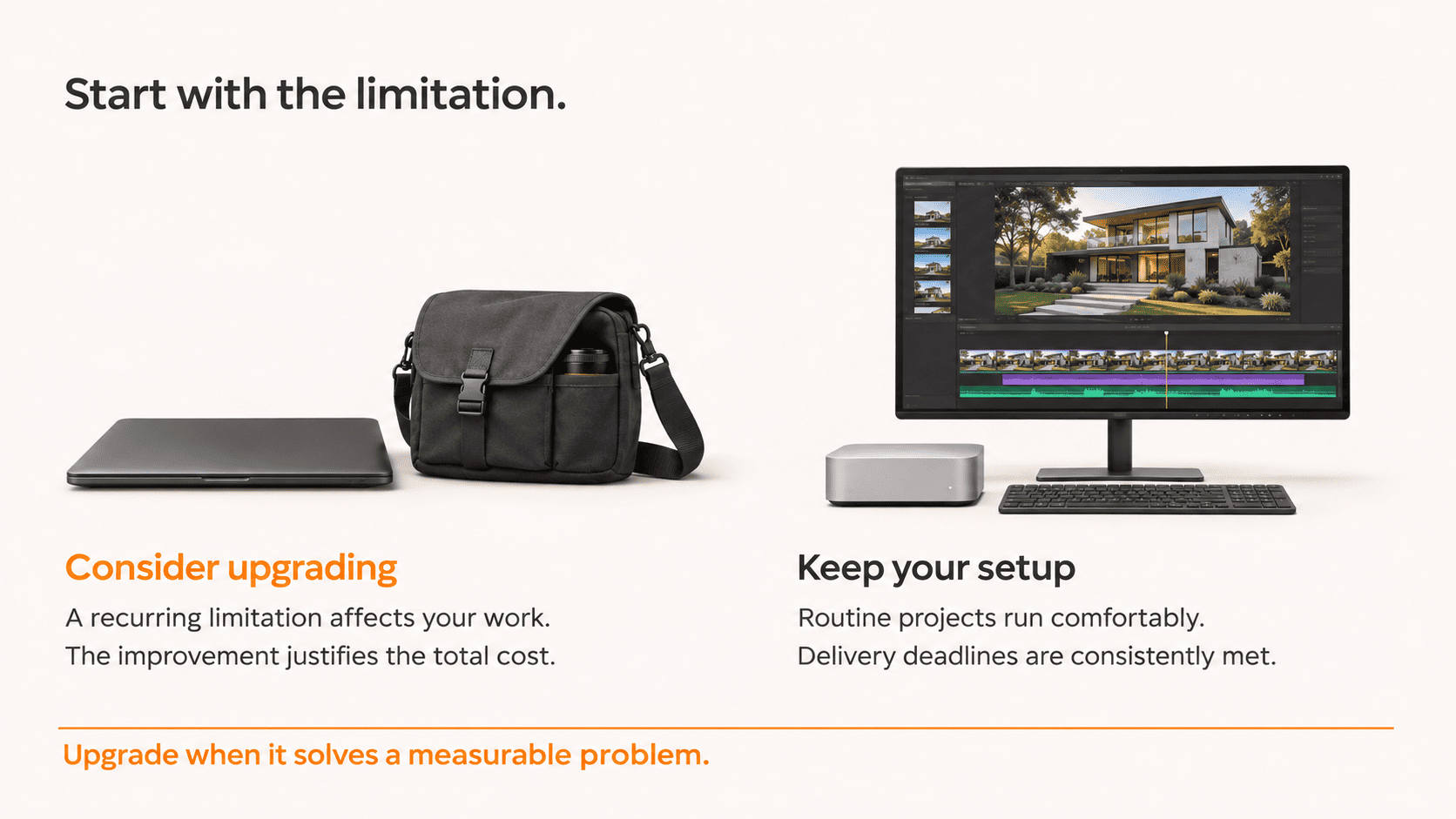
When an Upgrade Deserves Consideration
Rotider’s recommendation is to begin with the limitation you need to address.
If processing speed is the constraint, prioritize benchmarks matching your workload. If on-location review or portability is the issue, assess the display and carrying weight before choosing a MacBook Pro OLED upgrade.
Prior to deciding, use a representative project as your baseline reference—a standard batch of photos or a typical real estate video assignment, rather than an edge-case hypothetical scenario you might handle in the future.
Ask yourself what would meaningfully improve that routine workflow:
-
Reducing wait times during repetitive batch processing tasks.
-
Improving on-location review when the current display is a limitation.
-
Maintaining a more manageable gear setup between back-to-back appointments.
These are different benefits and need different justifications. Compare the configured purchase price, resale value of the current machine, required accessories and expected years of use.
When Keeping Your Current Setup Makes Sense
Keeping your current computer makes sense if it handles routine projects comfortably and meets delivery deadlines.
The cited same-chip comparison provides little evidence of a processing-speed reason to replace an equivalent M5 Max model. For those owners, the case for upgrading rests mainly on display needs and portability.
Before spending, check where project time goes: file transfer, uploads, editing, client review or export. Hardware should address a measurable limitation. Our real estate post-production guide explains how these stages fit into the wider delivery workflow.
For Rotider, this framework provides the clearest lens for evaluating any new equipment release: align each hardware enhancement with your core production requirements, then determine whether the resulting productivity gains justify the upgrade costs.
FAQ: MacBook Pro OLED for Photo and Video Editing
Is MacBook Pro OLED the official product name?
Apple calls it MacBook Pro with PROLED XDR Display. “MacBook Pro OLED” is a shorter way to describe the display technology used in this article.
Will it make Premiere Pro or Final Cut Pro faster than my current Mac?
That depends on your current configuration and workload. The PetaPixel comparison found no meaningful performance difference between the tested PROLED M5 Max and the earlier M5 Max model. It does not establish results for every older Mac.
Do I need an OLED display to edit HDR real estate photos?
No. Merging bracketed exposures and displaying finished content in HDR are separate processes. Choose the editing and display setup around the final files your client requires.
Should a real estate team switch editing software for this laptop?
The cited tests do not provide a sufficient reason to switch. Evaluate software around project requirements, collaboration, and delivery needs; use the hardware tests to assess the machine.
Does Rotider recommend upgrading?
Conditionally. Consider it when the verified improvements address a recurring limitation. If the current machine already supports the work comfortably, there is no need to treat this launch as a required upgrade.