
December 6, 2025
Home Design & Decor
Best Interior Decor Apps to Transform Your Home
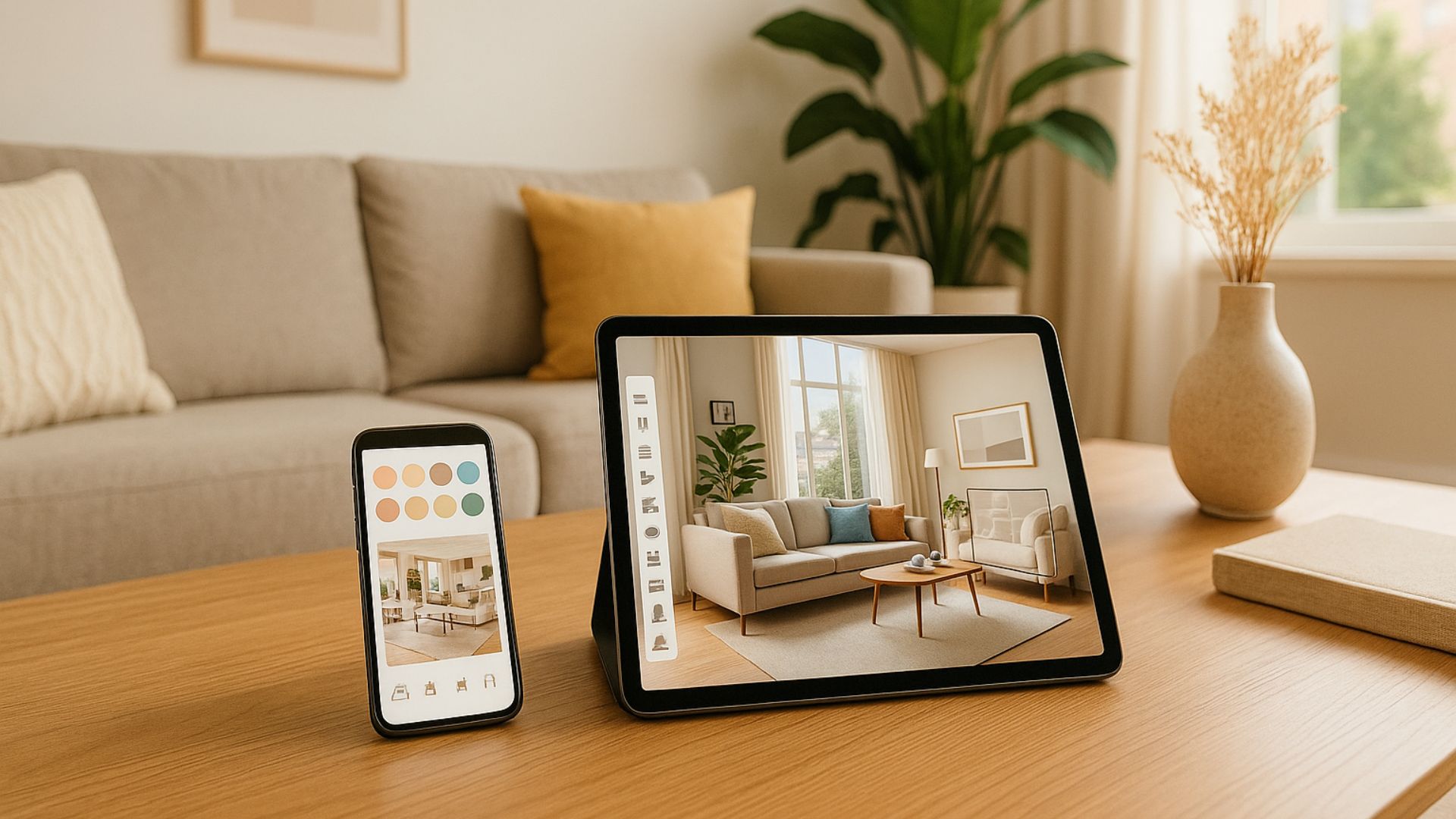
Interior decor apps have become essential tools for anyone looking to refresh or redesign their home with confidence. These apps allow you to visualize layouts, test color schemes, experiment with furniture styles, and plan every detail before making a purchase. In this guide, you will discover the best interior decor apps available today, the benefits they offer, practical tips to use them effectively, and how high-quality images can elevate your entire design process.
1. Best Interior Decor Apps to Transform Your Home
Interior decor apps make it easier than ever to visualize ideas, experiment with styles, and transform your living space without guesswork. With advanced AR features, 3D modeling tools, and extensive furniture libraries, these apps help you see how different layouts, colors, and decor items will look in your home. Below are the top interior decor apps that offer a smooth and practical design experience.
Houzz

Houzz is one of the most comprehensive platforms for interior inspiration, offering millions of high-quality photos categorized by room type and style. The app allows you to explore real home designs, save your favorite ideas, and shop directly from the integrated marketplace.
Key features:
- Massive library of interior inspiration photos
- AR tool View in My Room to place furniture in your space
- Personalized design recommendations
- Direct shopping options for furniture and decor
Planner 5D
Planner 5D is a powerful tool that combines layout planning and interior decoration in one intuitive interface. Users can build detailed 2D and 3D room models, rearrange furniture, and customize materials to match their vision.
Key features:
- Easy-to-use 2D and 3D room design tools
- Drag and drop furniture placement
- Adjustable lighting, textures, and materials
- Realistic visualizations for accurate planning
IKEA
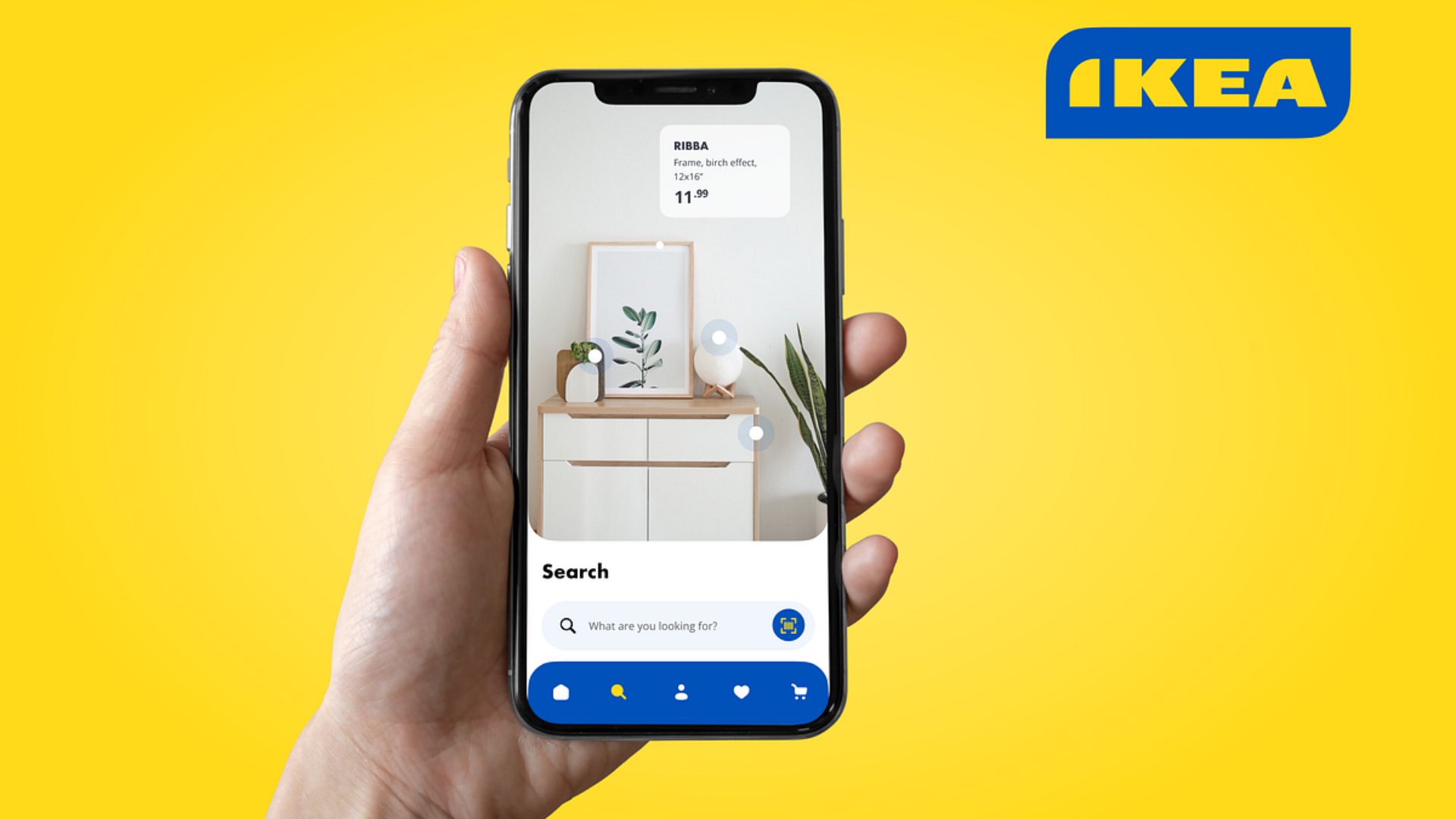
The IKEA app is ideal for quick, practical decorating thanks to its accurate AR technology. You can place sofas, tables, and decor items from IKEA’s catalog directly into your room to test proportions, colors, and compatibility.
Key features:
- High precision AR furniture placement
- Full access to IKEA’s product catalog
- Real-world scaling for accurate measurements
- Easy preview and purchase options
Homestyler

Homestyler offers a user-friendly 3D design platform suitable for beginners and hobby designers. The app includes a large furniture library and realistic rendering options that make your virtual designs visually appealing.
Key features:
- Drag and drop 3D room builder
- Extensive furniture and decor library
- High-quality renders for realistic previews
- Active, creative community for style inspiration
Room Planner
Room Planner is designed for detailed room layout planning and furniture arrangement. Whether you are moving, renovating or simply refreshing your space, this app helps you build an accurate floor plan and visualize your ideas in 3D.
Key features:
- Floor plan creation with adjustable room dimensions
- 3D visualization for better spatial understanding
- Furniture catalog with multiple interior styles
- Simple tools to test layouts before decorating
2. Benefits of Using Interior Decor Apps
Interior decor apps offer a practical, visually engaging way to plan, explore, and refine your home design ideas. Here are some of the benefits that interior decorating apps can bring:
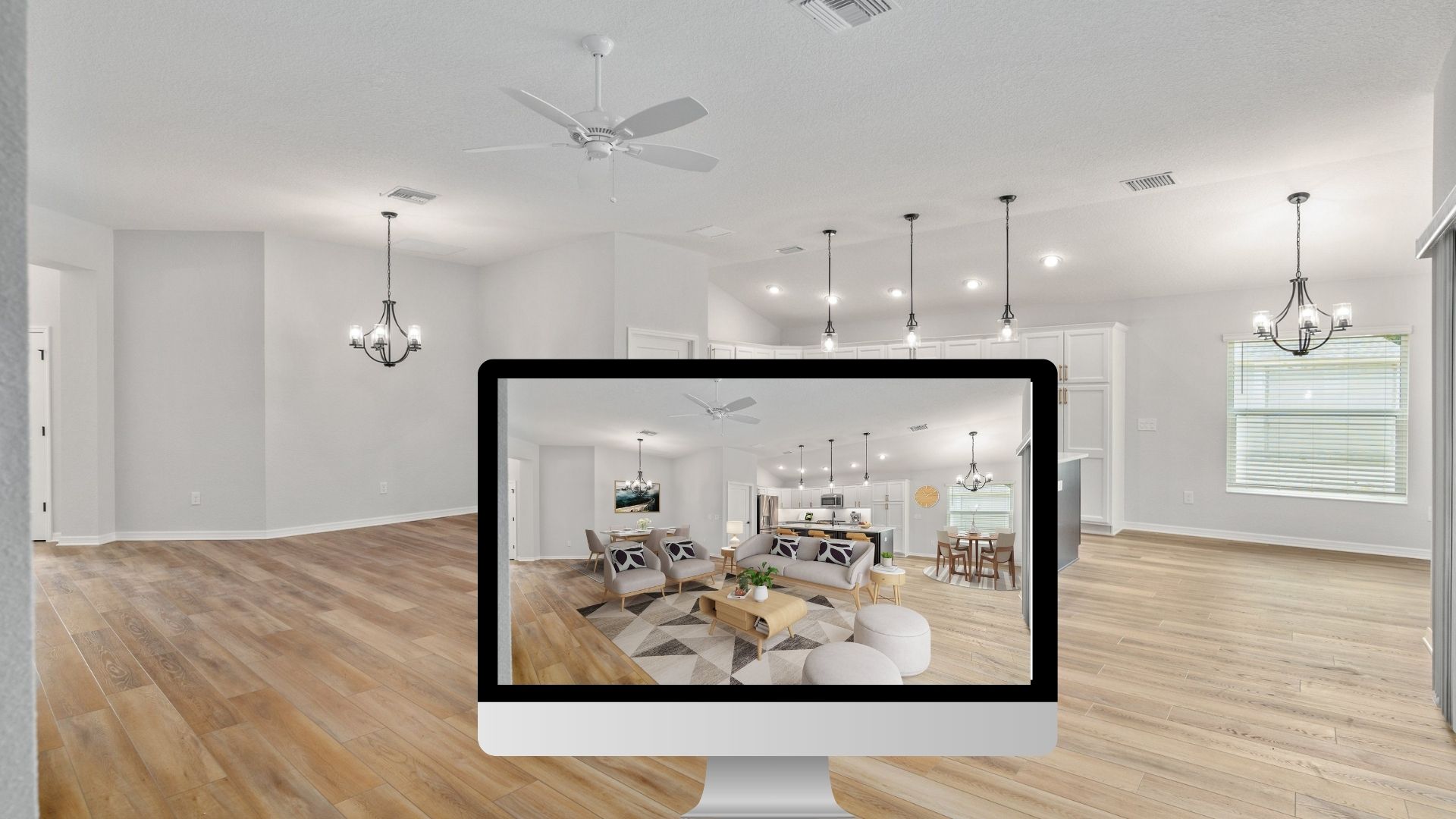
– Visualize Your Space Before Making Changes: One of the biggest advantages of using interior decor apps is the ability to see how furniture, colors, and decor items will appear in your actual room
– Save Time and Reduce Costs: Instead of visiting multiple stores or buying items to try at home, you can experiment digitally.
– Explore a Wide Range of Styles and Ideas: Interior decor apps offer thousands of design recommendations across different aesthetics such as modern, Scandinavian, rustic, and minimal
– Improve Decision Making With Realistic Previews: From lighting and textures to layout and color harmony, these apps show realistic results that help you evaluate how well each choice works in your environment.
– Convenient for Renovations or Room Makeovers: If you’re moving, redecorating, or planning a full makeover, these apps help you map out your ideas in advance.
Read more:
House Interior Decor Tips to Elevate Your Living Space
3. Tips to Make the Most Out of Interior Decor Apps
Interior decor apps can completely transform the way you plan and visualize your home. The simple strategies below allow you to design more confidently, make smarter choices, and fully maximize each app’s features.
Take Accurate Room Measurements
Before experimenting with furniture or layouts, measure your room precisely, including walls, doors, windows, and any fixed elements. Many apps allow custom room dimensions, but real-life measurements ensure that what you design virtually will actually fit in the space. This reduces the risk of buying oversized or incompatible furniture.
Use 3D & AR Visualization Tools to Preview Realistic Layouts
Leverage apps’ 3D rendering or AR features to place virtual furniture and decor in your actual room. This helps you visualize how colors, textures, lighting, and spatial arrangements work together, offering a more reliable preview than imagination alone.
Explore Multiple Layouts and Styles Before Committing
Don’t stick with the first idea. Try different furniture arrangements, color palettes, lighting setups, and decor styles (modern, minimalist, cozy, etc.) to explore what works best. Experimenting with several ideas increases the chance you’ll discover a layout or style that’s functional and aesthetically pleasing.
Pay Attention to Lighting, Textures, and Scale
Decor and furniture look different under various lighting and in different proportions. Good design apps let you adjust lighting, view rooms from multiple angles, and test different materials. Considering these details helps ensure the final setup feels realistic and balanced.
4. How High Quality Images Elevate Your Decor Planning
High-quality photos make every part of your decor planning more accurate and visually reliable. To achieve these results, several photo editing techniques are used to enhance clarity, color accuracy, and spatial perception.
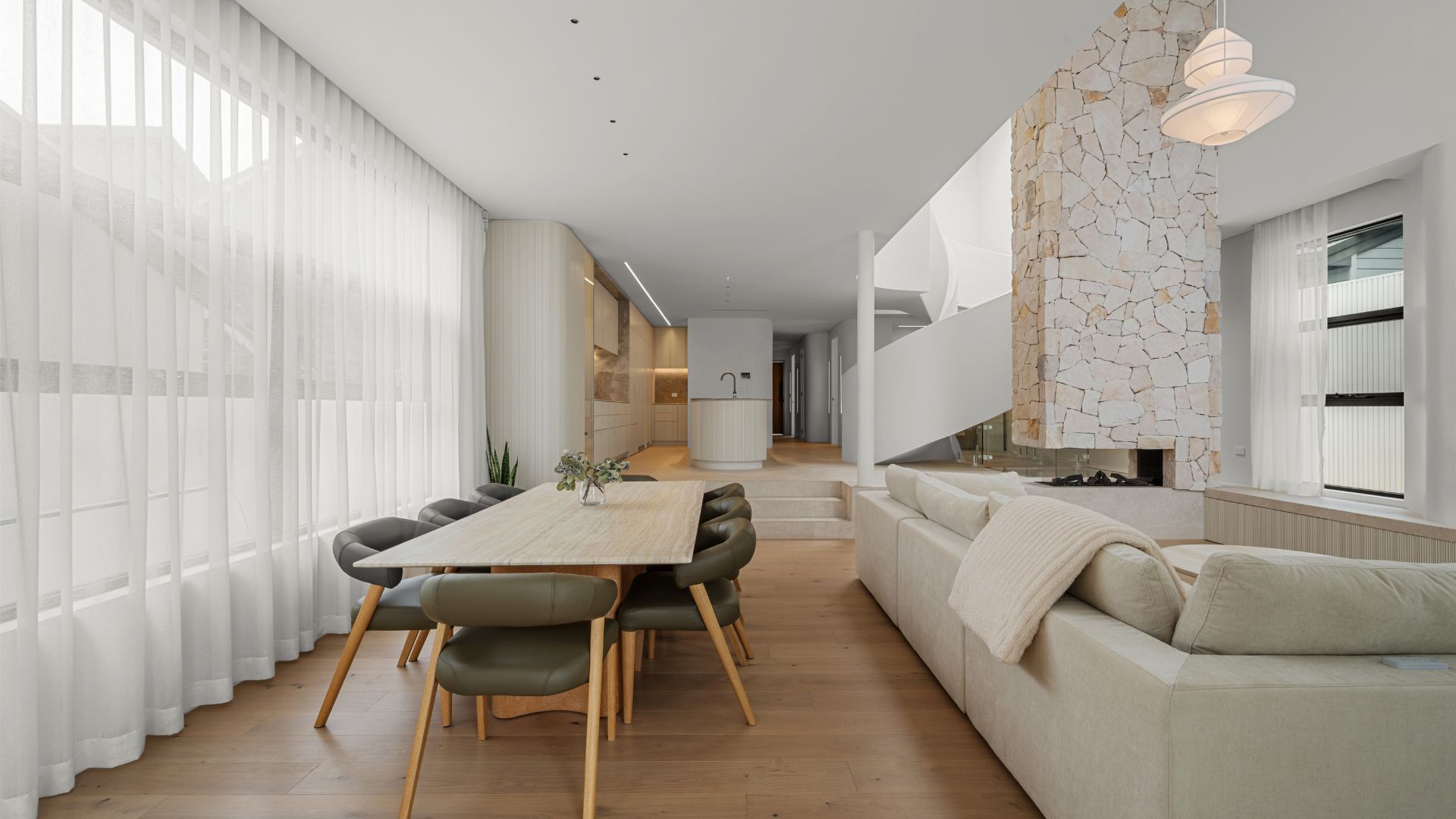
Here are the key techniques:
- Color Correction: Adjusts exposure, contrast, white balance, and saturation to ensure colors in the image match the real room. This helps decor apps detect true tones and recommend accurate furniture or color combinations.
- Perspective Correction: Fixes distorted lines caused by camera angles. Straightening walls, ceilings, and furniture edges helps apps read the structure of the room correctly and improve AR object placement.
- HDR Blending: Combines multiple exposures into one balanced image with clear details in both bright and dark areas. This ensures decor apps capture textures, shadows, and lighting more accurately.
- Noise Reduction: Removes graininess from low-light or mobile shots, making images sharper. Clearer details help apps recognize furniture shapes, floor patterns, and room textures.
- Object Removal: Eliminates unnecessary items such as clutter, shadows, or distracting objects. A clean room image provides the app with a clearer canvas for virtual furniture or layout planning.
- Lighting Enhancement: Enhances natural lighting or adds softness to shadows to make the room appear more balanced. Good lighting helps decor apps identify depth, materials, and spatial orientation more precisely.
- Sharpening and Detail Enhancement: Improves texture clarity of walls, floors, fabrics, and décor elements. Greater detail allows design apps to simulate materials and scale more accurately.
- White Balance Standardization: Keeps all photos in a consistent tone, ensuring your room looks uniform across different angles. This is crucial when planning decor for multiple connected spaces.
If you want your interior photos to reach this level of clarity and visual precision, professional editing is the key. At Rotider Media, our team specializes in enhancing real estate and interior images through advanced HDR blending, color correction, object removal, perspective adjustments, and clean, natural lighting enhancement.
By refining every detail, we help your photos become fully optimized for decor apps, virtual staging, and design visualization. This ensures your planning process is smoother, your previews look more realistic, and your final space aligns perfectly with your vision.
Ready to elevate your interior images for better design results? Rotider Media is here to support your workflow with high-quality editing tailored to your needs.

Annie Doo
Professional Video Editor
Hi, I’m Annie Doo, a professional video editor specializing in real estate post-production. Through hands-on experience with real-world projects, I’ve developed a strong understanding of visual storytelling, pacing, color, sound, and the workflows behind polished real estate videos. Here, I share practical insights, editing techniques, and production knowledge drawn from my day-to-day work in video post-production.
Was this article helpful?
Your feedback helps us create more useful real estate media guides.
Share this article


No Spam, Just Updates
Our fresh blogs provide technical and industrial information that helps strengthen your business. Sign up to be the first to receive the new updates
Related Posts
Real Estate Post-Production: A Complete Guide for Photographers and Media Teams
Oct 2, 2026
AI in Real Estate: A New Leap for Property Professionals
Sep 9, 2026
AI for Real Estate Marketing: A Practical Guide for Agents and Agencies
Sep 9, 2026
AI for Real Estate Agents: Practical Uses and Future Trends
Sep 7, 2026
15 Real Estate AI Companies to Know in 2026
Sep 5, 2026