
June 28, 2025
Photo Editing
Top 3 Real Estate Photo Editing Apps for Agents in 2026
Are you looking for a real estate photo editing app that makes photo editing easy?
In an increasingly competitive real estate market, especially with digital media becoming the primary way to reach buyers, your listing photos are no longer a secondary element but the deciding factor. Professionally edited photos not only help attract attention but also contribute to creating a first impression, enhancing the perceived value of a property.
That’s why Real Estate Photo Editing Apps are becoming an indispensable solution for modern agents. In this article, we will introduce the top 3 best real estate photo editing apps that are suitable for the needs of agents in 2026.
1. The Importance of High-Quality Real Estate Photography
According to current surveys, over 90% of homebuyers start their search online. That means photos are the first thing they see, so high-quality photos have a significant impact on selling your home. Professionally presented photos not only highlight a property’s best attributes, such as space, light, and layout, but also instill trust and professionalism in the listing agent or brokerage. Studies consistently show that homes with high-quality photos generate more interest, get more clicks, and sell faster than homes with basic or unedited photos.
However, photo editing is not an easy task, especially if you don’t have much time, are unfamiliar with specialized software, or need to process a large number of photos in a short period. Not everyone has Photoshop skills or the budget to hire a professional editing team for every project.
Nowadays, you don’t need complicated tools to get beautiful, clear, and attractive photos. With the development of technology, real estate photo editing applications are becoming smarter, more convenient, and easier to use than ever. With just a few operations on your phone or browser, you can professionally enhance your photos: adjust the lighting, change the sky, highlight details — all without requiring in-depth technical knowledge.
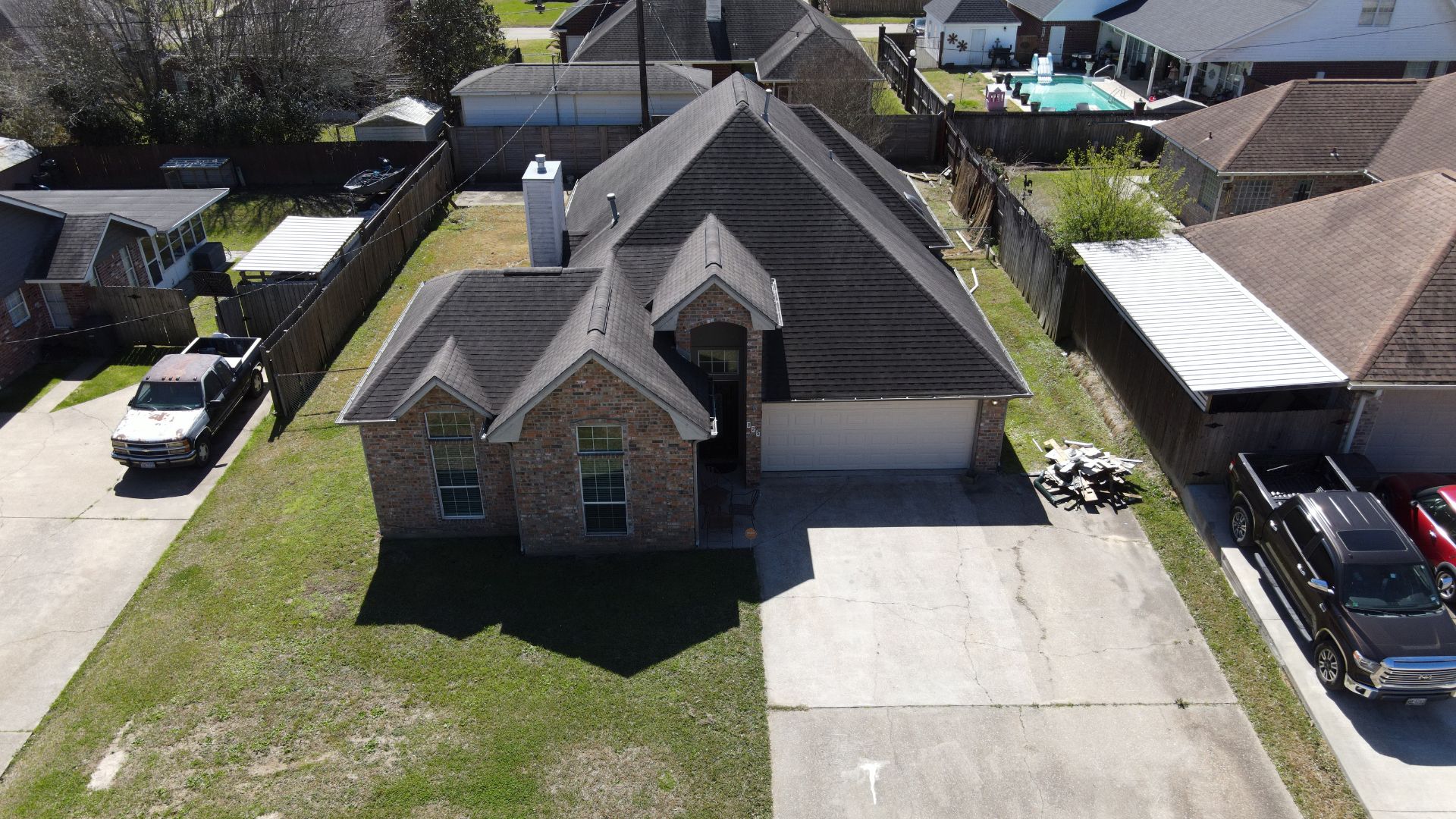
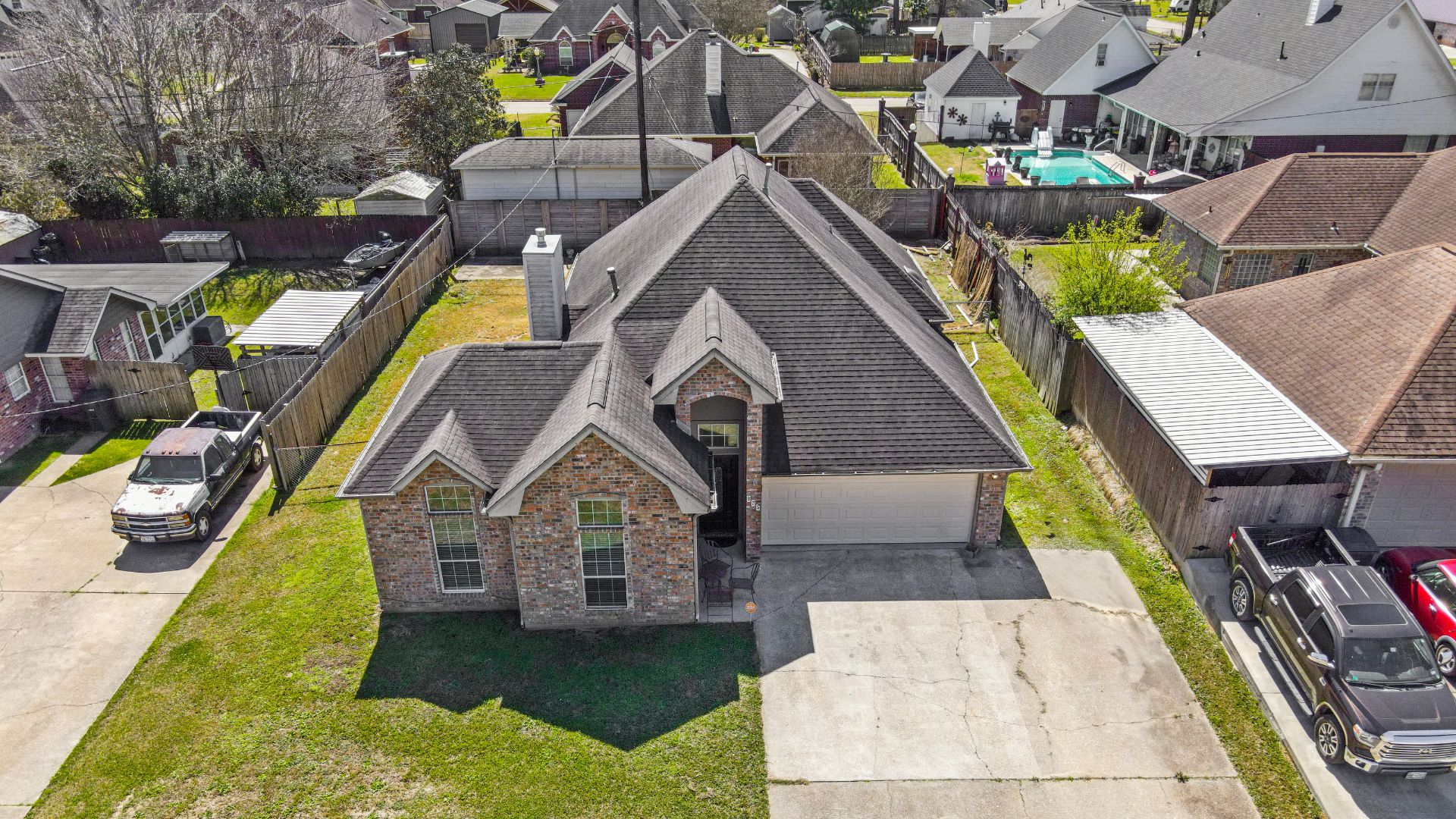
2. Best Editing Workflow for Real Estate Agents
Before choosing an app, agents need a clear editing workflow. A structured process saves time and ensures consistency across listings.
Step 1: Select the Best Photos
Remove duplicates, blurry shots, or poorly composed images.
Step 2: Correct Perspective
Straighten vertical and horizontal lines to avoid distorted walls and ceilings.
Step 3: Balance Exposure and Lighting
Adjust highlights, shadows, and white balance to create natural, inviting interiors.
Step 4: Enhance Details
Increase clarity slightly. Sharpen important areas like kitchen counters or living room decor.
Step 5: Remove Minor Distractions
Eliminate small objects, cables, stains, or spots that distract buyers.
Step 6: Apply Consistent Tone
If building a personal brand, apply similar tones across listings.
Step 7: Export in Optimized Size
After checking everything, export the image in the correct resolution
This workflow works whether you use one app or combine multiple tools.
3. How to Find a Real Estate Photo Editing App?
With hundreds of photo editing tools available today, choosing the right one for real estate can feel overwhelming.
To find a real estate photo editing app that truly helps you stand out, here are a few key things to look for:
- Ease of use: You shouldn’t need a design degree to edit listing photos. Look for apps with an intuitive interface and quick tools that save you time, rather than adding more work.
- Real estate-specific features: The best apps include tools like sky replacement, perspective correction, and HDR enhancement — features designed to make property photos look their best.
- Cross-platform access: Choose apps that work smoothly on mobile, tablet, or desktop. As a busy agent, you’ll want editing tools that are as mobile as you are.
- Time-saving automation: Look for AI-powered tools or batch editing features that let you enhance multiple images quickly with consistent results.
- Reasonable pricing: Whether it’s free, pay-per-use, or subscription-based, the app should fit your workload and budget. Don’t pay for features you won’t use.
4. Top 3 Real Estate Photo Editing Apps
Quick Comparison
App
Best For
Strength
Weakness
Ideal Scenario
Snapseed
Technical corrections
Perspective, HDR, healing
No batch edit
Interior fixes
VSCO
Branding consistency
Presets, modern tone
Limited Pro Tools
Social media
Canva
Marketing materials
Templates, branding
Not deep editing
Flyers, posts
Whether you’re listing a luxury property or a compact studio, having the right real estate photo editing app can make all the difference. Below are three powerful apps that help real estate agents enhance images quickly and professionally.
3.1. Snapseed

Snapseed, developed by Google, is one of the most popular photo editing apps, and for good reason. It combines ease of use with a surprisingly powerful set of tools. For real estate agents, Snapseed is perfect for quick fixes that still look professional.
Platform: iOS, Android
Price: Free
Best Features for Real Estate Photography
- Perspective correction for straight walls
- Selective adjustment for windows or dark corners
- HDR effect for high-contrast interiors
- Healing tool to remove small distractions
When Should Agents Use Snapseed?
- When photos need perspective correction
- When lighting needs balancing
- When editing interior photos with strong contrast
- When you want professional results quickly on mobile
Use Case
You photographed a living room with a wide-angle lens. The vertical lines look slightly distorted, and the window area is too bright. Snapseed allows you to correct perspective and selectively adjust exposure within minutes.
Limitations
- No batch editing
- No automation features
3.2. VSCO

Originally known for its film-inspired filters, VSCO has become a favorite among creatives, and it’s surprisingly well-suited for real estate. If you’re building a personal brand or maintaining a consistent aesthetic across listings, VSCO’s curated presets can be a huge time-saver.
Platform: iOS, Android
Price: Free basic plan, paid subscription for full access
Best Features for Real Estate Photography
- Curated presets for consistent tones
- Fine exposure and temperature control
- Minimal, distraction-free interface
When Should Agents Use VSCO?
- When building a personal brand
- When posting consistently on Instagram
- When you want a modern, clean aesthetic
- When editing exterior photos with natural light
Use Case
You manage multiple listings and want your Instagram feed to look cohesive. Applying the same preset across all property photos helps maintain a recognizable brand style.
Limitations
- Limited real estate-specific tools
- Many features behind a paywall
3.3. Canva

Canva app is a user-friendly, mobile-first design platform that helps real estate agents create eye-catching visuals anytime, anywhere.
Platform: iOS, Android, Web
Price: Free or optional Pro plan
Best Features for Real Estate Photography
- Basic photo adjustments
- Drag-and-drop interface
- Real estate templates for flyers and social posts
- Brand Kit for logo and color consistency
When Should Agents Use Canva?
- When creating marketing visuals
- When designing flyers or open house posts
- When adding text overlays to property images
- When maintaining brand identity
Use Case
After editing photos in another app, you import them into Canva to design an Instagram carousel post or an open house flyer with your logo and contact details.
Limitations
- Not suitable for heavy retouching
- Limited precision for detailed corrections
Each app offers features to help you edit your real estate photos, and you can also use a combination of apps to edit your photos as desired.
However, if you want to take your real estate photos beyond what the app can offer, professional real estate photo editing services are the key to increasing the value of your real estate and your brand.
4. Real estate photo editing with professional service
To make your real estate listings stand out — especially for high-end homes or fast-paced marketing campaigns — working with a professional real estate photo editing service is the best solution.
At Rotider Media, we specialize in helping real estate professionals enhance their real estate images through professional post-production editing. With years of experience and a team of seasoned editors, we’ll help your listings improve and stand out.
Professional photo editing services at Rotider Media:
- HDR Photo Editing: Combine multiple photos taken at different brightness levels to create a single image with more detail in both bright and dark areas.
- Day to Dusk Editing: Transform a daytime photo into a beautiful evening scene by adjusting lighting and colors
- Twilight: Replace the sky, turn into the real twilight sky
- Remove: Remove unwanted or distracting elements from a photo to make the scene cleaner and more appealing.
- Flash: Use an external flash to brighten a space, helping to capture clearly.
- Single: Capture a scene in one exposure, without combining multiple images.\
Why should you choose Rotider Media?
- Specialized real estate photo editing services
- Experienced editorial team
- Fast turnaround time: 12–24 hours
- High consistency and attention to detail
- Friendly, responsive customer support
- Flexible pricing for individuals and agents
With so many real estate photo editing apps available, agents have more control over their images than ever before. And when you want your listing to look more professional, Rotider Media helps you save time, impress clients, and sell faster with photo edits that are both natural and well-retouched. Contact Us!

Annie Doo
Professional Video Editor
Hi, I’m Annie Doo, a professional video editor specializing in real estate post-production. Through hands-on experience with real-world projects, I’ve developed a strong understanding of visual storytelling, pacing, color, sound, and the workflows behind polished real estate videos. Here, I share practical insights, editing techniques, and production knowledge drawn from my day-to-day work in video post-production.
Was this article helpful?
Your feedback helps us create more useful real estate media guides.
Share this article


No Spam, Just Updates
Our fresh blogs provide technical and industrial information that helps strengthen your business. Sign up to be the first to receive the new updates
Related Posts
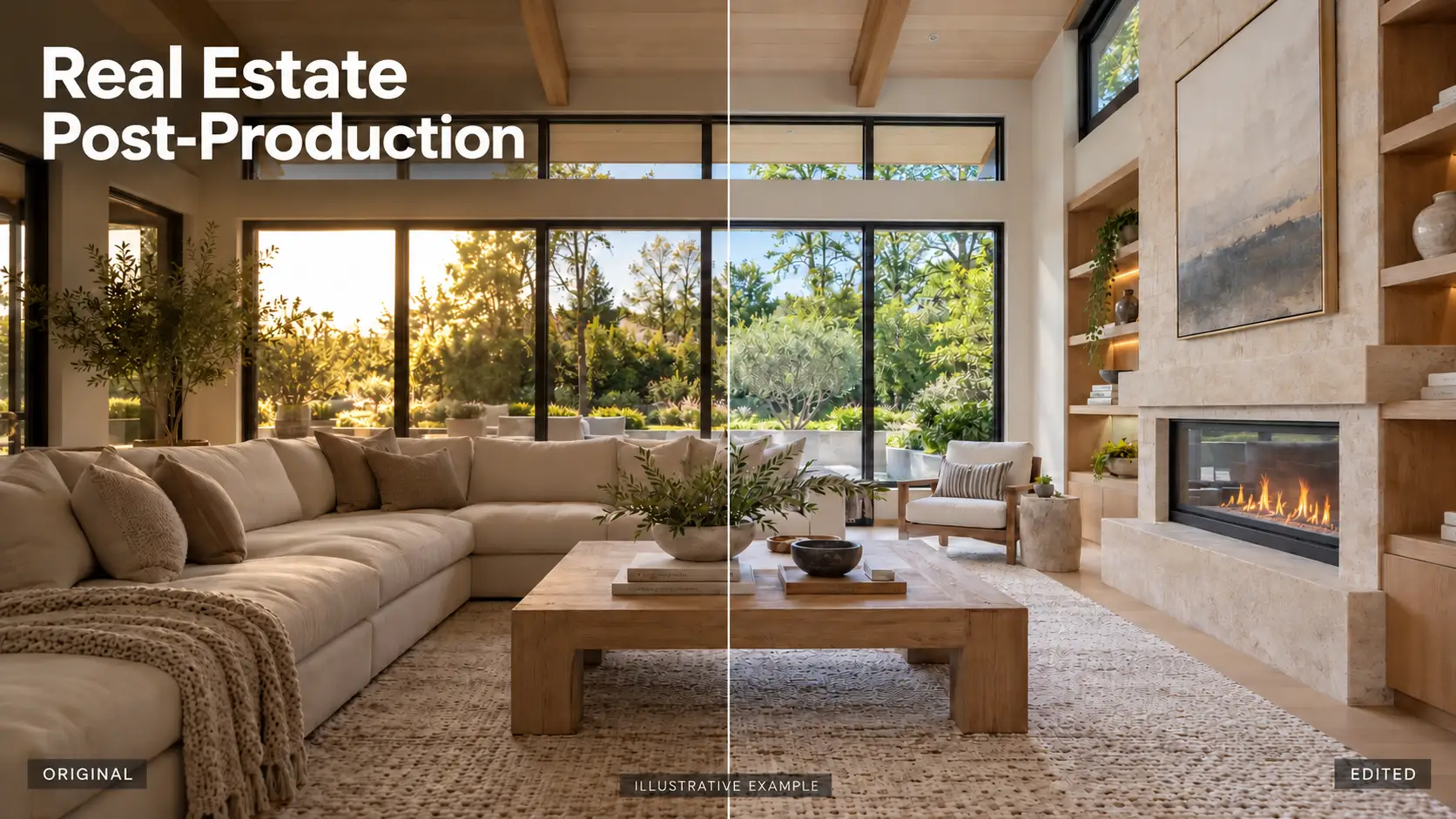
Real Estate Post-Production: A Complete Guide for Photographers and Media Teams
Oct 2, 2026
AI in Real Estate: A New Leap for Property Professionals
Sep 9, 2026
AI for Real Estate Marketing: A Practical Guide for Agents and Agencies
Sep 9, 2026
AI for Real Estate Agents: Practical Uses and Future Trends
Sep 7, 2026
15 Real Estate AI Companies to Know in 2026
Sep 5, 2026