Rotider Media Logo
October 31, 2025
Real Estate AI

How to Make AI Video from an Image Easily
How to Make AI Video from an Image Easily
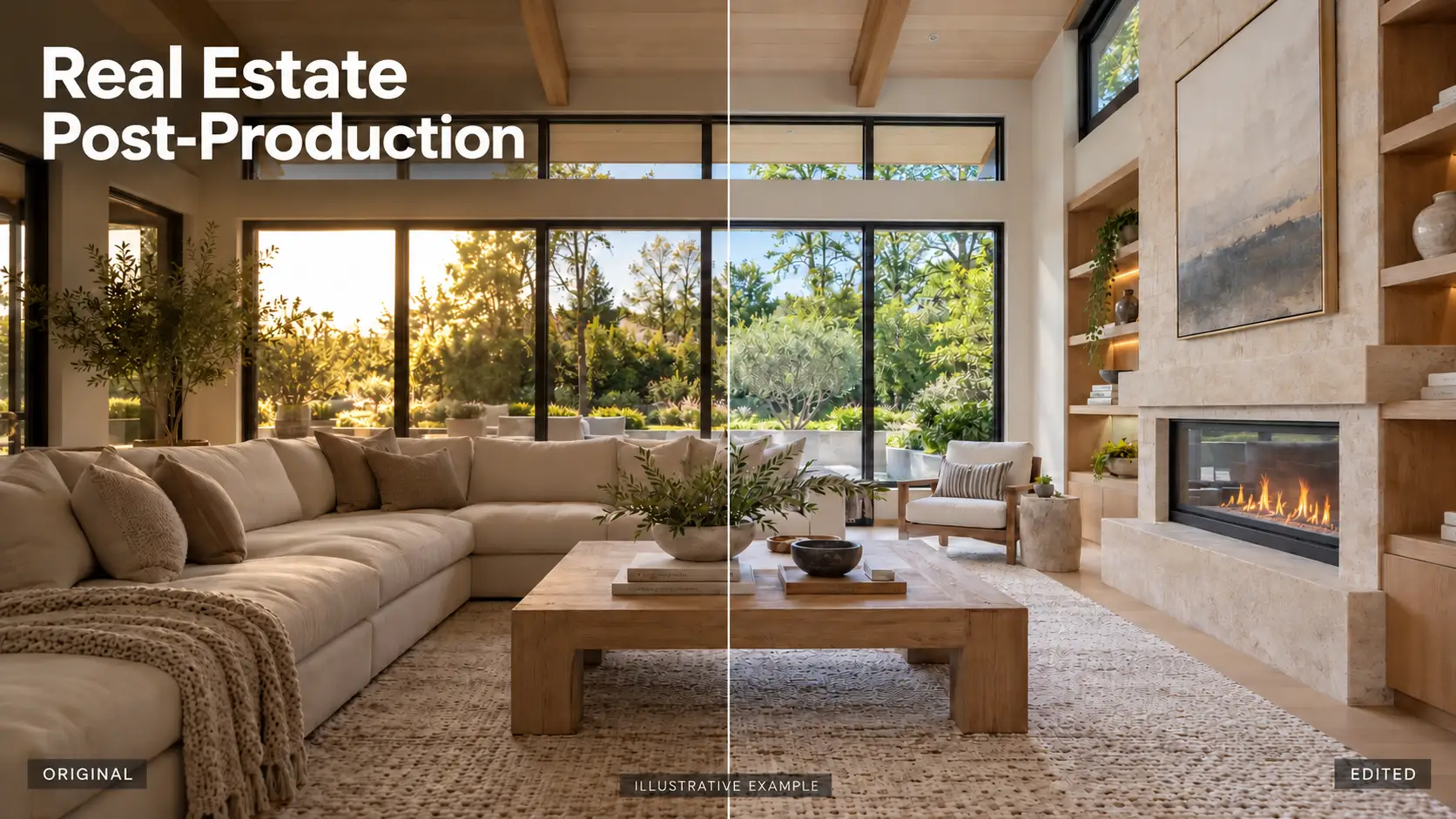
Creating a video from a single image has never been easier. In this guide, you’ll learn how to make AI video from image step by step, explore the best AI tools of 2025, and discover how professional editing services can transform static photos into engaging, dynamic videos. Whether you’re a marketer, designer, or content creator, this guide will help you unlock your creative potential using just one image.

1. Why Use AI to Make Video from an Image? 

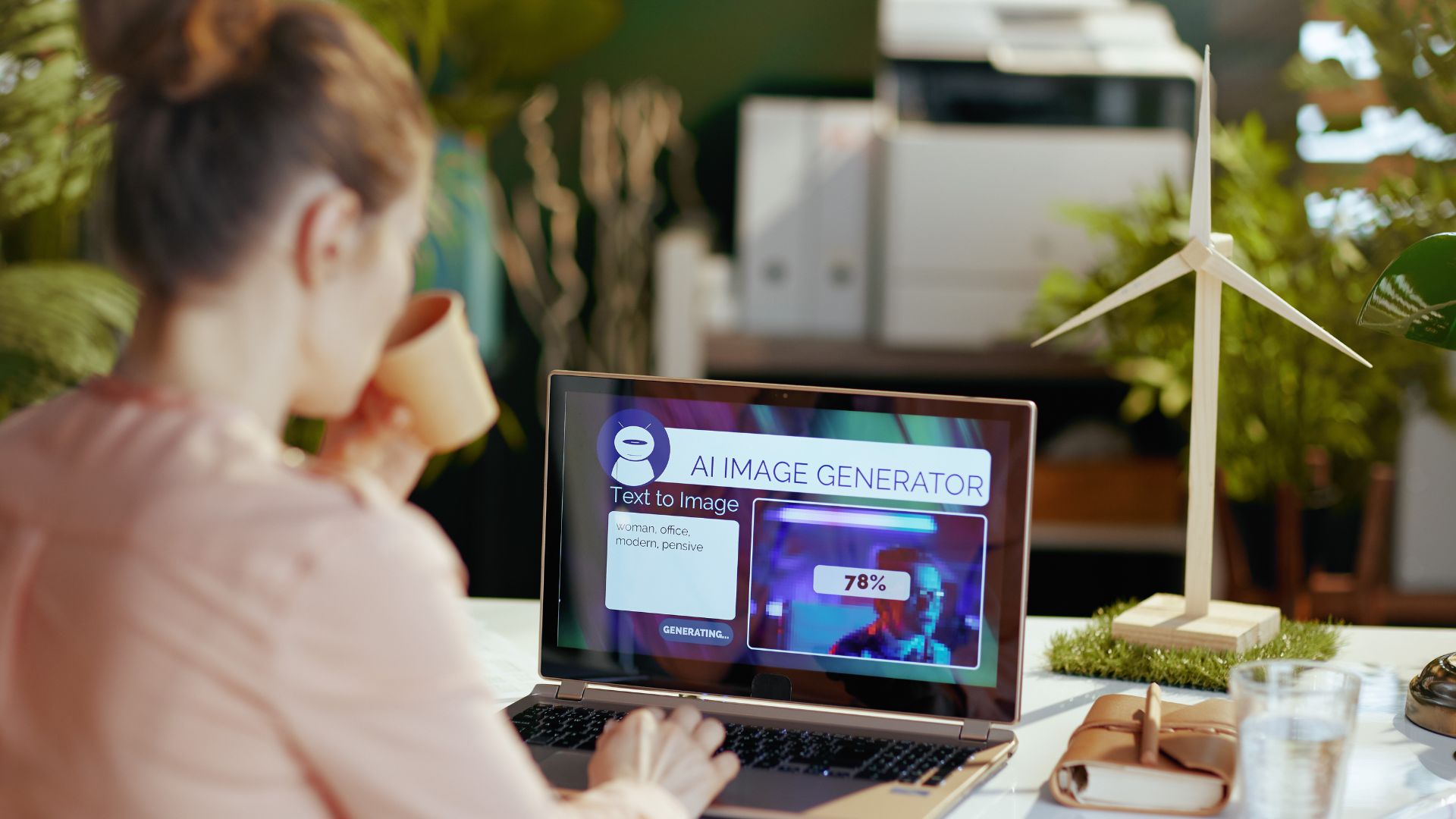
In the real estate industry, visual presentation plays a crucial role in attracting potential buyers. Traditional videos often require professional filming, equipment, and high production costs, but with AI video technology, you can now transform a single property image into a stunning, motion-based video in just minutes. 
Below are the key reasons why you should start using AI to create videos from images:
  • Save Time and Reduce Production Costs: Traditional video production often requires cameras, lighting equipment, and editing teams. With AI tools, you can create dynamic videos from existing photos in minutes. 
  • Enhance Visual Appeal and Engagement: Animated visuals perform significantly better on social media and websites. AI-generated videos attract more clicks, longer viewing times, and higher conversion rates than static images.
  • Unlock Unlimited Creative Possibilities: AI video tools allow you to experiment with multiple styles and effects, from cinematic camera movements to artistic lighting or talking avatars. You can easily adjust the tone, mood, and animation style to fit your brand or storytelling needs.
  • Maximize Marketing and Branding Impact: For real estate agents, marketers, and content creators, AI videos are a powerful way to showcase properties, products, or services. Turning a simple image into a dynamic video can help increase visibility, build stronger emotional connections.
  • Accessible for Everyone: Even without technical or editing skills, anyone can make AI videos from images using simple online tools. This accessibility allows small businesses and independent creators to compete with professional productions while maintaining creative control.
Why Use AI to Make Video from an Image
By leveraging AI to create videos from images, you can combine technology and creativity to produce high-quality, motion-rich visuals that capture attention, save time, and enhance your brand presence. 

2. Best AI Tools to Create Video from Image (2025 Update)

AI-powered video generation tools have made it easier than ever to transform a single photo into a dynamic, cinematic video. Whether you’re creating real estate visuals, product showcases, or marketing reels, these tools can turn still images into professional-quality videos in just minutes.
Below are the best AI tools to create video from image in 2025: 

2.1. PixVerse

PixVerse is one of the newest and most advanced AI video generators that turns images into cinematic motion. It uses deep learning models to add realistic camera movement, lighting effects, and animation styles.
Key Features:
  • Create cinematic scenes from still images
  • Customize motion direction and lighting
  • Support for realistic depth and focus effects

2.2. Pika Labs

Pika Labs is a popular AI video creation platform that specializes in image-to-video generation with smooth animation and cinematic effects. It offers simple controls and professional-grade results.
Key Features:
  • Upload an image and generate motion instantly
  • Text-to-video support for creative storytelling
  • High-quality cinematic filters

2.3. Runway ML

Runway ML is a powerhouse for creative professionals, offering advanced tools for AI video editing, image animation, and background generation. Filmmakers, designers, and marketers trust it.
Key Features:
  • AI-powered motion tracking and scene creation
  • High-end editing features for fine-tuning videos
  • Integrates easily with Adobe Premiere and After Effects

2.4. HeyGen

HeyGen focuses on creating talking avatar videos, turning portraits into speaking, lifelike characters. It’s especially useful for presentations, testimonials, or real estate introductions.
Key Features:
  • Turn an image into a talking AI avatar
  • Support for multiple voice and language options
  • Easy online editor with a template

2.5. Kaiber

Kaiber is known for its artistic approach to AI video creation. It allows users to transform an image into stylized motion, from cinematic zooms to surreal animated visuals.
Key Features:
  • AI-powered camera movement and artistic filters
  • Custom animation styles (realistic, cartoon, cinematic, etc.)
  • Quick render times and easy workflow

2.6. Pixlr

While best known as a photo editor, Pixlr now includes AI animation tools that let users add movement, transitions, and effects to still images, turning photos into short videos or GIFs.
Key Features:
  • Easy-to-use motion and pan effects
  • Built-in templates and transitions
  • Ideal for quick social media content

3. Step-by-Step: How to Make AI Video from an Image Easily

After choosing the right AI tool that fits your goals, explore how to make AI video from an image easily – step by step, and create dynamic, professional videos in just a few minutes. 
Step 1: Choose a High-Quality Image
Start with a clear, high-resolution image that highlights the property or subject you want to showcase. In real estate, this could be a bright interior photo, a stunning exterior shot, or a twilight scene. The better the image quality, the more realistic and professional your AI video will look.
Step 2: Upload Your Image and Set the Parameters
After selecting your tool, upload your chosen image. Set key parameters like:
  • Aspect ratio (16:9 for YouTube, 9:16 for Reels, or square for posts)
  • Animation style (camera pan, zoom, lighting movement, etc.)
  • Duration and transitions for smoother motion
This customization helps AI generate a video that feels natural and visually appealing.
Step 3: Add Audio, Voice, or Text Prompt (Optional)
Enhance your AI video with background music, a voice-over, or descriptive text prompts. 
Voice or music can add emotional depth, especially in real estate videos showcasing luxury interiors or cozy home vibes.
Step 4: Generate, Review, and Download Your AI Video
Once your settings are ready, click “Generate.” The AI will process your image and create the video within minutes. Review the result: adjust effects, lighting, or motion if needed
By following these steps, anyone can make AI video from an image easily and turn static photos into captivating, motion-rich visuals. 

4. Make AI Video with Professional Editing Services

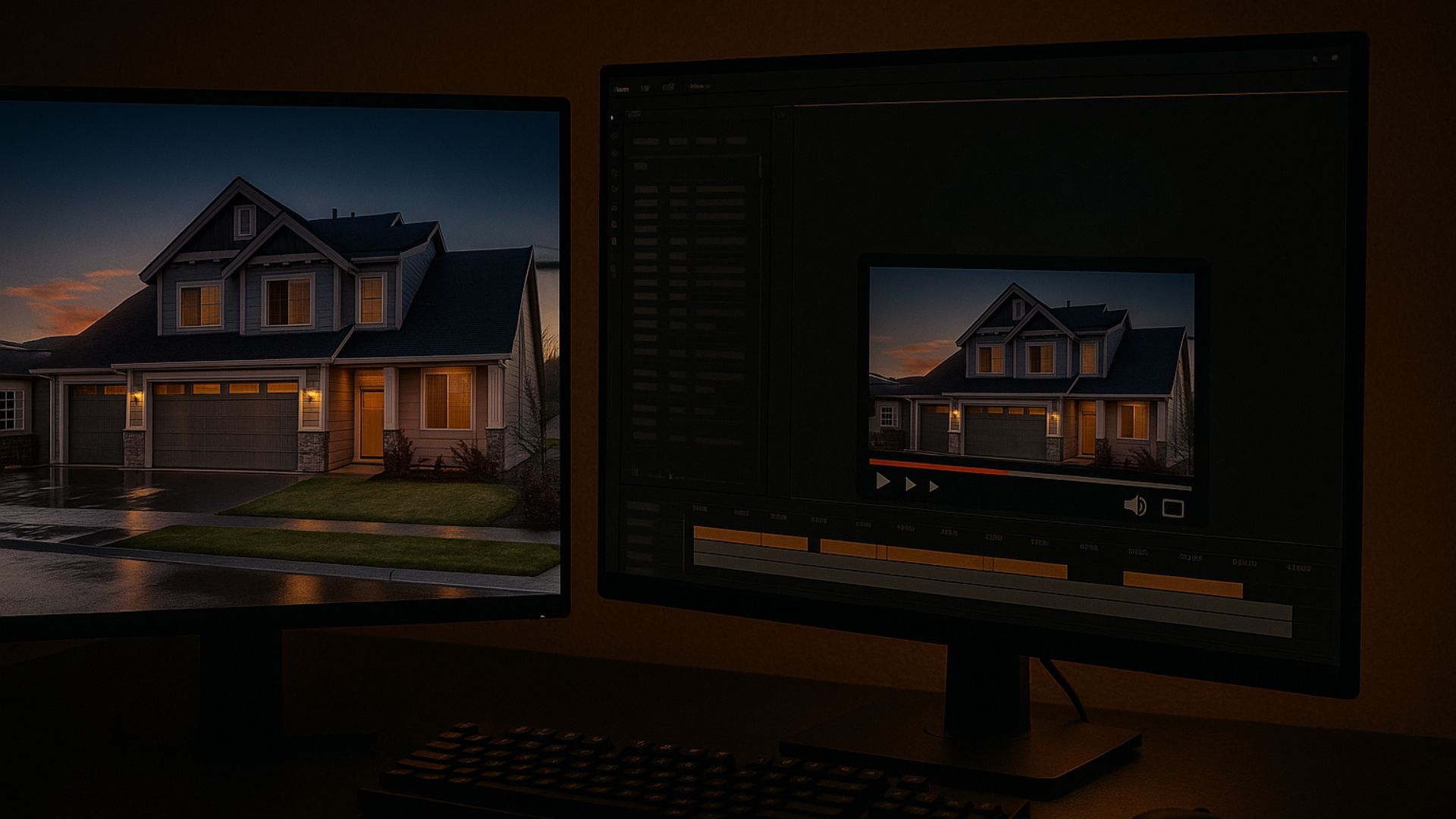
AI tools have made it easier than ever to turn still images into moving visuals, but not every AI-generated video looks perfect. Many videos can appear unnatural, overly animated, or artificial, which may reduce credibility, especially in industries like real estate where authenticity matters most. That’s why combining AI video creation with professional editing services is essential to achieve smooth, realistic, and emotionally engaging results.
A professional editor can refine your AI-generated footage by adjusting lighting, colors, transitions, and pacing, making the video feel natural rather than robotic. This combination ensures that your content not only looks stunning but also builds trust and visual consistency across your brand.
At Rotider Media, we specialize in transforming AI-generated visuals into high-quality, lifelike videos tailored for real estate marketing and creative storytelling. Our post-production team enhances every frame with precision, from HDR tone-mapping and cinematic lighting to sky replacement and smooth motion effects that feel authentic and captivating.
By blending AI technology with expert human editing, we deliver videos that maintain realism, beautifully highlight property details, and resonate emotionally with viewers. 
Why Partner with Rotider Media? 
  • Human Touch to AI Creations: Eliminate the artificial “AI look” and achieve smooth, natural movements.
  • Cinematic Quality: Professional color grading, lighting balance, and storytelling flow.
  • Tailored for Real Estate: Every edit is optimized to enhance property value and viewer engagement.
  • Consistent Results: Uniform tone, style, and quality across all marketing visuals.
Vivian Nguyen
Vivian Nguyen

Photo Post-production Specialist

Hi, I’m Vivian Nguyen, a Photo Post-production Specialist at Rotider Media, specializing in real estate image editing and professional post-production workflows. My work focuses on HDR and flambient editing, color correction, image retouching, virtual twilight, and quality control for high-volume real estate photography. Through hands-on production experience, I share practical insights into photo editing techniques, workflow optimization, and visual standards for real estate media.

Was this article helpful?

Your feedback helps us create more useful real estate media guides.

Share this article
Share via email
Share on Facebook
Share on X
Share on LinkedIn
Share on Reddit

No Spam, Just Updates

Our fresh blogs provide technical and industrial information that helps strengthen your business. Sign up to be the first to receive the new updates