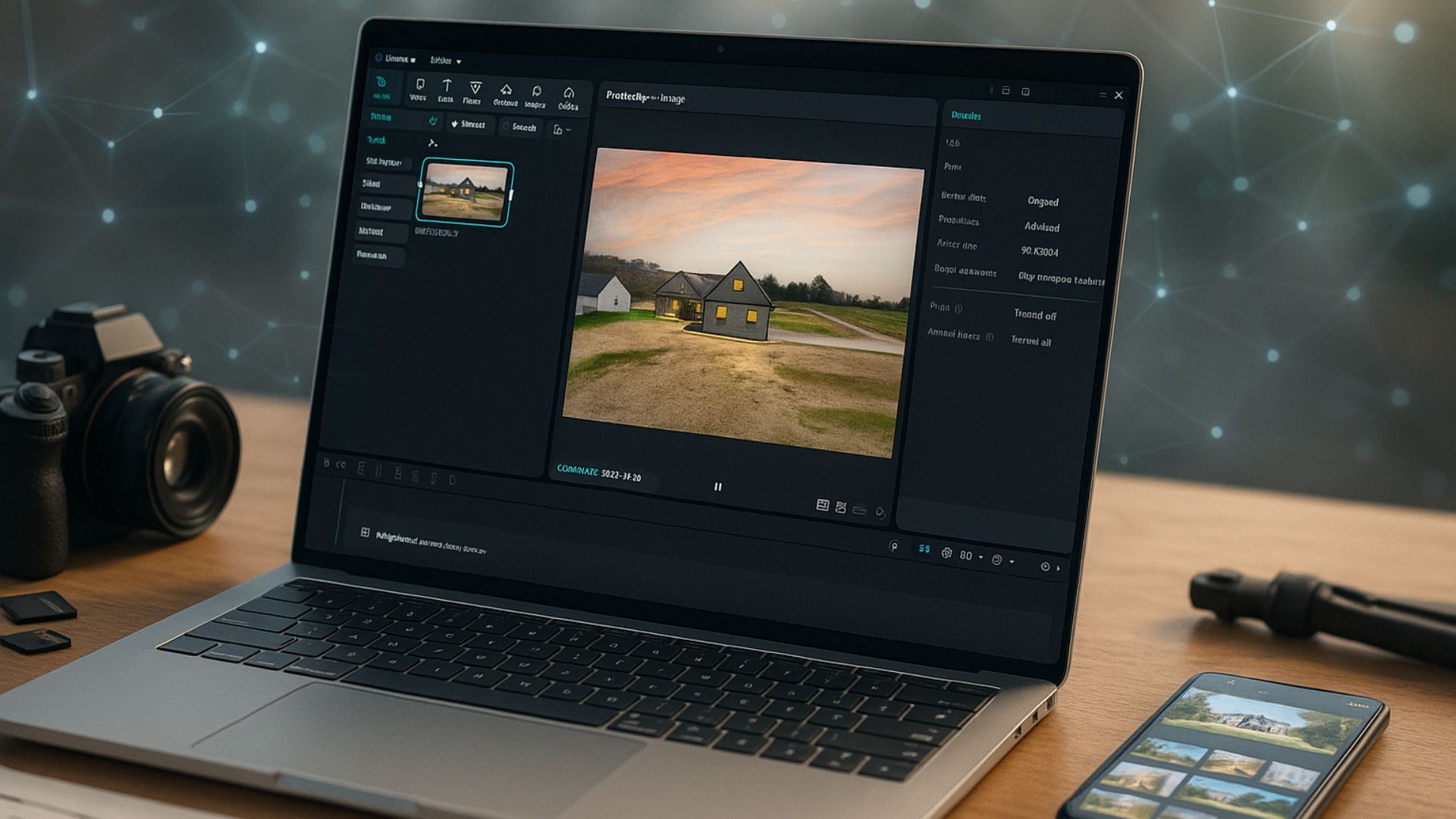
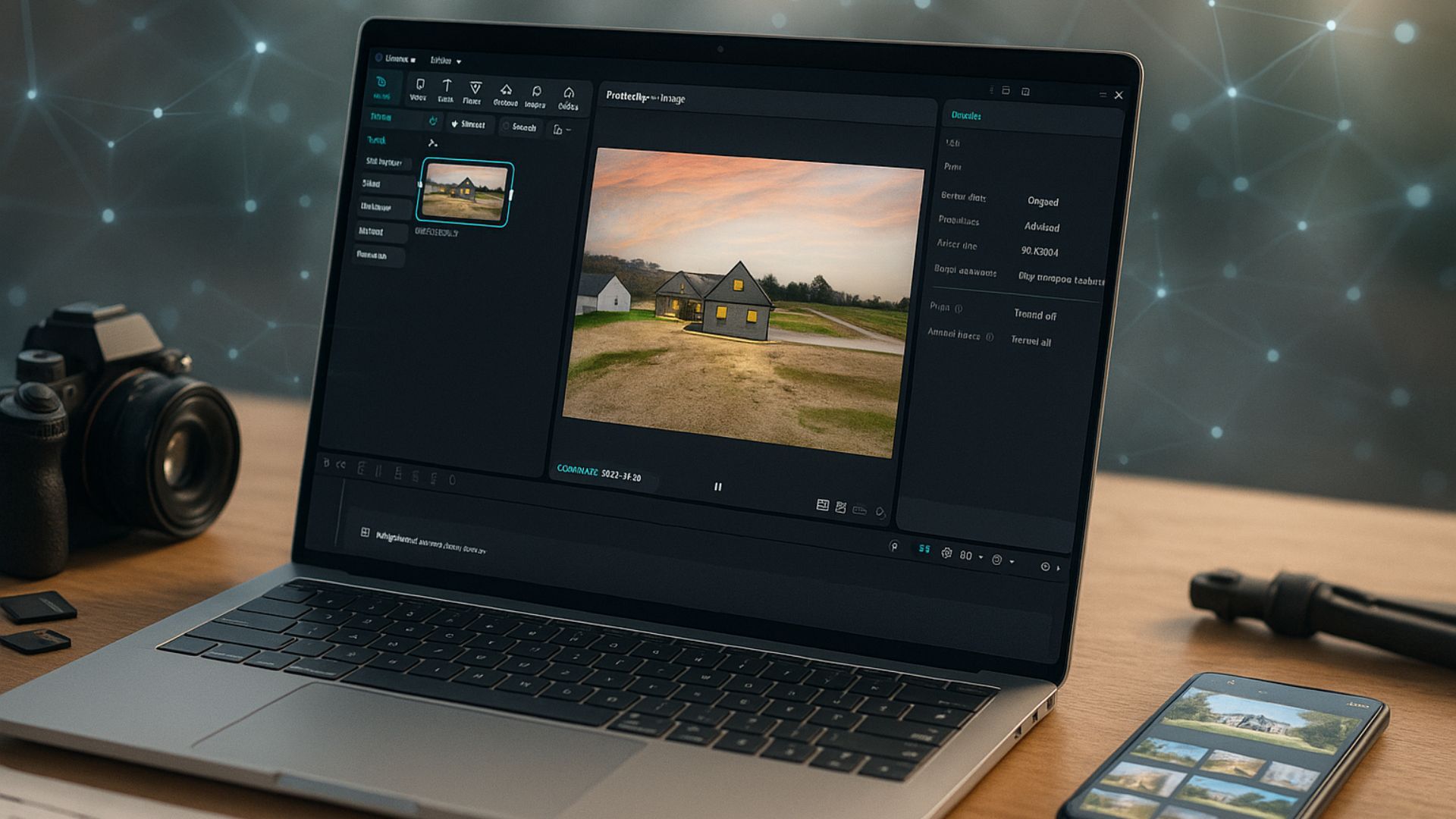
Looking to create property videos that grab attention without spending hours editing? In this guide, you’ll learn how to make AI video in CapCut, a simple yet powerful tool that helps real estate agents and marketers turn listings, photos, or short descriptions into professional, high-quality videos in minutes.
1. Step-by-Step: How to Make AI Video in CapCut
CapCut is a simple yet powerful video editing platform with an intuitive interface and built-in AI tools, allowing real estate professionals to create eye-catching property videos in minutes. With features like Script to Video, AI Voiceover, and Auto Captions, CapCut automatically transforms your text or listing description into an engaging video with transitions, sound, and visuals.
Whether you want to showcase a luxury home, promote a new listing, or build your brand online, CapCut’s AI tools make the process faster, easier, and more professional.
Below is a step-by-step guide on how to make AI video in CapCut for real estate, even if you have no video editing experience: Step 1: Prepare Your Real Estate Assets
Start by collecting all the materials you’ll need, like real estate photos, short video clips, or virtual tour footage.
Write a short description of the listing, including:
- Property type and location
- Key features (e.g., 3 bedrooms, ocean view, modern kitchen)
- Call to action (e.g., “Contact us for a viewing”)
This text will serve as the script for your AI-generated video.
Step 2: Open CapCut and Choose an AI Template
- Open CapCut and navigate to the AI Tools or Templates tab.
- Search for templates using keywords like real estate, property showcase, or home tour.
- Choose one that matches your style: vertical (9:16) for social media or horizontal (16:9) for YouTube.
Templates help you save time by giving your video a professional layout instantly.
Step 3: Use the “Script to Video” Feature
Go to AI Script to Video and paste your property description. CapCut’s AI will automatically generate:
- A sequence of clips that match your text,
- Smooth transitions,
- Matching background music.
You can preview the video and adjust any scene, text, or image as needed.
This feature is perfect for turning listings or blog descriptions into short promotional videos.
Step 4: Add AI Voiceover and Captions
To make your video sound professional, use AI Voiceover.
Choose from various natural voices: male or female, friendly or corporate tones. Then, enable Auto Captions so viewers can follow along even with the sound off.
2. Why Use AI Video in CapCut for Real Estate
CapCut’s built-in AI tools make it possible for real estate professionals to create high-quality, engaging property videos in minutes without needing a production team or advanced software.
Here’s why using AI video in CapCut is a smart choice for your real estate business:
– Save Time and Effort: AI automates the entire video creation process from generating scenes to syncing voiceovers and adding captions. Instead of spending hours editing, you can create a listing video in under minutes.
– No Editing Skills Required: Capcut provides ready-made templates, automatic scene transitions, and AI-enhanced effects that make every video look refined and consistent with your brand.
– Cost-Effective Marketing Solution: Hiring a videographer or editor for every listing can be expensive. CapCut’s AI tools can produce multiple property videos from luxury home tours to rental showcases at no extra cost.
– Boost Engagement and Reach: Videos created with AI are dynamic, visually appealing, and attention-grabbing within the first few seconds. This increases your chances of higher engagement, shares, and inquiries.
3. Best AI Features in CapCut for Real Estate Videos
CapCut provides a complete toolkit of smart editing functions that help transform property listings, lifestyle clips, or agent introductions into high-quality videos ready for social media or websites.
Here are some of the best AI tools every real estate professional should take advantage of:
AI Video Generator
This is the heart of CapCut’s AI editing system.
Simply type a short description of your property or upload your media (images, clips), and the AI Video Generator automatically creates a complete video, including text animations, music, transitions, and voiceover options.
Perfect for agents who want to turn listing photos into promotional videos in just a few minutes.
AI Script & Subtitle Generator
If you struggle with writing property descriptions or captions, CapCut’s AI Script Generator can create engaging text for your videos.
AI Voiceover & Text-to-Speech
CapCut’s Text-to-Speech (TTS) feature allows you to add natural, professional narration without hiring a voice actor.
Choose from multiple voice styles, warm and friendly, confident and corporate, to match your brand tone or property style.
Auto Caption, Color Correction, and Background Remover
CapCut’s AI tools don’t stop at text; they enhance visuals:
- The AI Color Enhancement automatically adjusts brightness, contrast, and saturation, making real estate interiors look more inviting.
- The AI Background Remover helps isolate property shots or agent portraits for clean, professional thumbnails or overlays.
AI Style Transfer & Filters
For branding consistency, CapCut’s AI Style Filters let you maintain a uniform tone across all your property videos.
Whether you prefer a bright daylight look or a moody twilight atmosphere, AI can automatically apply the desired aesthetic to multiple clips, saving hours of manual editing.
4. Tips to Make Your AI Real Estate Videos Stand Out
AI has become an essential part of modern real estate marketing. From creating property highlights to crafting virtual tours, AI video tools help agents and marketers produce engaging content faster than ever. With platforms like CapCut, Pika Labs, or Runway, even those without editing experience can turn photos, scripts, or short clips into professional-looking videos in minutes.
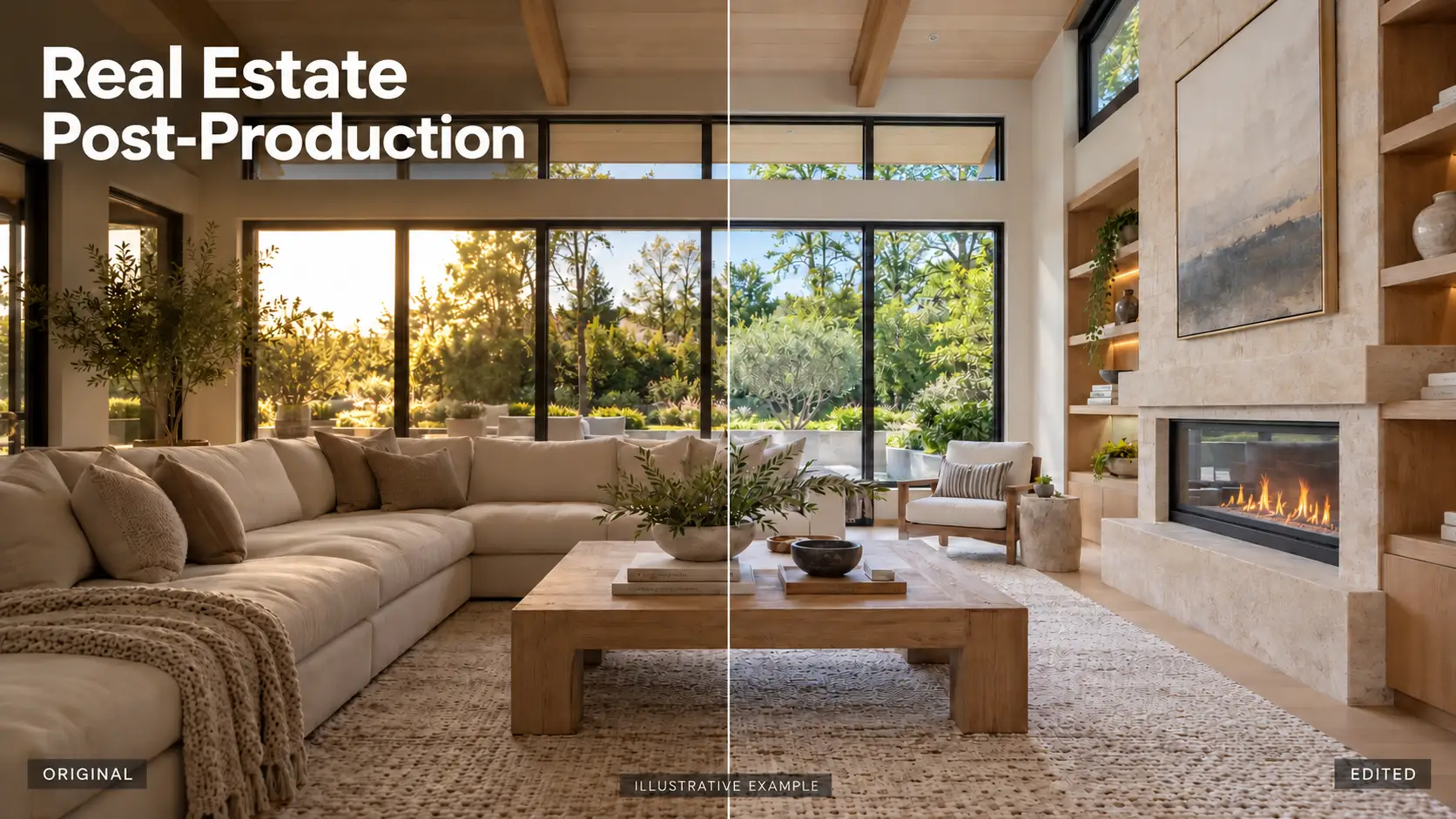
However, while AI brings incredible efficiency, it still lacks the creative judgment, storytelling sense, and emotional nuance that only humans can provide. Great real estate videos do more than show a property; they communicate atmosphere, lifestyle, and value. This level of storytelling requires a human touch to refine pacing, color tones, and composition in a way that connects with viewers on an emotional level.
That’s why the most effective approach is to combine AI tools with professional post-production expertise.
While AI handles automation, professional editors bring your real estate videos to life, ensuring every frame looks clean, cohesive, and emotionally engaging.
How Professional Editing Elevates AI-Generated Videos
- Refining Visual Details: Editors adjust color balance, exposure, and tone to make the property feel natural and inviting, avoiding the “AI flat look” that often lacks depth or warmth.
- Enhancing Composition and Flow: Human editors know how to pace the video, choose the right transitions, and guide the viewer’s attention through each space smoothly.
- Maintaining Brand Consistency: Every video aligns with your brand’s visual identity, from color grading to typography and motion style, helping you build recognition across platforms.
- Adding Emotional Connection: Professionals can emphasize storytelling through light, rhythm, and music, turning an AI-generated sequence into an immersive viewing experience that captures attention and builds trust.
At Rotider Media, we combine the innovation of AI technology with the creativity and precision of our professional editors to produce real estate videos that truly stand out. AI helps us work faster and smarter, while our team ensures that every detail, from color and lighting to emotion, is carefully refined to reflect your brand’s story and vision.
The result is not just a video, but a powerful visual experience that captures attention, builds trust, and inspires.
Why Choose Rotider Media?
- AI-Powered Efficiency: We combine advanced AI tools with human expertise to simplify the process and deliver your videos faster with professional quality.
- Human Expertise: Our editors bring creativity, storytelling, and a clear understanding of your brand to every project.
- Made for Real Estate: Each edit is designed to highlight the property’s best features, from architecture and lighting to atmosphere and lifestyle.
- Consistent Branding: We make sure every video aligns perfectly with your agency’s style and marketing direction.