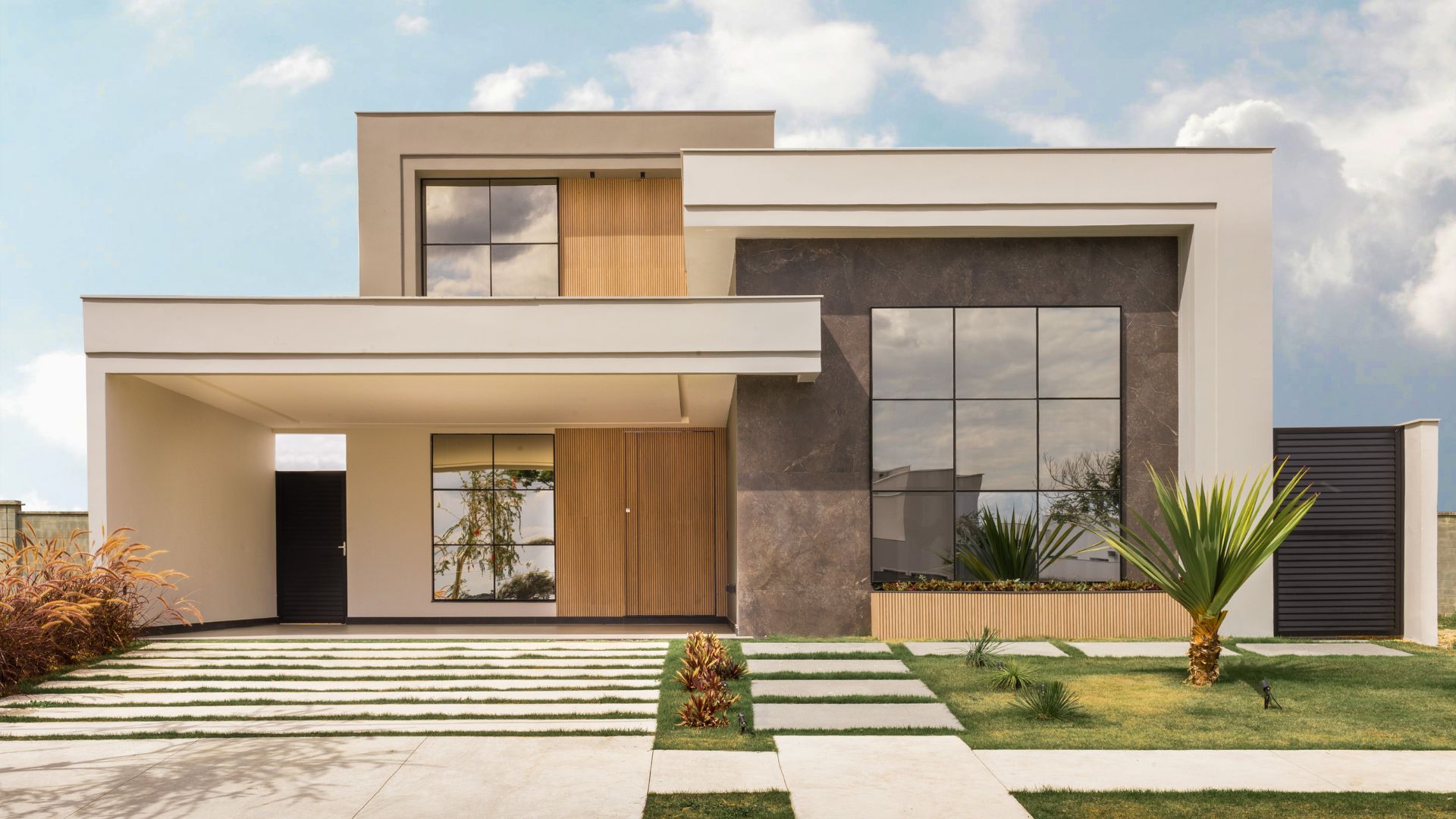
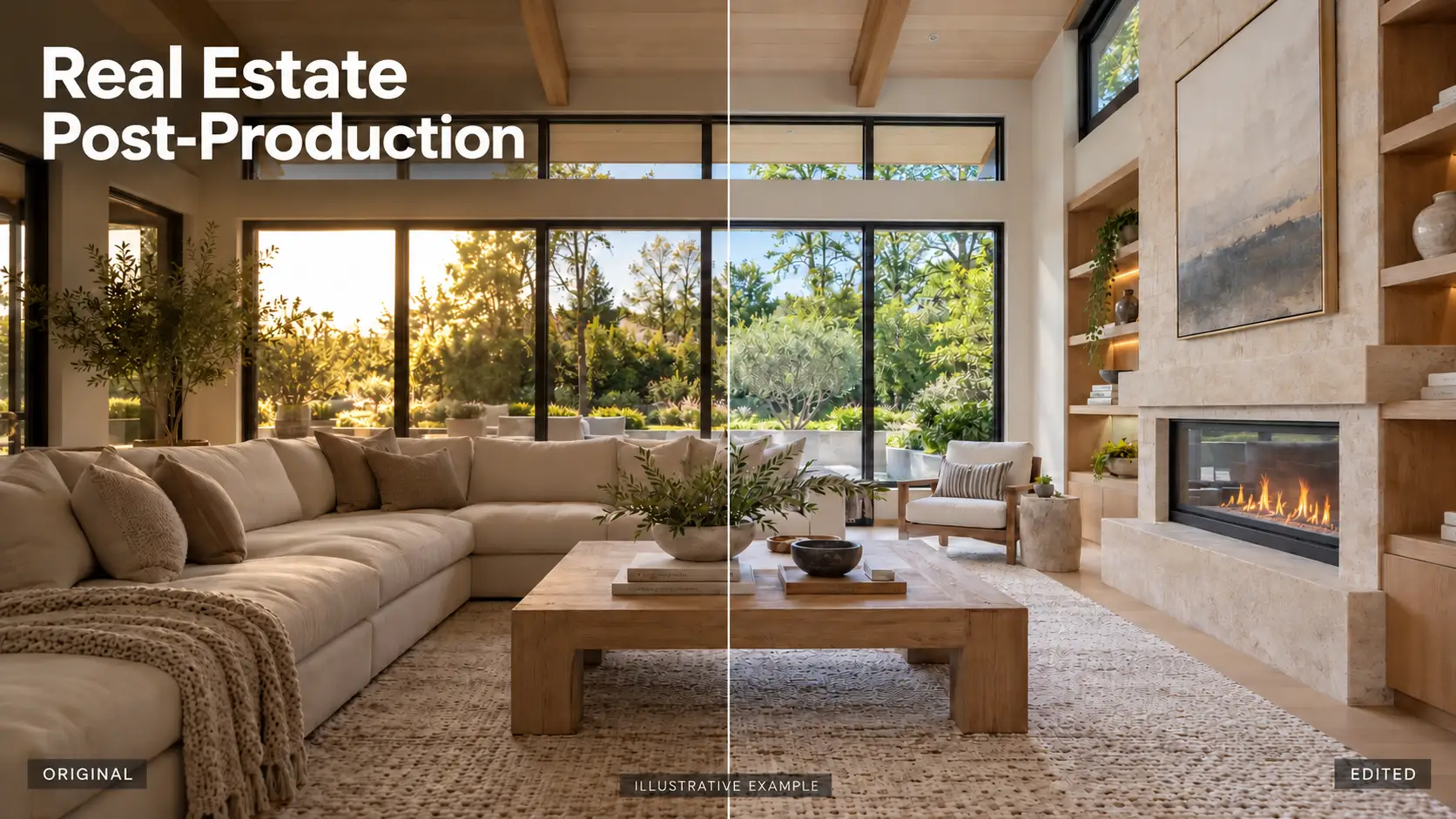
Flip layers in Photoshop real estate photo editing is a fundamental technique that helps editors refine composition, correct lighting direction, and maintain visual balance in property images. While the action itself is simple, using it correctly requires a clear understanding of real estate photography standards, spatial logic, and buyer perception. When applied properly, flip layers can significantly enhance the realism and professionalism of listing photos.
1. What is Flip Layers in Real Estate Photo Editing?
Flip layers refers to flipping an individual layer horizontally or vertically in Photoshop without affecting the entire image canvas. This allows editors to adjust specific visual elements while keeping the main structure of the property unchanged.
In real estate photo editing, flip layers is often used on:
- Exposure layers in HDR blending
- Sky replacement layers
- Window view replacement layers
- Reflection or shadow elements
Unlike flipping the whole image, flipping a single layer gives editors greater control. It allows them to test different visual directions, correct inconsistencies, and fine-tune composition without reshooting the property or compromising image quality.
Flipping layers does not reduce resolution or distort details. Instead, it is a non-destructive way to optimize how elements interact visually within the frame.
2. When do you need to use Flip Layers in Real Estate Photo Editing?
Flipping layers is not a technique that should be applied randomly. In real estate photo editing, it is used in specific situations to improve realism, lighting logic, and visual balance.
HDR blending and exposure alignment
Visual weight can occur. Flipping an exposure layer helps editors evaluate balance and detect lighting inconsistencies. This is especially useful when one side of the image appears heavier or brighter than the other.
Window view replacement
Interior photos often require replacing blown-out windows with a clear exterior view. If the outdoor image has a conflicting light direction, flipping the window view layer can help match sunlight and shadows with the interior lighting, making the scene feel natural and seamless.
Sky replacement in exterior photos
Sky direction plays a major role in exterior realism. Flip layers is used to adjust cloud flow and sun direction so they align with the building facade. This prevents unnatural highlights or shadows that can make the image look edited.
Composition and visual balance check
Flipping a layer is also an effective way to review composition. It allows editors to spot imbalance, awkward spacing, or perspective issues that may not be obvious at first glance. This step helps refine symmetry and improve overall image flow.
3. How to Flip Layers in Photoshop
Flipping layers in Photoshop is technically simple, but in real estate photo editing, it must be done carefully to avoid visual or architectural mistakes. Below are the recommended steps and best practices.
Step 1: Select the correct layer
Before flipping, identify exactly which layer needs adjustment. This is usually:
- An exposure layer in HDR blending
- A sky replacement layer
- A window view layer
Avoid flipping the background layer unless it is necessary. Converting the layer to a Smart Object is highly recommended to keep the edit non-destructive.
Step 2: Apply the flip transformation
There are two common ways to flip a layer in Photoshop:
- Go to Edit > Transform > Flip Horizontal or Flip Vertical
- Or press Ctrl/Cmd + T, right-click on the canvas, then choose Flip
This allows you to flip only the selected layer without affecting the rest of the image.
Step 3: Review lighting and perspective
After flipping, carefully check:
- Light direction and shadow placement
- Architectural lines and symmetry
- Reflections on windows or glossy surfaces
The flipped layer should blend naturally with the rest of the scene and follow logical lighting rules.
Step 4: Check for critical details
Make sure no important elements are reversed or distorted, such as:
- Text or numbers
- Signage or logos
- Recognizable architectural features
If flipping causes confusion or misrepresents the property layout, the action should be undone.
Used correctly, flipping layers is a precise adjustment tool that helps refine composition and realism in professional real estate photo editing.
4. Flip layer in Photoshop with a professional editing service.
Flipping layers in Photoshop may look like a simple technical step, but in real estate photo editing, it directly affects accuracy, credibility, and visual trust. This is why professional editing is essential.
Why is professional real estate photo editing necessary?
- Inexperienced use of flip layers can easily cause serious issues, such as:
- Incorrect light direction that looks unnatural or staged
- Reversed room layouts that misrepresent the property
- Shadows and reflections that do not match the environment
Real estate photos are not just images; they are visual information. Any small mistake can confuse buyers or reduce confidence in a listing. Professional editing ensures that every adjustment supports realism rather than distorting it.
How professional editing services handle flip layers correctly
Professional real estate photo editing companies apply flip layers within a structured workflow. Editors do not flip layers for visual effect alone. Instead, they evaluate:
- Natural light direction and shadow logic
- Architectural orientation and symmetry
- Interior and exterior consistency
Flip layers are only applied to specific elements, such as sky, window views, or exposure layers, never to the entire image unless it is technically justified. Each flipped layer is reviewed carefully to ensure it aligns with real-world lighting and perspective.
At Rotider Media, flip layers are treated as a precision tool rather than a shortcut. Our professional editors understand how buyers perceive real estate images and how small technical choices impact listing performance. Rotider Media follows strict quality control standards and real estate editing compliant practices. Every flipped layer is checked for lighting consistency, spatial accuracy, and natural blending. The result is clean, balanced, and trustworthy real estate photos that help listings stand out without misleading viewers.
By choosing Rotider Media, photographers and real estate professionals can be confident that even subtle techniques like flip layers are handled with expertise and purpose.