

The best Canon RF lens for real estate photography should give you enough width for interiors, flexible framing and dependable results after lens corrections. The right choice also depends on whether you shoot listing photos, property videos or both.
For full-frame listing photography, start by comparing the RF 14–35mm F4 L IS USM: its range combines wider framing than the 15–35mm with a longer end than the 16–28mm. Whether it is the right purchase depends on corrected image quality, handling and current price.
This shortlist covers a general-purpose wide zoom, a faster-aperture alternative, two lower-cost zoom options, a compact prime and a specialist ultra-wide. Recommendations are based on manufacturer specifications and workflow considerations, rather than hands-on comparative testing.
Best Canon RF Lenses at a Glance
These lenses are grouped by their intended use rather than ranked from best to worst. All six cover full-frame sensors and use Canon’s RF mount. On APS-C cameras, they produce a narrower field of view.
|
Lens |
Suggested use |
Main advantage |
Main limitation |
|
Canon RF 14–35mm F4 L IS USM |
Everyday professional property photography |
Broad range from ultra-wide interiors to tighter compositions |
Widest images require attention to lens corrections |
|
Canon RF 15–35mm F2.8 L IS USM |
Property work alongside video and other photography |
Constant f/2.8 aperture and range through 35mm |
Larger investment and heavier kit |
|
Canon RF 15–30mm F4.5–6.3 IS STM |
Budget-conscious full-frame photography |
Wide-angle zoom flexibility without an L-series budget |
Variable maximum aperture |
|
Canon RF 16–28mm F2.8 IS STM |
Compact photo-and-video setups |
Constant f/2.8 aperture in a smaller zoom |
Less coverage at both ends than the 14–35mm |
|
Canon RF 16mm F2.8 STM |
Lightweight kits and occasional property work |
Compact prime with a wide full-frame view |
Fixed focal length limits framing flexibility |
|
Canon RF 10–20mm F4 L IS STM |
Assignments requiring exceptionally wide coverage |
Extends beyond the coverage of conventional wide zooms |
Specialist range and different filter requirements |
Confirm current pricing, availability and compatibility before purchasing.
Best Canon RF Lenses for Real Estate Photography
Choose a Canon RF lens that addresses a specific framing or production need. Consider the following options according to your camera, shooting method and deliverables.
Canon RF 14–35mm F4 L IS USM
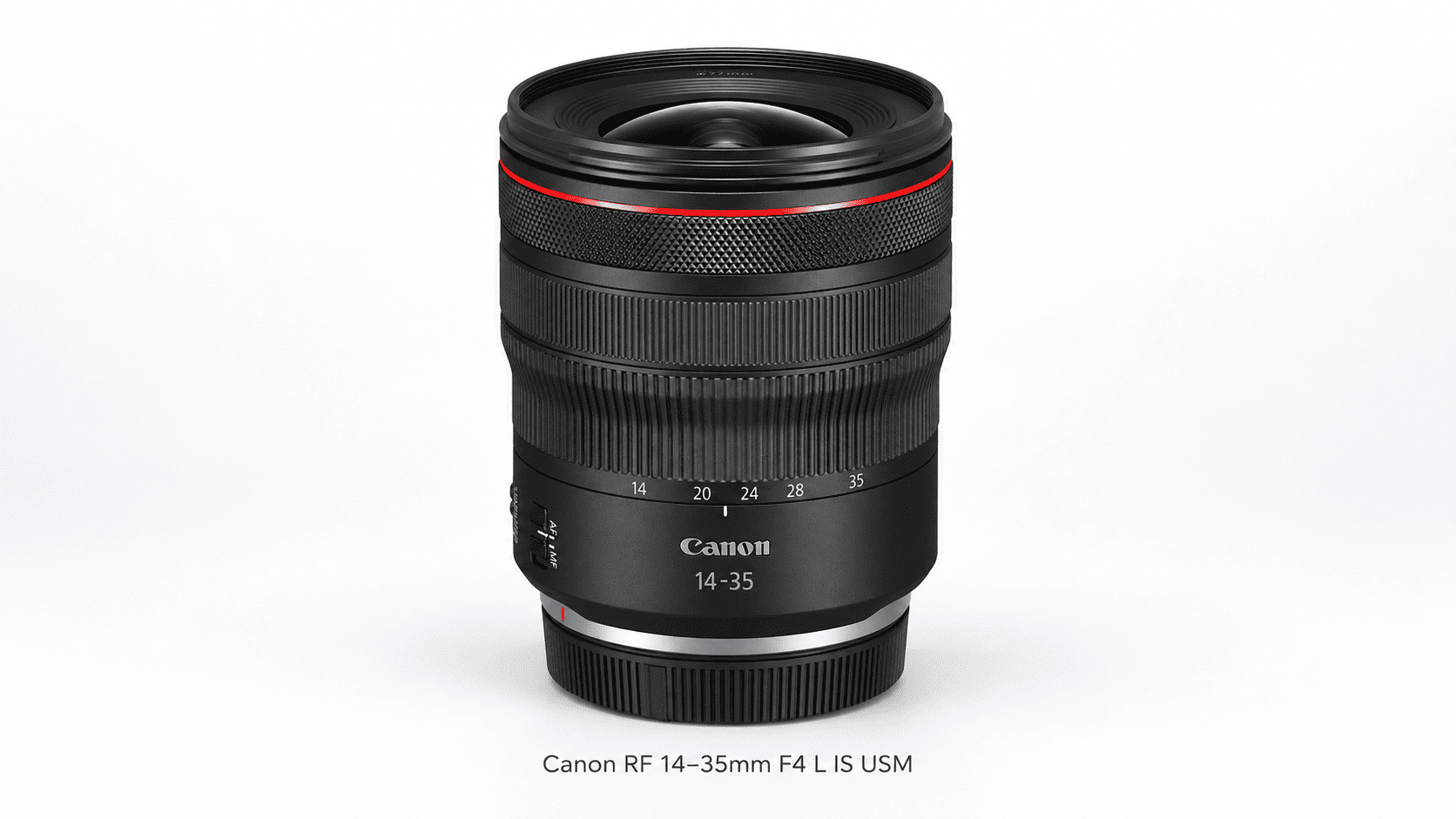
The RF 14–35mm is a practical primary zoom for full-frame EOS R photographers who need wide interior views and tighter property compositions.
Its focal range covers wide interior views, selected exterior compositions and some property details. Its constant f/4 maximum aperture is well suited to tripod-based photography, where you can choose a working aperture for the required depth of field.
Canon provides optical image stabilization, an L-series design and a conventional front-filter thread. Published specifications are available on the Canon RF 14–35mm support page.
Evaluate corrected RAW files at 14mm, checking corner detail and the framing retained after correction rather than relying only on the nominal focal length.
Consider this zoom when coverage and framing flexibility matter more than an f/2.8 maximum aperture.
Canon RF 15–35mm F2.8 L IS USM
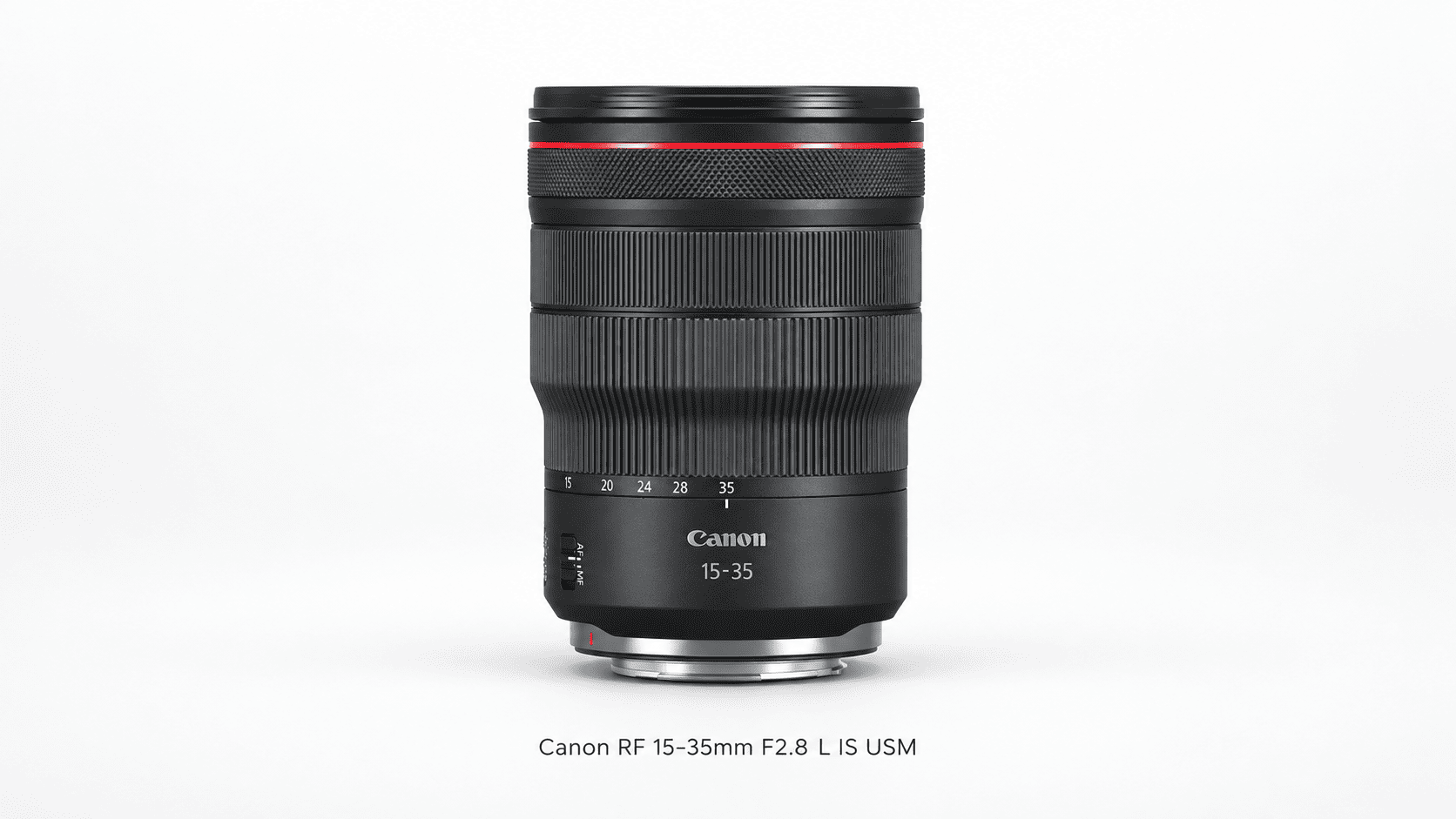
The RF 15–35mm is a compelling alternative when production requirements extend beyond tripod-mounted still photography.
Its constant f/2.8 aperture provides an additional stop of light compared with f/4. This can be useful for video, handheld photographs and assignments involving people. Canon also specifies optical stabilization and Nano USM focusing. See the official RF 15–35mm product information.
For listing photography, prioritize the focal range and handling you actually need. When both lenses are set to the same working aperture, shutter speed and ISO, their nominal exposure is similar, although actual light transmission can differ. A wider maximum aperture alone does not improve exposure in that situation.
Note that the focal range starts at 15mm rather than 14mm. Side-by-side framing comparisons from identical camera positions are recommended before choosing.
Consider the RF 15–35mm when you regularly need f/2.8 and its benefits justify the additional cost, size and weight.
Canon RF 15–30mm F4.5–6.3 IS STM
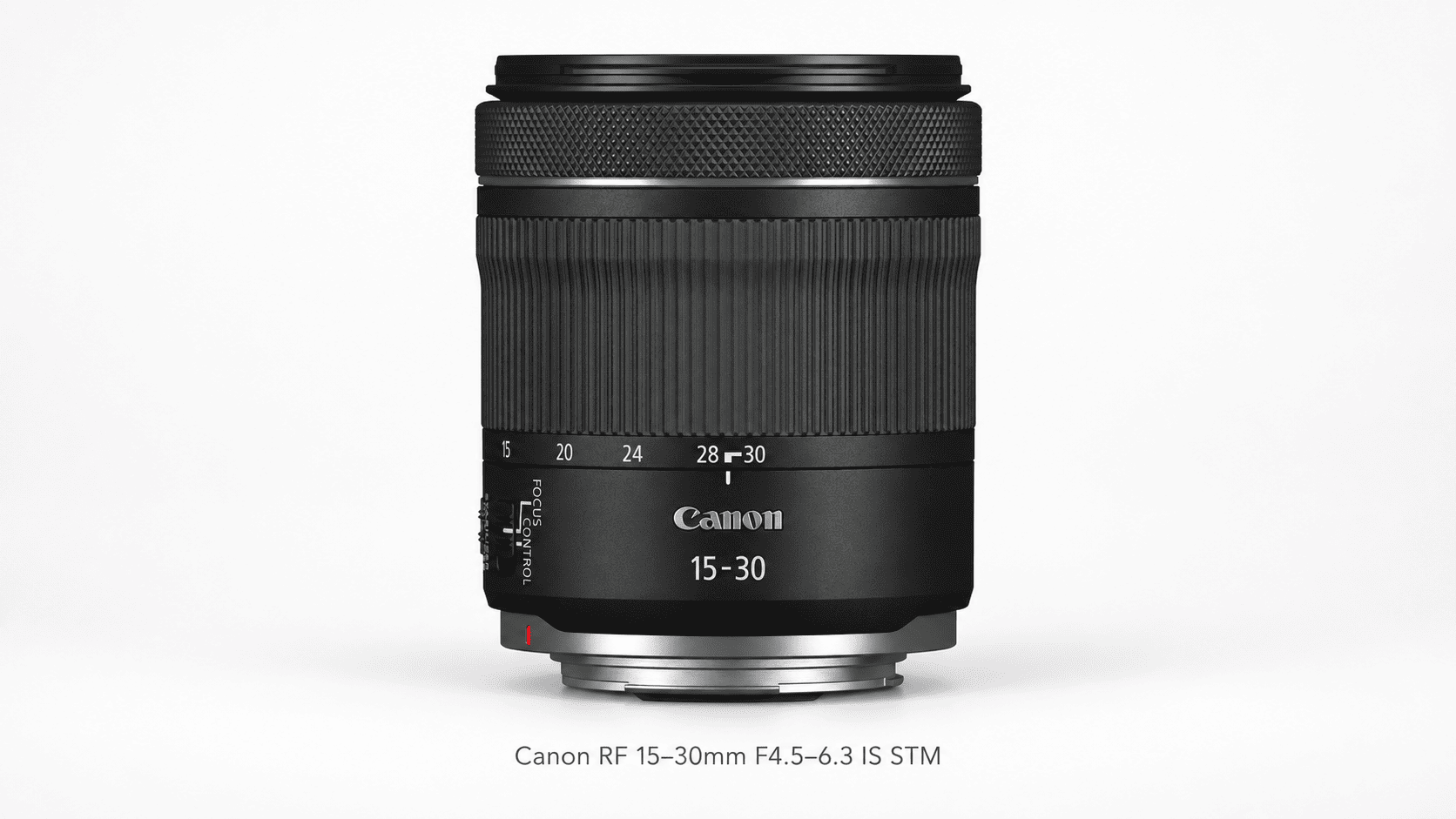
The RF 15–30mm serves as an accessible entry point for photographers adopting Canon's full-frame RF system on a restricted budget.
It combines a useful wide-angle zoom range with optical stabilization. Its maximum aperture changes from f/4.5 to f/6.3 as you zoom. Canon publishes its specifications and instructions on the RF 15–30mm support page.
A variable maximum aperture may be less important for static interiors when your chosen working aperture is available throughout the zoom range. Using the same working aperture can simplify exposure planning, but sharpness and other optical characteristics still vary with focal length. Check representative corrected files across the zoom range.
The trade-off becomes more evident during handheld operation or low-light video capture, which may necessitate auxiliary lighting, higher ISO values, or a faster lens.
Compare this option when you need a wide zoom while leaving more of the budget for a stable tripod, lighting and backup equipment.
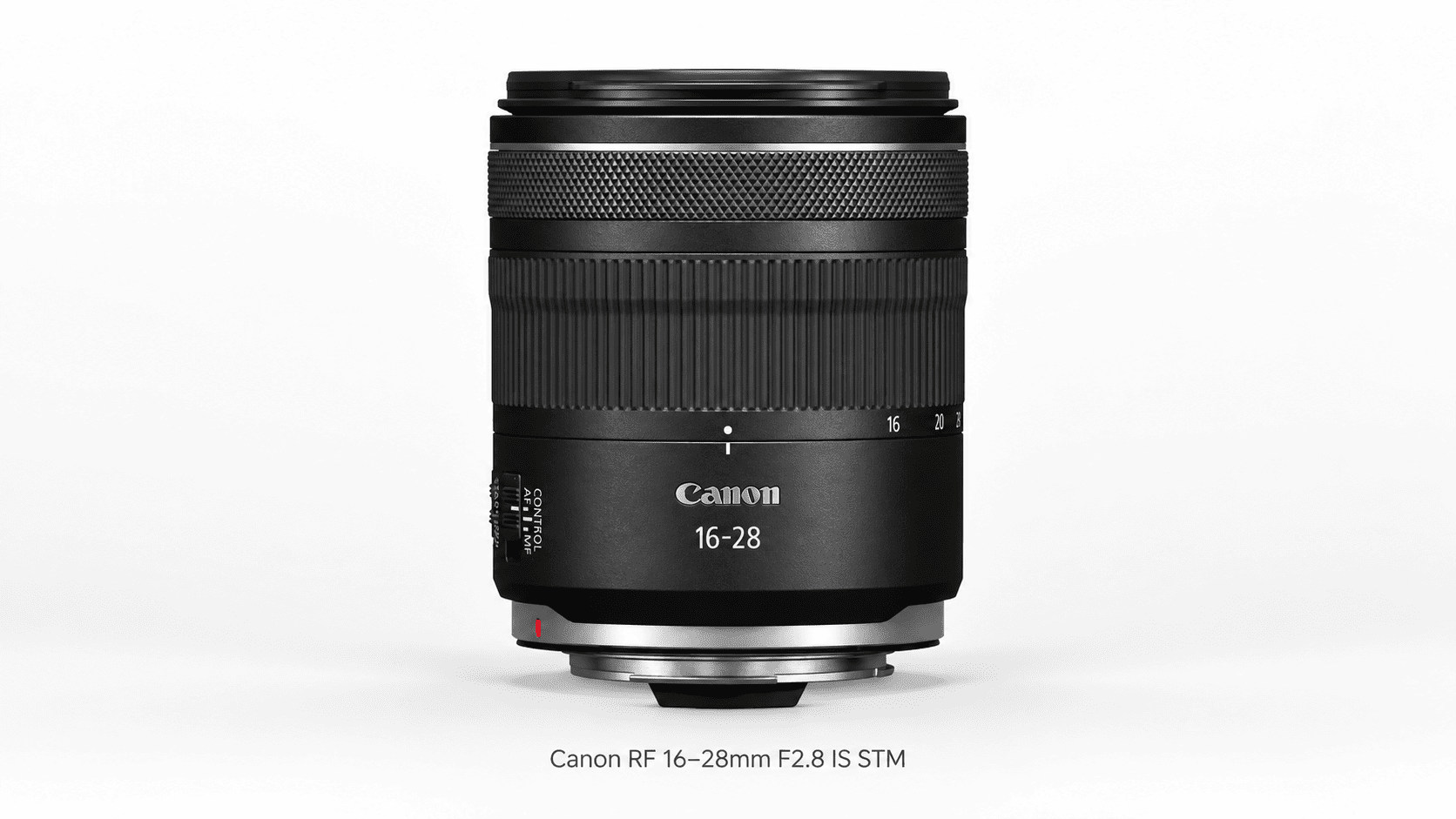
Canon RF 16–28mm F2.8 IS STM
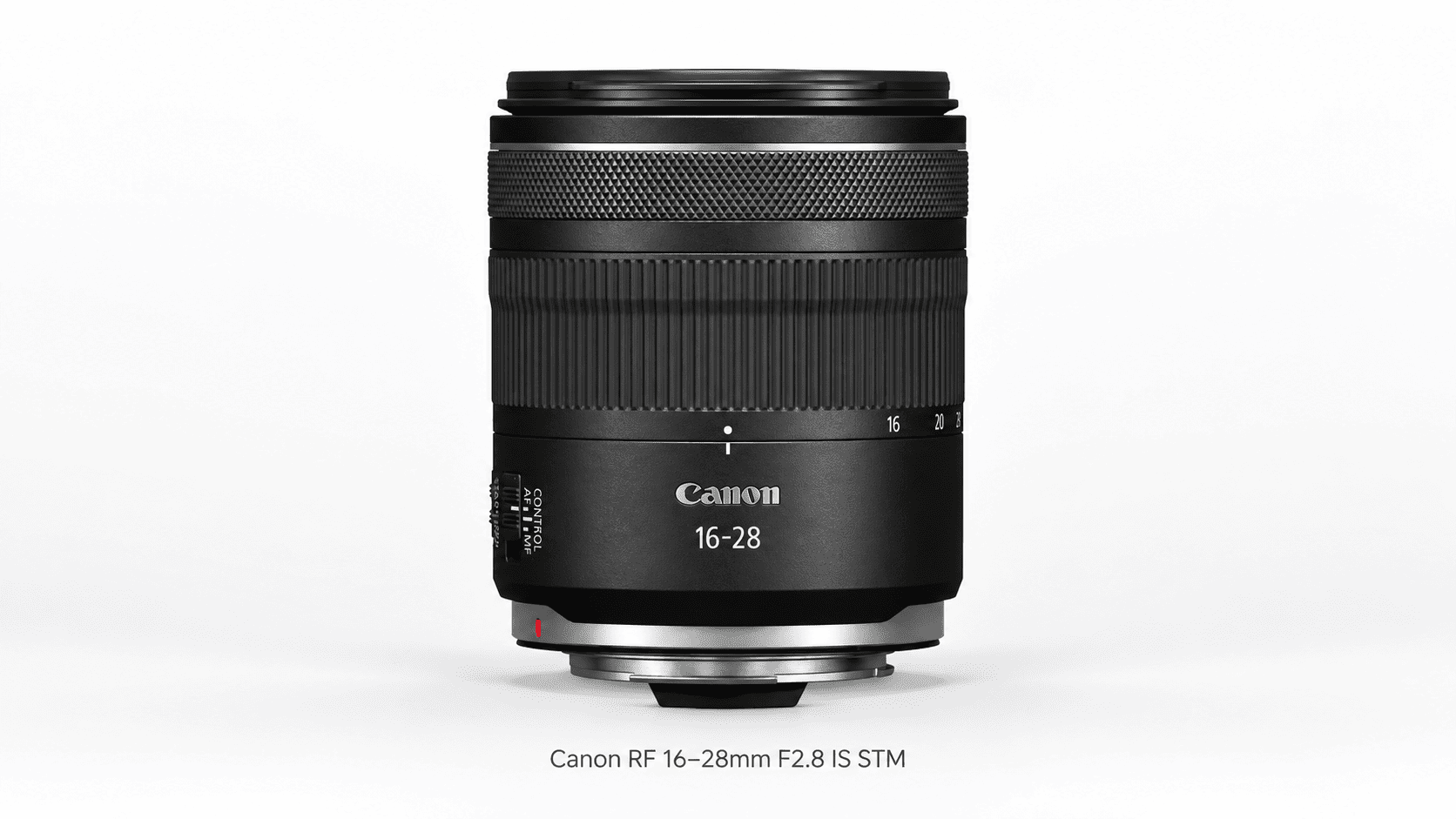
The RF 16–28mm offers a compact constant f/2.8 alternative to the larger RF 15–35mm F2.8 L IS USM.
Canon specifies optical stabilization, STM focusing and a compact retracting design. The lens uses a 67mm filter thread. Details are available in the official RF 16–28mm documentation.
The primary constraint lies in its focal range. On the same full-frame camera, 16mm provides a narrower view than 14mm or 15mm, which can matter when camera positions are restricted. Furthermore, capping out at 28mm limits framing flexibility for tighter detail shots compared to zooms extending to 35mm.
Test whether its 16mm starting point provides enough coverage from the camera positions available in your typical interiors.
Check whether its shorter zoom range fits the compositions you deliver most often and whether f/2.8 benefits your photo-and-video workflow.
Canon RF 16mm F2.8 STM
The RF 16mm is an ultra-compact solution tailored for photographers who prioritize a lightweight kit and can operate effectively with a single fixed focal length.
Canon positions it for uses including interiors and video. It has an f/2.8 maximum aperture and STM autofocus, but no optical image stabilization. See the Canon RF 16mm product page.
The principal limitation is its prime design. Framing adjustments cannot be made via a zoom ring; moving the camera physically alters perspective, and physical barriers like walls or bulky furniture can restrict optimal positioning.
Consider this lens when portability or a backup option matters and a fixed 16mm view suits the assignment. For varied property layouts, a wide-angle zoom allows faster framing changes without changing lenses.
Review recent shoots to see how often a fixed 16mm view would have met the brief.
Canon RF 10–20mm F4 L IS STM
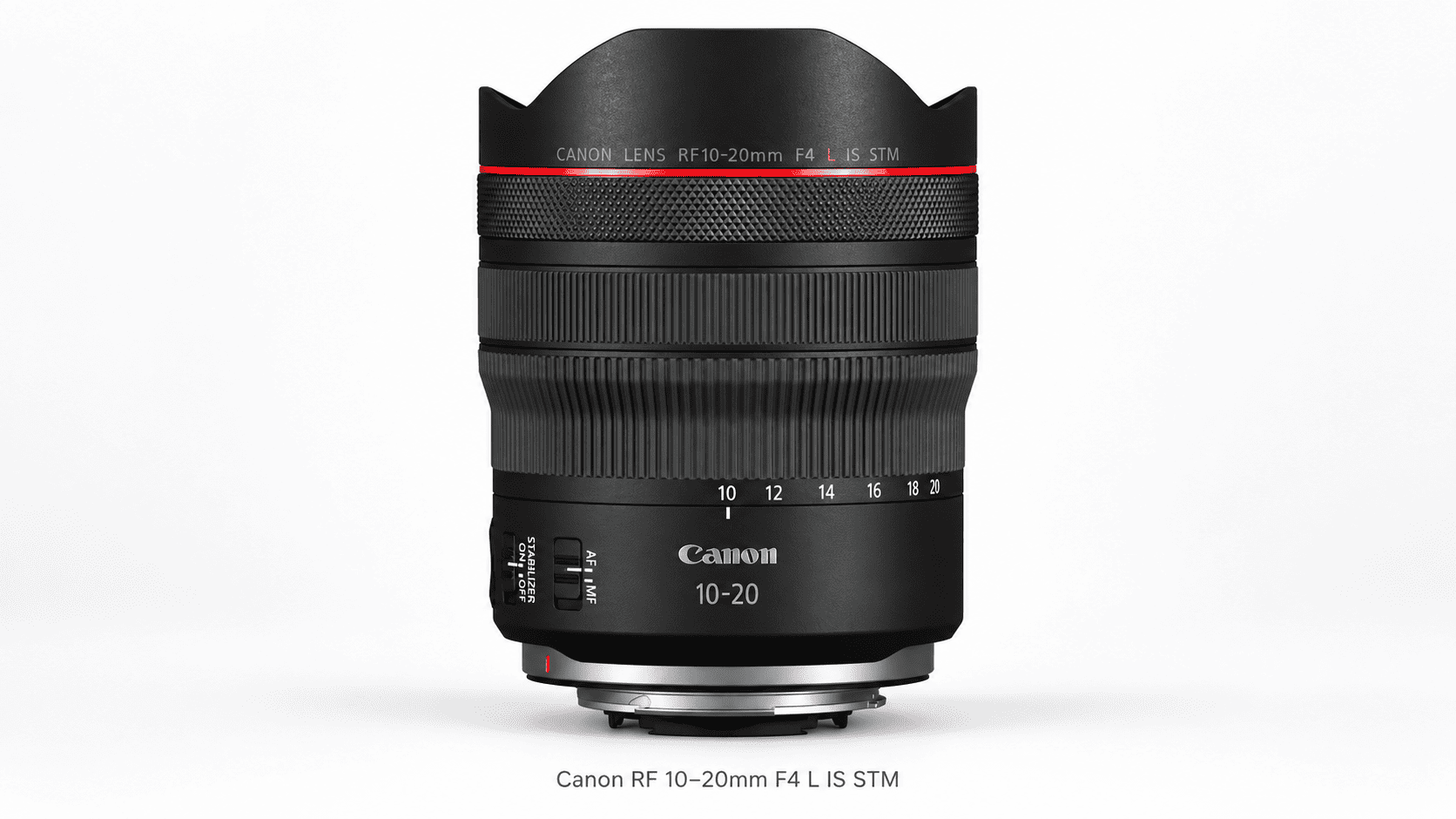
The RF 10–20mm f/4L IS STM serves as an ultra-wide specialized tool for extremely tight spaces beyond the reach of standard wide-angle zooms.
Canon specifies a constant f/4 aperture, optical stabilization and compatibility with full-frame and APS-C EOS R cameras. It uses a rear gelatin filter holder rather than a standard front screw-in filter. Consult the RF 10–20mm specifications and official instructions.
At 10mm, compose carefully to manage foreground proportions and edge stretching, and avoid including unnecessary ceiling or floor space.
Consider it when required compositions need more width than your standard zoom provides; its shorter range may make a second lens useful.
Which Canon RF Lens Fits Your Needs?
Start with the limitation you are trying to solve. Is your current lens too narrow, too heavy, too expensive to replace or too slow for video? That answer is more useful than choosing the model with the most impressive specification.
RF 14–35mm F4 vs. RF 15–35mm F2.8
For tripod-based real estate photography, the RF 14–35mm remains the primary recommendation due to its practical balance of focal range and portability for daily workflows.
Consider the RF 15–35mm if f/2.8 benefits your video work or other assignments. For listing stills, compare both lenses at the working apertures you actually use, such as f/8, rather than judging them only wide open.
For a rental comparison, photograph the same interior from a fixed tripod position at a shared focal length and working aperture. Apply the appropriate lens profiles and export at the same delivery size. Compare retained framing, corner detail and handling. Test each lens at its widest setting separately to assess the coverage difference.
RF 15–30mm vs. RF 16–28mm F2.8
The RF 15–30mm offers a lower-cost wide-angle zoom configuration, while the RF 16–28mm provides a constant f/2.8 maximum aperture in a relatively compact design. Compare current prices before deciding.
For static interiors on a tripod, a faster maximum aperture may be less important than coverage and performance at your working aperture. For video, f/2.8 can provide additional exposure flexibility when shutter speed is constrained by the selected frame rate.
The focal distinction between 15mm and 16mm should not be overlooked. In confined spaces, even a slight difference in field of view can be critical. Conversely, when space permits repositioning the tripod, this focal gap becomes far less impactful.
When to Choose the RF 16mm Prime
Opt for a wide-angle prime lens when physical portability, simplicity, and a lightweight kit outweigh the convenience of rapid framing adjustments.
Before purchasing, review your recent project portfolios. If your routine compositions demand varied focal lengths, a fixed 16mm lens may introduce more operational friction than its compact form factor solves.
A prime can also serve as a secondary or backup lens when its focal length suits the job.
When the RF 10–20mm Is Worth Considering
Consider the RF 10–20mm for constrained spaces where physical camera placement prevents standard coverage, or for specialized architectural assignments demanding an extreme field of view.
Rent it first to identify which required compositions benefit from coverage beyond your existing zoom. If wide-angle captures consistently require heavy cropping in post-production, a standard wide zoom will likely prove sufficient.
An ultra-wide field of view should serve to articulate spatial design accurately, rather than artificially exaggerate a property's true scale.
What to Check Before Buying a Canon RF Lens
.png)
A lens should be evaluated on the camera and in the software you intend to use. Mount compatibility, sensor format and final processing can all change its practical value.
Full-Frame and APS-C Field of View
An RF lens can fit an APS-C EOS R camera without giving the same view it provides on full frame.
Using Canon’s approximately 1.6× APS-C crop factor, the following focal lengths produce these approximate full-frame-equivalent fields of view:
|
Actual focal length |
Full-frame-equivalent focal length on Canon APS-C |
|
10mm |
16mm |
|
14mm |
22.4mm |
|
15mm |
24mm |
|
16mm |
25.6mm |
These are field-of-view comparisons. The actual focal length and marked aperture do not change.
For R7, R10 and R50 users, a lens starting at 14–16mm may not offer the interior coverage they expected. Evaluate a suitable RF-S ultra-wide before selecting a full-frame lens simply because it fits the mount.
Corner Detail and Lens Corrections
Interior photography demands detail integrity across the entire frame: cabinetry, window frames, furniture, and wall finishes. Merely having sharp center resolution is insufficient for commercial standards.
Carefully evaluate corrected RAW files at your standard working aperture. Inspect edge detail, chromatic aberration around bright windows, and the remaining frame area after applying distortion and perspective adjustments.
Optical lens distortion and converging vertical lines represent two distinct issues. Lens profiles can correct lens distortion, while perspective adjustments address effects such as converging verticals caused by camera orientation. Neither software correction can replace precise camera positioning and leveling on site.
Keep critical subject details away from the extreme edges of the frame whenever possible, particularly when substantial post-processing correction is anticipated.
Read more: Step-by-Step Tutorial for Editing Real Estate Photos in Lightroom
Video Crop and Stabilization
A lens with a sufficiently wide field of view for still photography can easily become overly restrictive in specific video recording modes.
Carefully verify your camera's recording format, frame rates, and electronic image stabilization settings. Additional crop factors introduced by these modes reduce overall spatial coverage—a critical factor when capturing tight interior walkthroughs.
While optical image stabilization (OIS) helps mitigate micro-jitters, it does not guarantee seamless motion footage. Manual movement technique, camera support systems, and selected stabilization modes remain vital for smooth results.
Test the exact operational combination intended for production: camera body, lens, recording profile, handheld or gimbal setup, and final output aspect ratios.
Weight, Filters and Total Kit Cost
Evaluate your entire equipment ecosystem rather than isolating the lens alone.
Check that the complete camera-and-lens setup fits the gimbal’s payload and balancing range. Heavier kits can also increase fatigue over a full shoot. A new filter diameter may require purchasing replacement filters or step-up rings, while specialized ultra-wide optics often demand an entirely different filtration system.
Additionally, verify whether lens hoods, cases, or other essential accessories are included. When purchasing used gear, rigorously inspect mechanical operation, glass condition, and image performance at both extremes of the zoom range.
Compare the total setup cost, including filters, support equipment and any accessories you would need to replace. The lowest lens price does not always produce the most practical kit.
Should You Keep Your EF Lens and Use an Adapter?
Yes-if your existing EF lens already delivers the coverage and image quality you need, changing to RF is not automatically necessary.
Canon’s Mount Adapter EF-EOS R supports the use of compatible EF and EF-S lenses on EOS R cameras. Check the documentation for your exact lens and camera, particularly when using third-party lenses.
Adapting existing glass via an EF-to-RF adapter provides a practical transitional strategy if you already own a capable EF ultra-wide zoom. Evaluate the complete adapted system against an equivalent native RF lens across key metrics: overall physical dimensions, total weight, autofocus responsiveness, and overall replacement cost.
Note that EF-S lenses are specifically engineered for smaller crop-sensor formats. Using a compatible EF-S lens via an adapter on a full-frame EOS R body selects 1.6× crop mode for still photographs. A nominal 24 MP image cropped by 1.6× retains approximately 9.4 MP; the exact recorded dimensions depend on the camera.
An upgrade to native RF glass should be driven by tangible operational advantages—such as a wider field of view, improved ergonomics, model-specific video benefits, such as reduced focus breathing where documented or demonstrated, or better integration with your current rig. Simply changing lens mounts is not a compelling reason to replace an EF lens that continues to deliver satisfactory results.
Read more: Step-by-Step Real Estate HDR Photo Editing Tips
Frequently Asked Questions
What Is the Best Budget Canon RF Lens for Real Estate Photography?
The RF 15–30mm F4.5–6.3 IS STM is a practical budget zoom for full-frame EOS R users. The RF 16mm F2.8 STM is an alternative when a compact prime suits the job. Compare current prices and the framing flexibility you need.
Do You Need F2.8 for Real Estate Photography?
Usually not for static interiors photographed on a tripod. A smaller working aperture may be preferable for depth of field. F2.8 becomes more useful for handheld work, video and other assignments where additional light or background separation matters.
Is 14mm Too Wide for Real Estate Photos?
No, but it is not appropriate for every composition. It can help when camera positions are restricted. Check foreground proportions and edge stretching, and use a tighter focal length when it communicates the space more clearly.
Which Lens Should Canon R7, R10 and R50 Users Choose?
Start by evaluating an APS-C ultra-wide such as the Canon RF-S 10–18mm F4.5–6.3 IS STM. It provides approximately 16–28.8mm full-frame-equivalent coverage. A full-frame RF lens beginning at 14–16mm produces a noticeably narrower view on these cameras.
Is a 24–70mm Lens Wide Enough for Interiors?
It can work in larger spaces when sufficient camera distance is available, but it is usually limiting as the only lens for a varied property schedule. It remains useful for exteriors, features and detail photographs.
Do You Need a Tilt-Shift Lens for Property Photography?
Not for most routine residential listings. A wide-angle zoom, careful camera positioning and controlled perspective correction can meet many requirements. Shift movements become more valuable for architectural assignments where composition and precise geometry justify a slower workflow.
Conclusion
The best Canon RF lens for real estate photography depends on the coverage and flexibility your work requires. The RF 14–35mm F4 is a practical starting point for full-frame listing photography, while the RF 15–35mm F2.8 suits photographers who can make regular use of its wider aperture.
The RF 15–30mm and RF 16–28mm offer alternative zoom configurations. The RF 16mm prioritizes portability, and the RF 10–20mm serves assignments requiring exceptional width.
Before buying, test complete, corrected images from a representative property. The lens should support clear compositions and a reliable production process. Rotider’s photo editing and video post-production services help photographers prepare consistent deliverables, while sound capture technique provides the foundation for the finished result.

 (1).png)





.png)