Real estate photo editing is not an easy technique because if you over-edit, your real estate will look unrealistic. Learn how to edit HDR photos in Lightroom step by step to create bright, balanced, and professional-looking images. Plus, we’ll share when it makes sense to use a professional HDR editing service to save time and ensure consistency. Plus, we’ll share when it makes sense to use a professional HDR editing service to save time and ensure consistency.
1. What is HDR Real Estate Photo Editing?
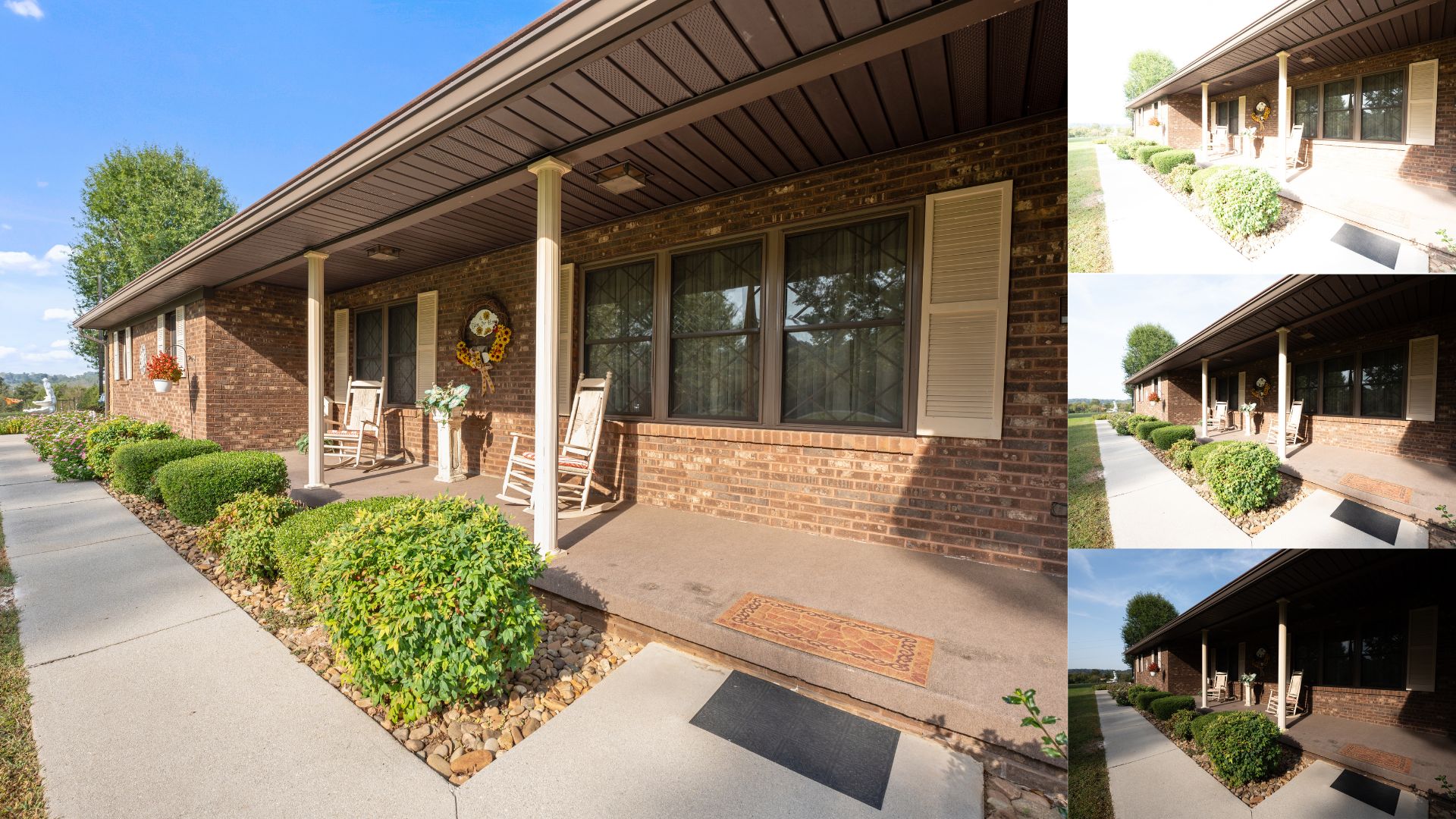
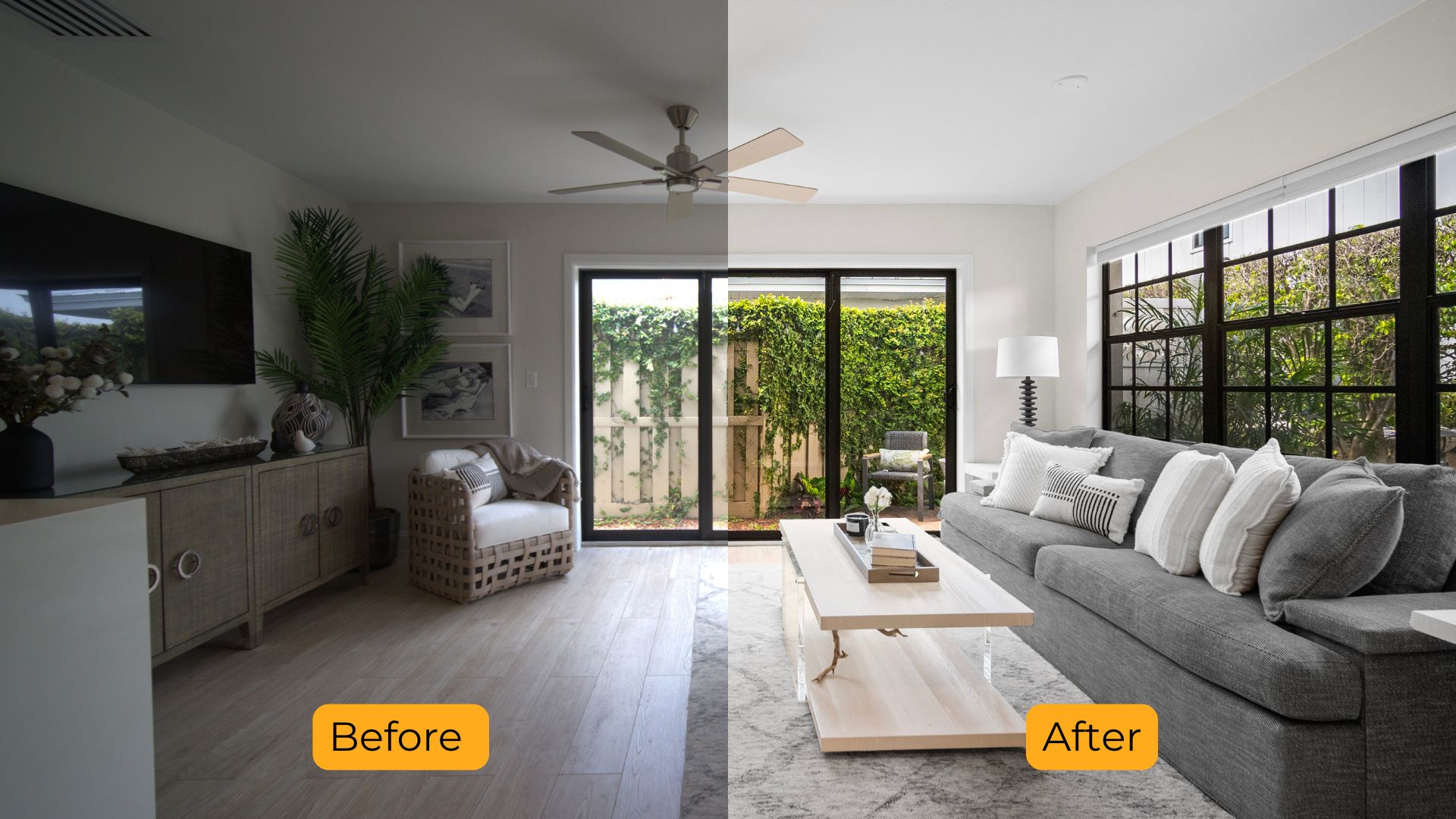
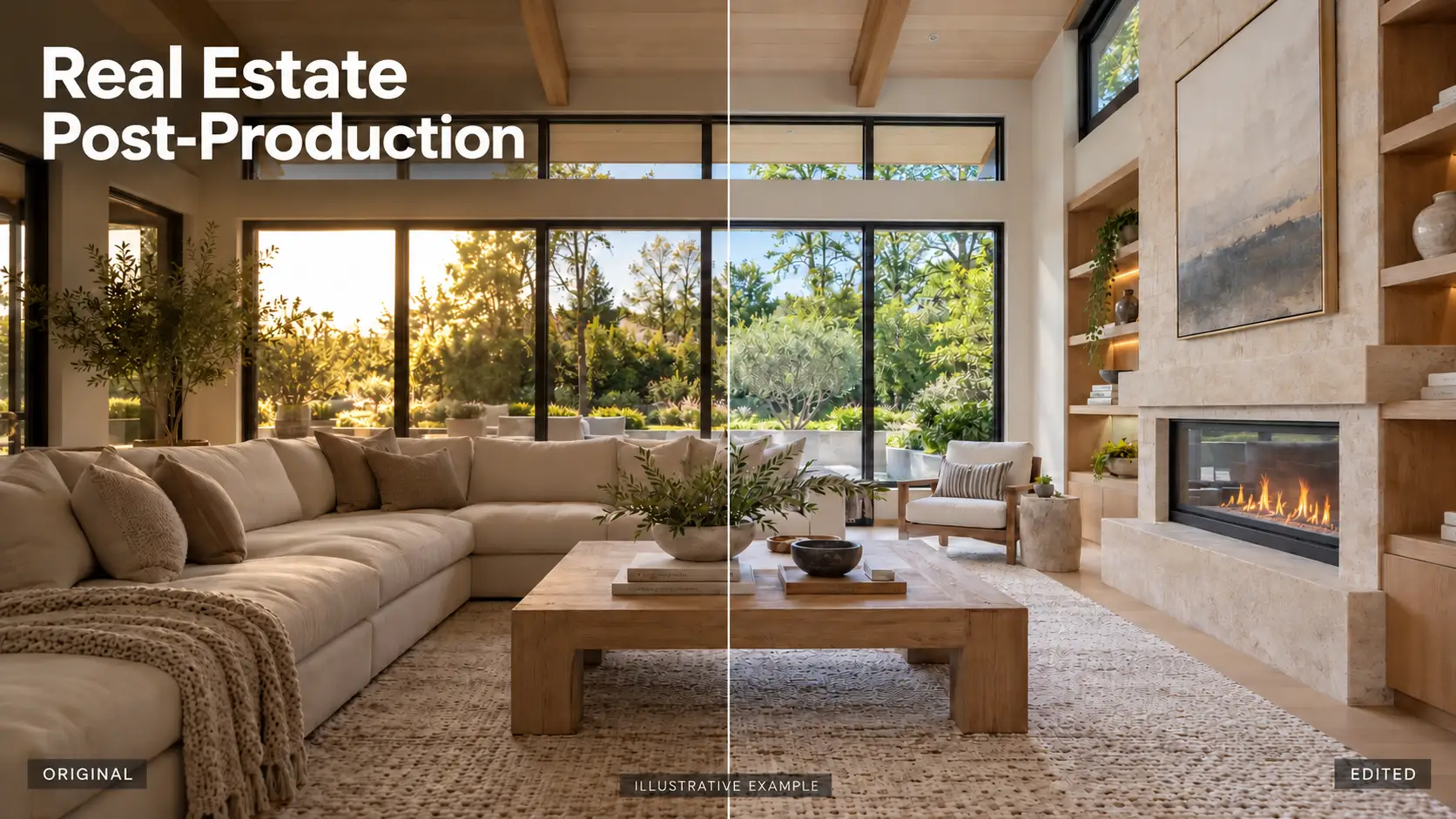
HDR real estate photo editing is the process of combining multiple exposures of the same scene to create one balanced and high-quality image. This technique captures a greater dynamic range of light and detail—perfect for real estate photography where lighting conditions often vary drastically between bright windows and dark interiors. By blending 3 to 5 bracketed shots using HDR editing, photographers can produce images that look natural, vibrant, and professionally polished. HDR editing ensures that every room looks bright, spacious, and true to life, making it an essential technique in modern real estate marketing.
2. Why is HDR Editing Needed in Real Estate?
HDR editing is crucial in real estate photography because it helps overcome common lighting challenges and enhances the visual appeal of property images.
– Real estate scenes often have high contrast lighting
Bright windows, dark hallways, and mixed artificial lighting can make it difficult to capture a well-exposed image with a single shot. HDR editing solves this by blending multiple exposures, preserving details in both highlights and shadows.
– Balanced lighting creates more appealing photos
With HDR, rooms appear brighter, more spacious, and naturally lit. This is especially important for interior photography, where even lighting helps potential buyers visualize the space more clearly.
– Professional presentation boosts buyer interest
Listings with high-quality HDR photos tend to attract more views and generate more leads. Well-edited images help agents showcase the property’s best features and create a lasting first impression.
– HDR editing reduces the need for complex lighting setups
Instead of using multiple flashes or external lights, photographers can rely on natural light and HDR processing to produce professional results—saving time during on-site shoots.
3. How to Edit HDR Photos in Lightroom: Step-by-Step Guide
Editing HDR photos in Lightroom allows real estate photographers to bring out the full beauty of a property by balancing light, enhancing color, and preserving details. Whether you’re working with indoor scenes with harsh sunlight or exterior shots with deep shadows, this HDR workflow will help you achieve clean, professional results.
3.1. Import Bracketed Exposures
Start by importing 3–5 bracketed shots of the same scene, each taken at different exposure levels (e.g., -2EV, 0EV, +2EV). These photos should be taken with a tripod to ensure perfect alignment and prevent ghosting in the final merged image. Bracketing captures detail in both highlights and shadows, giving you more flexibility during editing.
3.2. Merge to HDR in Lightroom
Once your images are imported, select the bracketed set, right-click, and choose Photo Merge > HDR. Lightroom will open the HDR Merge Preview window, where you can enable important settings:
- Auto Align – Corrects slight shifts if the camera moved between shots.
- Auto Settings – Applies basic tone adjustments automatically (you can disable this if you prefer full manual control).
- Deghost – Reduces ghosting caused by moving objects, such as curtains blowing in the wind or trees swaying outside.
After configuring the settings, click Merge to generate a single high-dynamic-range (HDR) DNG file.
3.3. Basic Adjustments
With your HDR image ready, go to the Develop module and begin with the Basic panel:
- Exposure, Highlights, and Shadows – Balance the overall brightness and recover details from light and dark areas.
- White Balance – Correct any color temperature issues for more natural lighting, especially for walls, flooring, and ceilings.
- Texture, Clarity, and Dehaze – Enhance fine details and depth without making the image look over-processed.
These adjustments help create a clean, realistic foundation for further editing.
3.4. Color & Tone Control
For more precise color grading and contrast:
- Use the HSL/Color Panel to adjust individual color channels. This helps reduce yellow tints from indoor lights or boost greenery outside windows.
- Adjust the Tone Curve to fine-tune contrast and light balance with more control than the basic sliders.
This stage enhances the mood and color harmony of the image while staying true to the real-life look of the property.
3.5. Lens Corrections & Transform
For architectural accuracy:
- Enable Lens Profile Corrections to fix distortion and vignetting caused by wide-angle lenses.
- Turn on Remove Chromatic Aberration to eliminate purple or green color fringing.
- Use the Transform panel (Guided or Auto mode) to straighten vertical and horizontal lines—especially important for interior spaces with strong geometry like door frames and walls.
Clean lines and accurate perspective make the property look more professional and trustworthy.
3.6. Final Touches
Wrap up your edit with a few final steps:
- Use Crop & Straighten to improve composition or fix horizon lines.
- Apply Spot Removal to clean up small distractions like outlet covers, ceiling spots, or sensor dust.
- Review the Before/After view to ensure consistency.
- If you plan to edit multiple images in the same style, apply or create a custom preset to speed up your workflow.
With the right tools and approach, you can edit HDR photos in Lightroom to produce beautiful, well-balanced images that enhance your real estate listings. This step-by-step process gives you full control over light, color, and detail—ensuring each property looks its best online.
If you’re short on time or working with high volumes, consider outsourcing to a professional HDR editing service to maintain quality and efficiency across all your listings.
4. Professional HDR Real Estate Photo Editing
Investing in professional real estate photo editing is not just about making images look good—it’s about maximizing the impact of your listings, saving valuable time, and delivering consistent, high-quality results across your entire portfolio.
At Rotider Media, we specialize in HDR photo editing that transforms ordinary property photos into compelling visuals that attract more clicks, more views, and more buyers. Why work with Rotider Media?
- Fast turnaround time — ideal for busy photographers and agents
- Consistent, high-quality HDR blending and tone correction
- Custom editing style tailored to your needs
- Affordable pricing with scalable service options
- Dedicated support for long-term collaboration
At Rotider Media, we’re not just editors—we’re your trusted post-production partner. Let us handle the editing so you can focus on growing your business and delivering exceptional results to your clients.
Real Estate Editing Services At Rotider Media:
Ready to take your real estate images to the next level? Try Rotider Media today and experience the difference professional editing can make.
Read more at: